Lolu chungechunge lwabekwa kunqolobane.
Uyacelwa ubuze umbuzo omusha uma udinga usizo.

Okugcinwe kunqolobane
Need to adjust setting for extension "KDSpy"

I am installing an extension I trust, called KDSpy, to help me see which books are selling well on KDP Kindle Direct Publishing. How can I go back to click the box "run on private browser" for incognito browsing?
I am installing an extension I trust, called KDSpy, to help me see which books are selling well on KDP Kindle Direct Publishing. How can I go back to click the box "run on private browser" for incognito browsing?
All Replies (1)

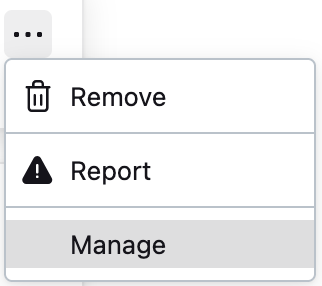
Go to your list of extensions by clicking on the extensions icon in the toolbar and then clicking on “Manage extensions”. Find KDSpy in the list. To the right, click on the three dot icon for KDSpy and then click on Manage. There, you can find the “Run in Private Windows” section.