


Thunderbird Gmail account isnt working anymore

Hello!
I have changed my password of my Google account.
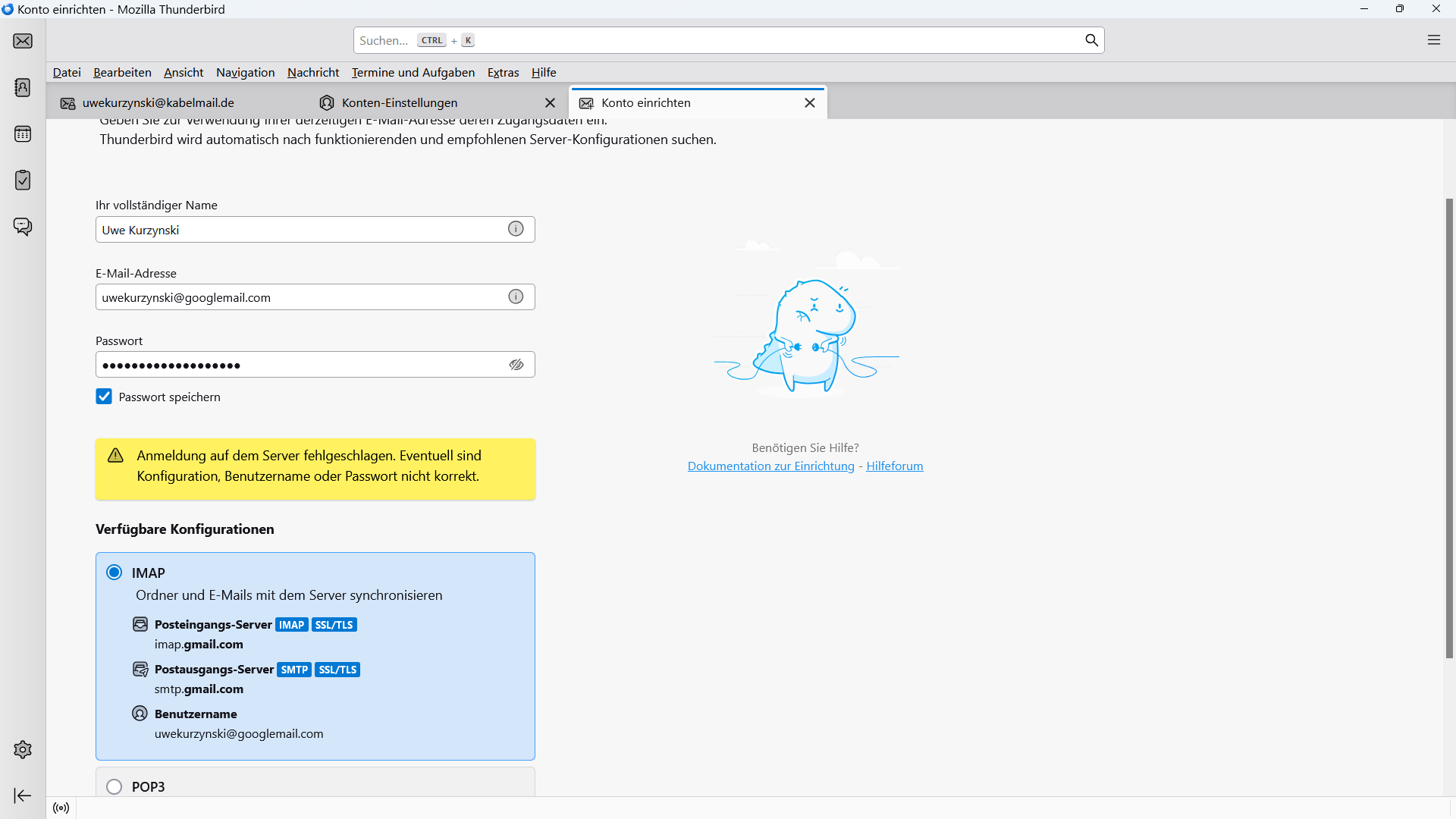
Now I cant create an account at Tunderbird anymore. It has worked before I have changed the password in my Google account!
What is the problem?
Thank you!
Best regards Uwe
All Replies (2)
Why would you want to recreate your account in Thunderbird after changing the password. That makes not real sense at all. So why are you trying to add it again? and why are you changing your password? what was the prompt for that. Both are valid questions as changing of a password is not something that has anything to do with Thunderbird, but many folk do that when they experience an issue because they get some dialog about wanting a password so it is easier to ask than assume.
My @googlemail.com account wasent working anymore. (Thats the main address of my Google account.) I was not able to get in anymore. Massage was, wrong konfiguration, wrong username or wrong password. This happened after I have added accounts with all of my @gmail.com adresses to Thunderbird. They are all working! But I wasent able to get access to my main acount in Thunderbird with the @googlemail.com anymore. I cant remember if and what I have changed!
In my Google account I can see the username. But I cant see the current password. So I decided to change password to make sure that the problem isnt related to the password!
Trouble shooting says, if there are problems with an account in Thunderbird, delete the account and create it again. Thats what I did! I have created a new account at Thunderbird with @googlemail.com. Unfortunately with no success!