


Why does the enter key open a message and trigger reply? v60.3.3/Mac (bug 1508153)

Used to be the enter key just opened an email in a new tab. Now it opens an email and triggers the reply command. Who thought that was a good change?
Okulungisiwe ngu Wayne Mery
All Replies (16)
using a wireless keyboard with a half flat battery perhaps?
Nope. Wired, full-size Apple keyboard.
This just came up in the latest update. It's mega-annoying.
Well the next step is to restart with add-ons disabled from the help menu and see if the problem goes away. Often these issues are cause in the first instance by faulty hardware (mice particularly) or an add-on that used to work fine but did not cope with an upgrade well. or at all.
Restarted in safe mode, but same result. I do have an Apple Magic Mouse, which I've used for years.
Those all work as expected. I am a heavy user of the Enter key, so maybe it's time for a new keyboard.
Here's what the window that opens looks like:
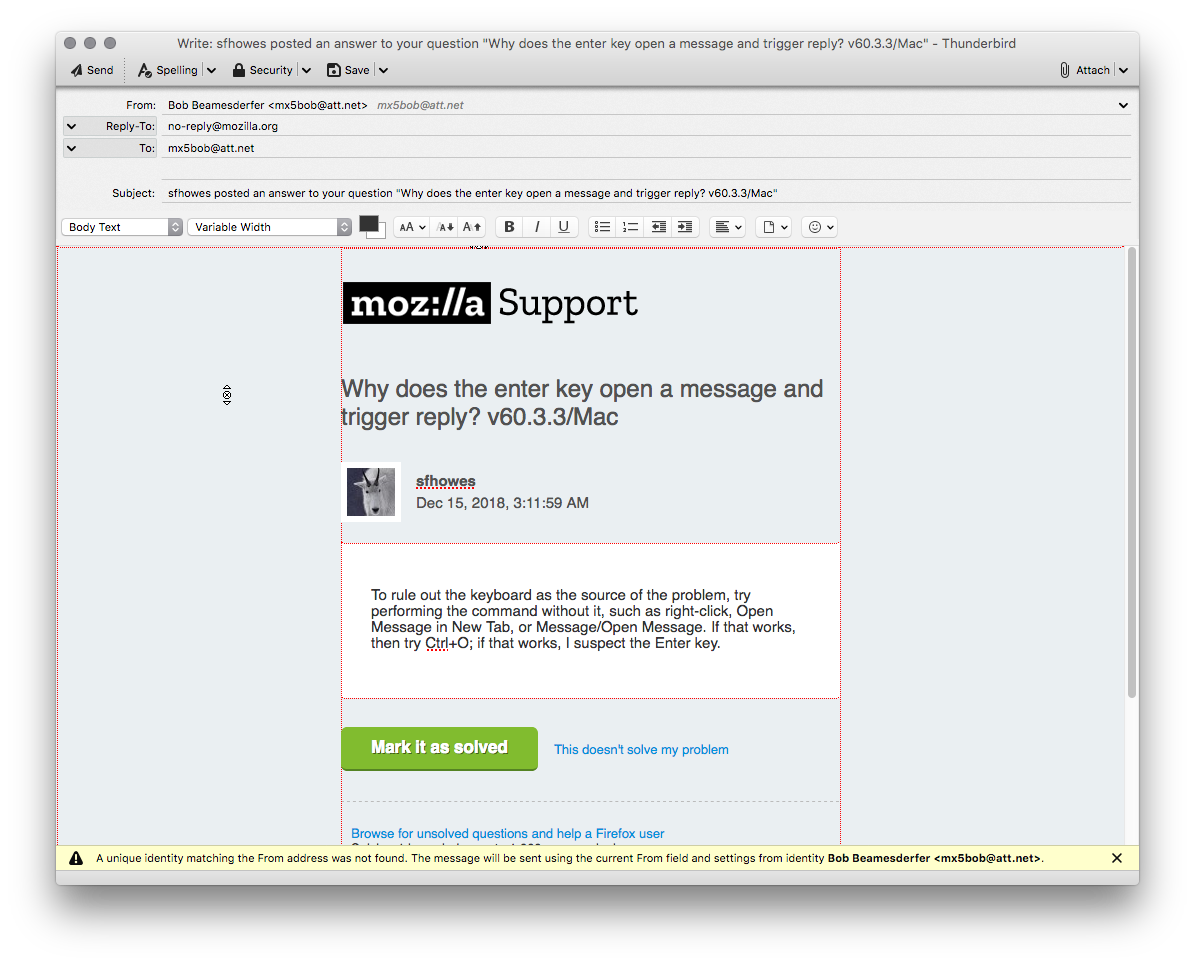
I don't have any odd shortcuts re-mapped.
Because I use a laptop w/ external keyboard and monitor, I just used the MacBook Pro's Enter key. Same result. I think I'll uninstall Thunderbird and reinstall.
That didn't work.

Same problem with wired keyboard and Enter key. The following seemed to fix it. From the menu: Edit -> Folder Properties -> General Information tab where I clicked on Repair Folder. That seemed to fix my Enter key that was producing a similar response as mentioned above.
Edit doesn't show any such command in Thunderbird or the Finder in OS 10.11.6.
Found Edit->Folder Properties. Tried Repair Folder on the Inbox, but no change.
When I restarted TB, my Enter key response returned to the previous state of triggering a reply msg. My previous fix,Repairing the Folder, didn't work.
I agree with MX5Bob. I'm a heavy user of the Enter key to open emails and it is very disrupting to have to change to the Return key or double click my track pad for this operation. I see no reason to make the Enter key have a separate function than the Return key as it has become in the newest Thunderbird update. It is not my office Imac nor the keyboard as it behaves the exact same way on my home imac and keyboard. The Thunderbird programmers must have built this into the latest update. And, as MX5Bob said, "who thought that was a good idea?". The number pad is an addition to the basic keyboard and I've been using the extended keyboard for 25+ years without a problem....until now.
I fully concur about being a longtime user of a full keyboard and using the Enter key. This was numbskull decision on the part of programmers.
dougattrimed said
I agree with MX5Bob. I'm a heavy user of the Enter key to open emails and it is very disrupting to have to change to the Return key or double click my track pad for this operation. I see no reason to make the Enter key have a separate function than the Return key as it has become in the newest Thunderbird update. It is not my office Imac nor the keyboard as it behaves the exact same way on my home imac and keyboard. The Thunderbird programmers must have built this into the latest update. And, as MX5Bob said, "who thought that was a good idea?". The number pad is an addition to the basic keyboard and I've been using the extended keyboard for 25+ years without a problem....until now.
There seems to be a bug report on this, maybe you could mention it is also occuring for you. State what MAC you are using and version of Thunderbird. https://bugzilla.mozilla.org/show_bug.cgi?id=1508153