


hi every one, very often the dialog box that should propose us to choosing one of our different accounts doesn't appear... is there something to solve it

we are different users on the same computer at home so we've different accounts on the same thunderbird. Generally every thing is going well but also sometimes the dialog box to choose the account doesn't appear...
thanks a lot for your idea
Isisombululo Esikhethiwe
i didn't knew that it was named "profil manager".
thanks very much for your time and answers...
it now works. have a good day
All Replies (6)
Where and when do you expect to see this "dialog box"?
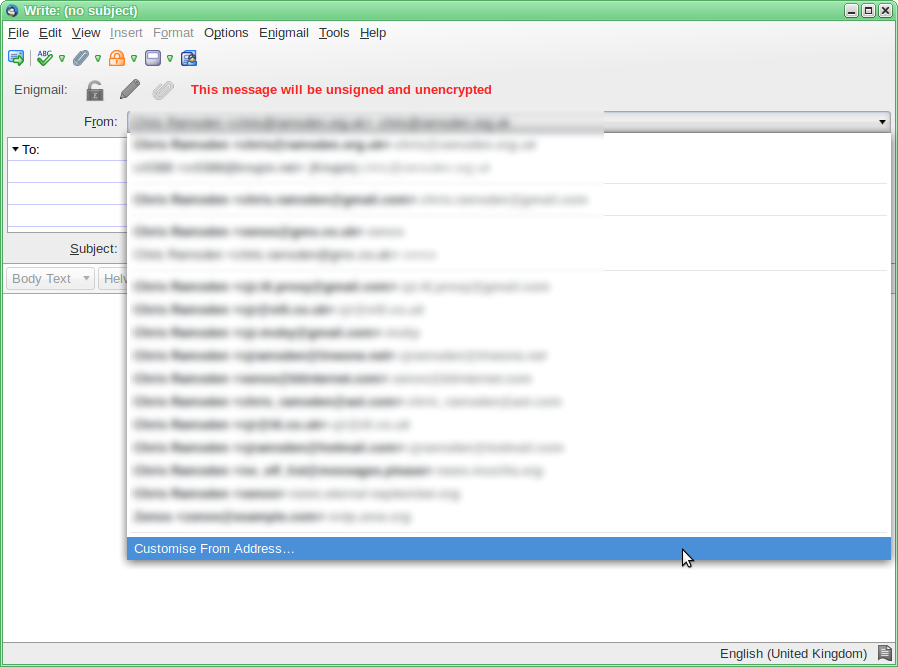
There is a drop-down on the compose window, where you can select the identity to be used. I wouldn't call this a "dialog", so I am wondering what else you see. As far as I am aware, you can always change the sender identity.
As you can see by the picture below. I have a fair number of identities to choose from.
thanks for the answer. In fact it is at the very begining so it is what you call a drop down windows and yes it's where we choose the identity of the user.. and we don't know why (is it something that we do ?) it appears that this box doesn't appear
I wonder if you're describing the folder pane which normally appears at the left, and lists all your accounts.
This can be enabled or disabled, using View|Layout|Folder Pane in the traditional menu, or [≡]|Options|Layout|Folder Pane in the Application Menu.
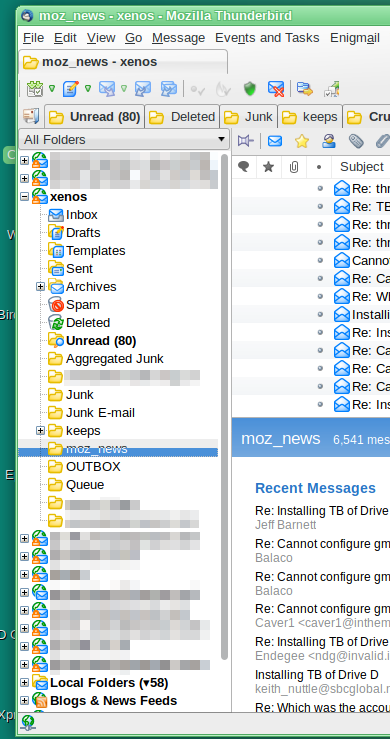
it's not the folder panel on the left. it's the choose box which appear after that i clic thunderbird icon on windows (at this instant thunderbird is closed) then this box appear and ask me to choose one identity user. i choose one of the user (me for example) and then thunderbird finish the openning process and show me my folders and messages....
Isisombululo Esikhethiwe
i didn't knew that it was named "profil manager".
thanks very much for your time and answers...
it now works. have a good day
You could instead create desktop shortcuts, where each one launches Thunderbird with a specific profile.
This would mean that you don't have the risk of accidentally switching the feature on and off.
Okulungisiwe ngu Zenos