


Can't Add New Accounts (Mac)

I have three email accounts and need to add a fourth, but haven't been able to. When I click the "create a new account > email" button a screen comes up with two buttons, and neither button works. They're 'clickable' in that they change color, but there's no way to move away from this screen and neither button brings up a new window. Once I get here I have to force quit the application to get off this screen.
I'm on mac os 10.12.4, using Thunderbird 52.1.0. I updated thunderbird, uninstalled and reinstalled, and no luck. Any thoughts?
Okulungisiwe ngu Wayne Mery
Isisombululo esikhethiwe
Wow, yeah, *lowering* the resolution of my screen results in those buttons working correctly. I still think this is a bug, but I'm closing as solved since there's a workaround.
Thanks for all your help!
Funda le mpendulo ngokuhambisana nalesi sihloko 👍 0All Replies (3)
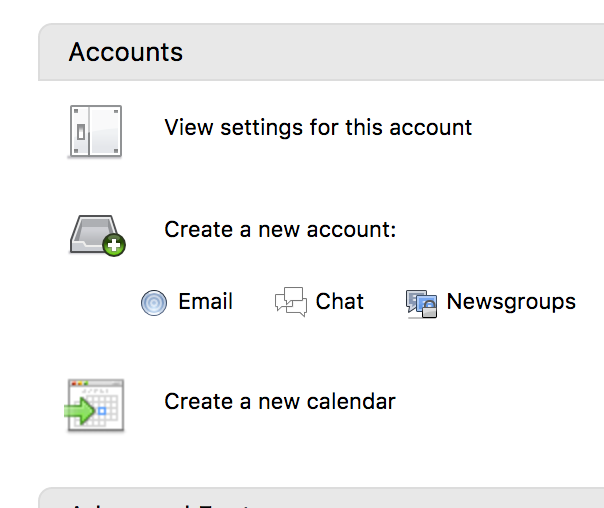
Thanks, I was able to add my account earlier using the flow you suggested. Here's a screenshot of the "create a new account" zone, which I got to by clicking on any of my already-configured email addresses:
Isisombululo Esikhethiwe
Wow, yeah, *lowering* the resolution of my screen results in those buttons working correctly. I still think this is a bug, but I'm closing as solved since there's a workaround.
Thanks for all your help!
So the place you couldn't add accounts is the so called "Account Central"? http://kb.mozillazine.org/Window_layout_-_Thunderbird#Account_central
Steve, what do you think is the cause?