


Credit card data is not showing under the autofill section of settings

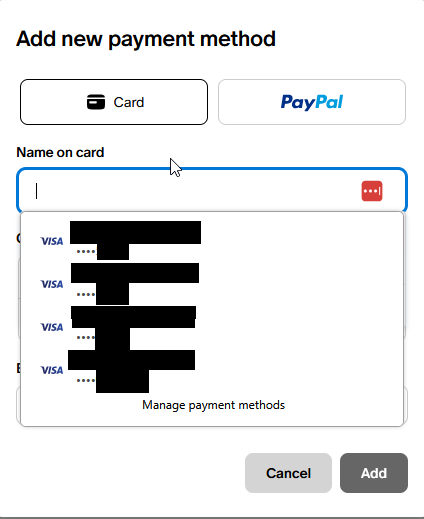
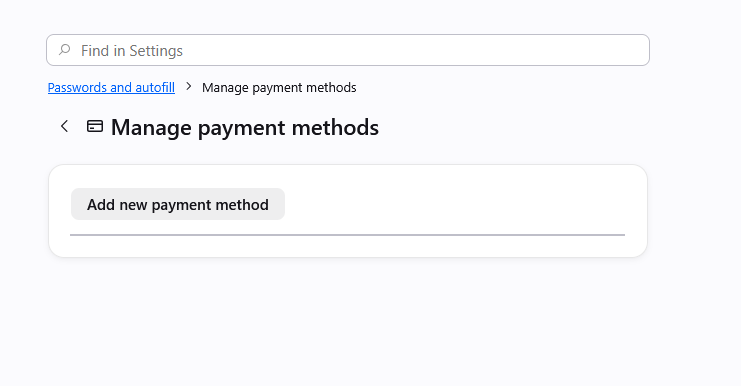
I have card data saved for a number of cards in Firefox, and I am looking to clean that data up. However, when I go to Settings>Passwords and autofill>Payment methods>Manage payment methods no cards are showing up as saved. I also know that this is not Lastpass causing issues, as this card data is not saved in Lastpass. I have attached screenshots of both the manage payments page and the card data showing up for autofill selection on a webpage add payment method screen.
所有回覆 (2)
Yes, at the moment there's a bug in case there were some older entries that had no expiration set, which then halts showing any cards:
There are some workarounds in previous thread support.mozilla.org/questions/1588553 if it's pressing, but a fix should ship hopefully within a few weeks.
This is fixed in v152.0.5: firefox.com/firefox/152.0.5/releasenotes