


I downloaded Firefox today and saw there was a VPN option but it is not working

I downloaded Firefox today and saw there was a VPN option but it is not working. It asks me to sign in and per the instructions the clickable icon at the top should now have an option to enable but it just asks me to sign in again. I am from Canada and it says my region is available for this program.
選擇的解決方法
It has started working now
所有回覆 (11)
Hi,
First, sorry you experience that. That's definitely not intended.
What happens if you try to sign in again? Does it ever get out of that loop?
It's an endless loop

Which platform and OS?
I am on windows 11. Using the web browser I downloaded from googling Firefox browser
If I click "Get Started" it brings me back to the sign in page like I haven't logged in. It cycles between image 1 + 2
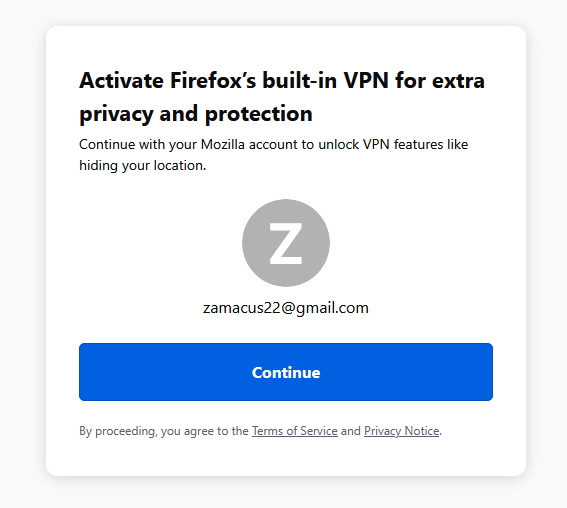
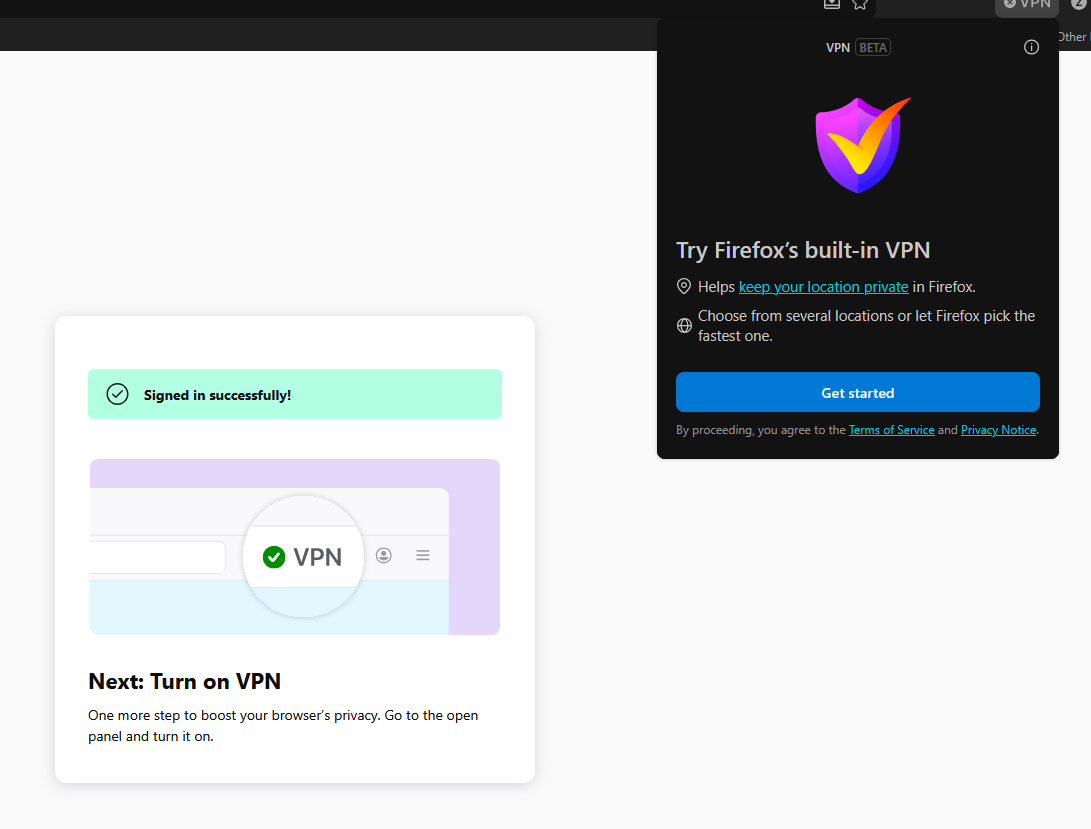
Hey @Zamaru, sorry to hear this! Are you still experiencing this loop?
Yes I just checked if there was any updates in the browsers update function and nothing has changed.
So sorry to hear that. If you have a few minutes and up for trying, something that would really help us debug your situation is knowing whether you have the browser.ipProtection.entitlementCache browser pref in something called about:config.
The steps to checking whether the pref exists in about:config are as follows:
- Enter `about:config` in the URL bar and hit enter.
- Click the 'Accept the Risk and Continue' button to Continue
- In the search bar at the top of the page enter browser.ipProtection.entitlementCache. If the pref exists, the list of browser prefs should filter the down to just browser.ipProtection.entitlementCache and the value of the pref will be on the right (see first attachment). The second attachment is what you'll see if the pref has not been set yet.

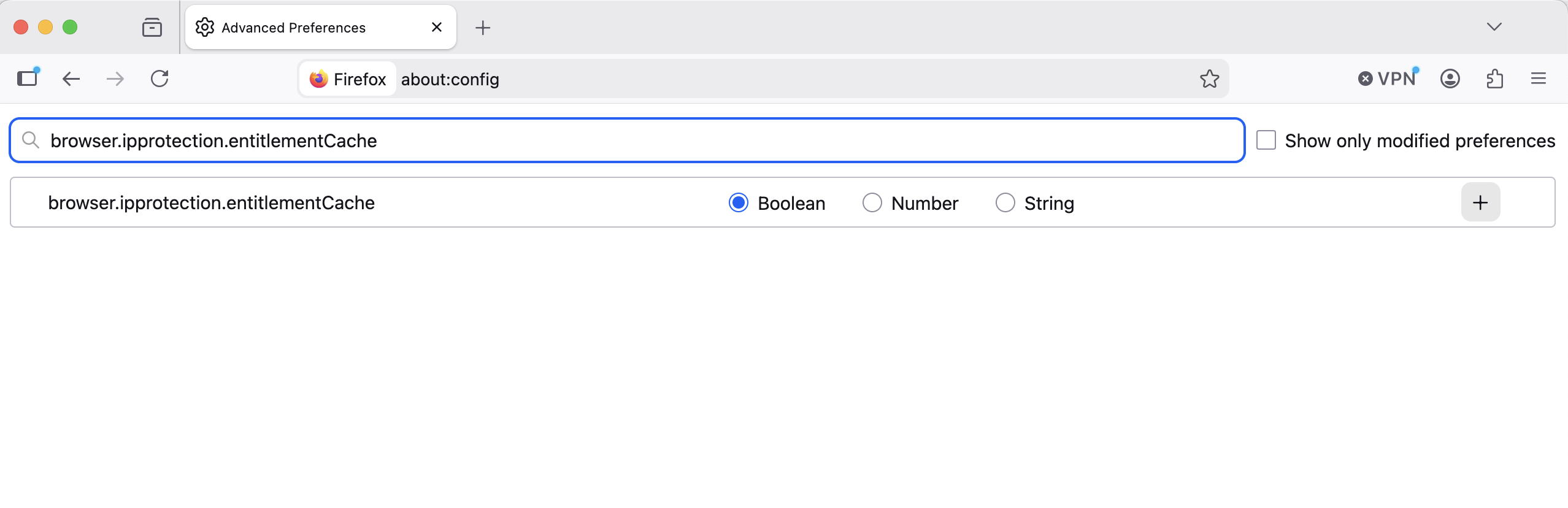
Its set but "subscribed": false
選擇的解決方法
It has started working now
Thank you for sharing this! I've marked your reply as a solution.
And sorry you experienced that. Hope it won't happen again