


remove firefox logo from home page

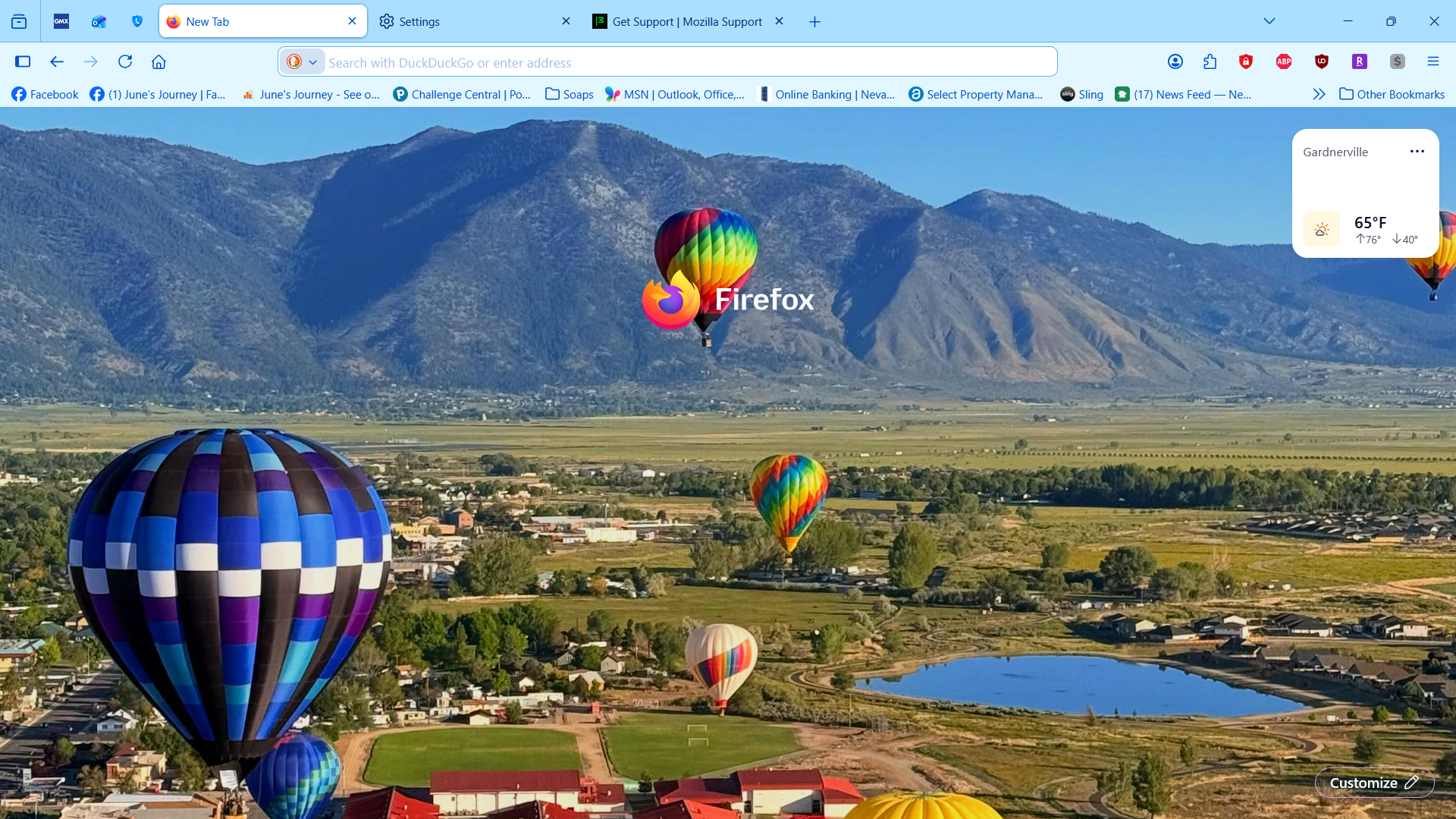
Since new update the firefox logo is appearing on my home page and new tab pages, how do I remove it? I changed the setting to false and it still does not go away.
被選擇的解決方法
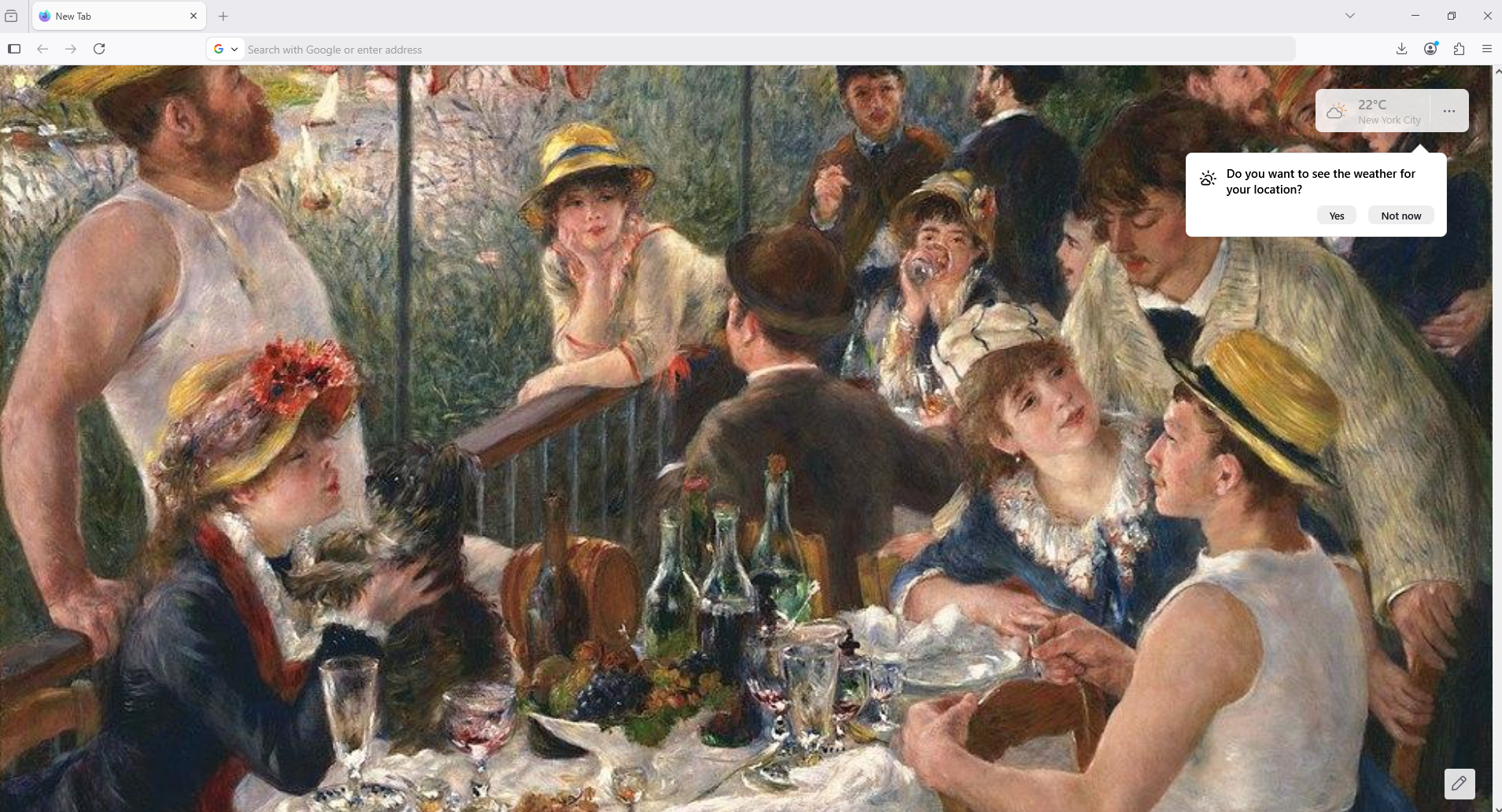
Try, only, browser.newtabpage.activity-stream.nova.enabled
1 - Go to configuration editor https://support.mozilla.org/en-US/kb/about-config-editor-firefox 2 - Enter a search term browser.newtabpage.activity-stream.nova.enabled You can double-click on the preference to set the value to false
從原來的回覆中察看解決方案 👍 0所有回覆 (5)
Hello
A space for users to give product feedback https://support.mozilla.org/en-US/kb/what-mozilla-connect
Solved nothing. I want to remove the firefox logo from my home page, it is in the way of my wallpaper
由 Agent virtuel 於 修改
選擇的解決方法
Try, only, browser.newtabpage.activity-stream.nova.enabled
1 - Go to configuration editor https://support.mozilla.org/en-US/kb/about-config-editor-firefox 2 - Enter a search term browser.newtabpage.activity-stream.nova.enabled You can double-click on the preference to set the value to false