Unable to export Firefox files.
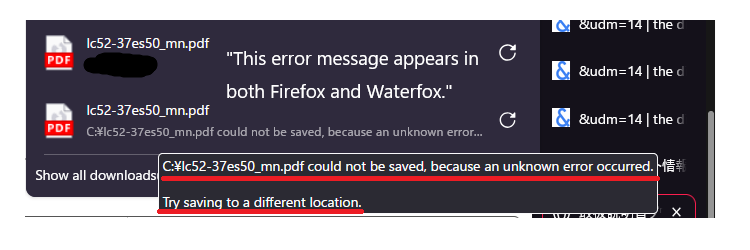
Hello. I have a question regarding a problem with exporting files in Firefox. For about four days now, when I try to export files in Firefox, it fails. I've looked into it, but haven't been able to find a solution. Could you please give me some advice? I've tried various things within my capabilities, but nothing has worked. Firefox 150.0.1 64bit
所有回覆 (4)

Could you please change the file name when you download the file? I see a strange character at the beginning of the file.
Can you download other files?
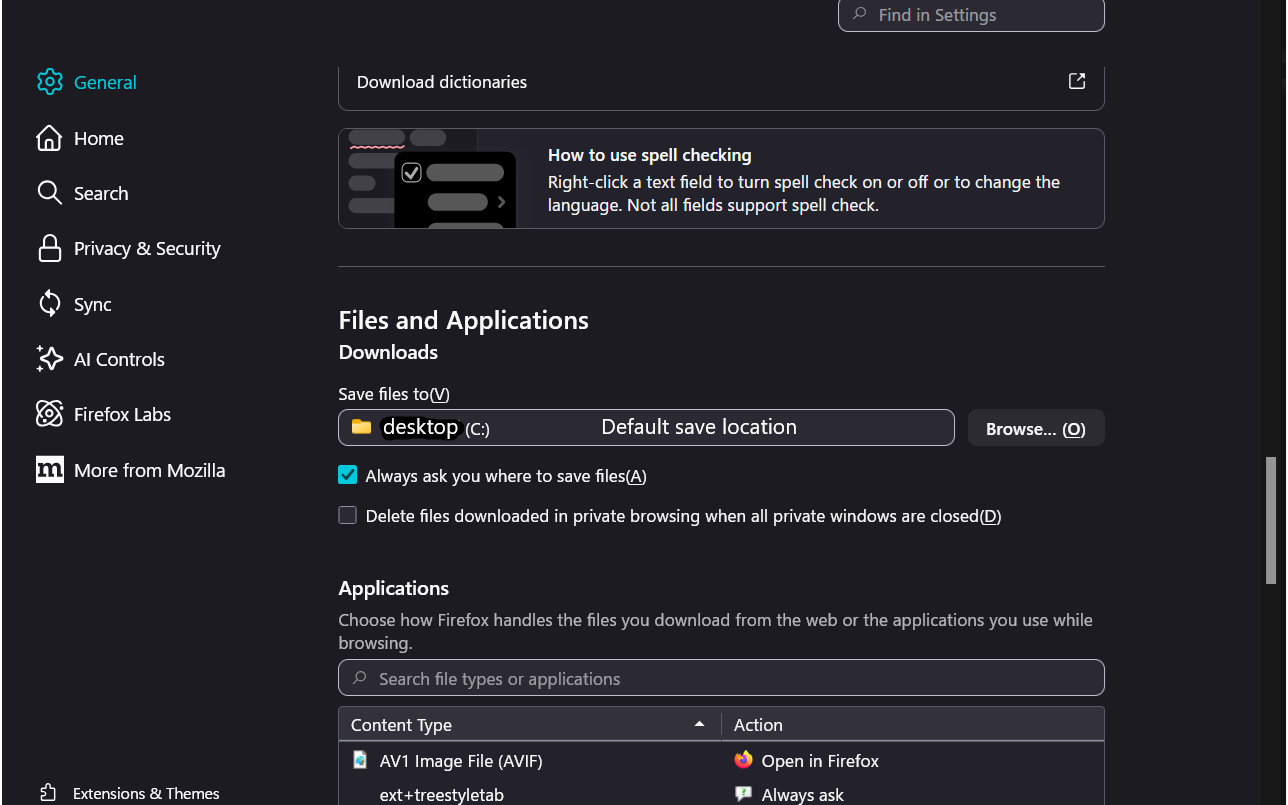
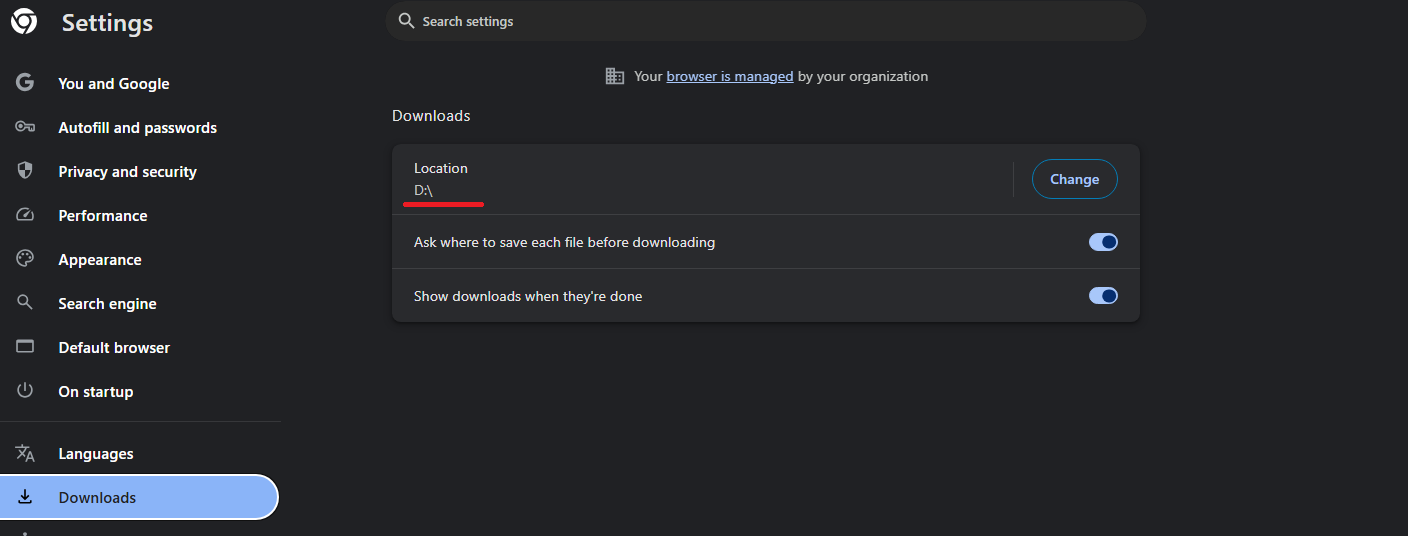
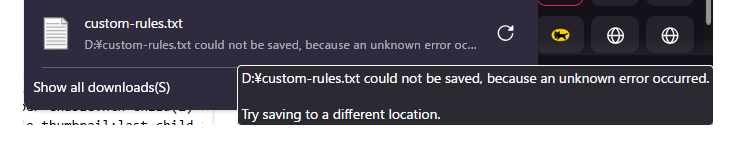
Hello. I use Firefox and Waterfox as my main browsers, and the symptoms are the same for both. Regarding the files that can be saved, I've only checked JPEGs. MP3, MP4, and PDF files cannot be downloaded. The attached image shows the error message; I couldn't save it for the purpose of exporting an add-on. I haven't changed any settings, except for changing the save location folder from C: to D:. I haven't done anything else.

Hello,
Thanks for the detailed explanation.
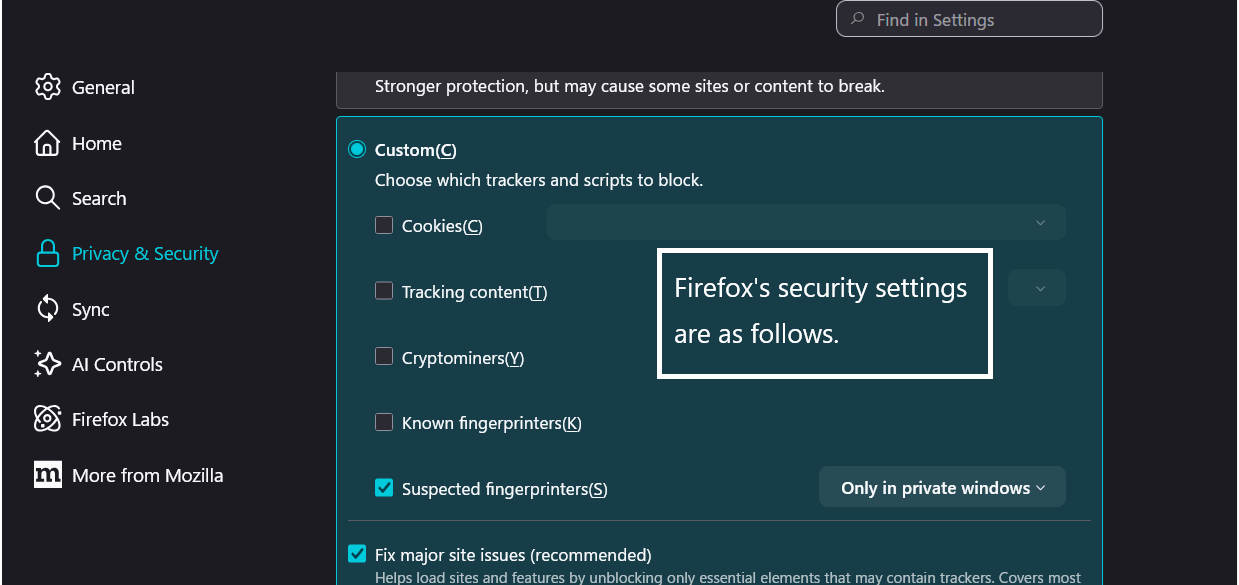
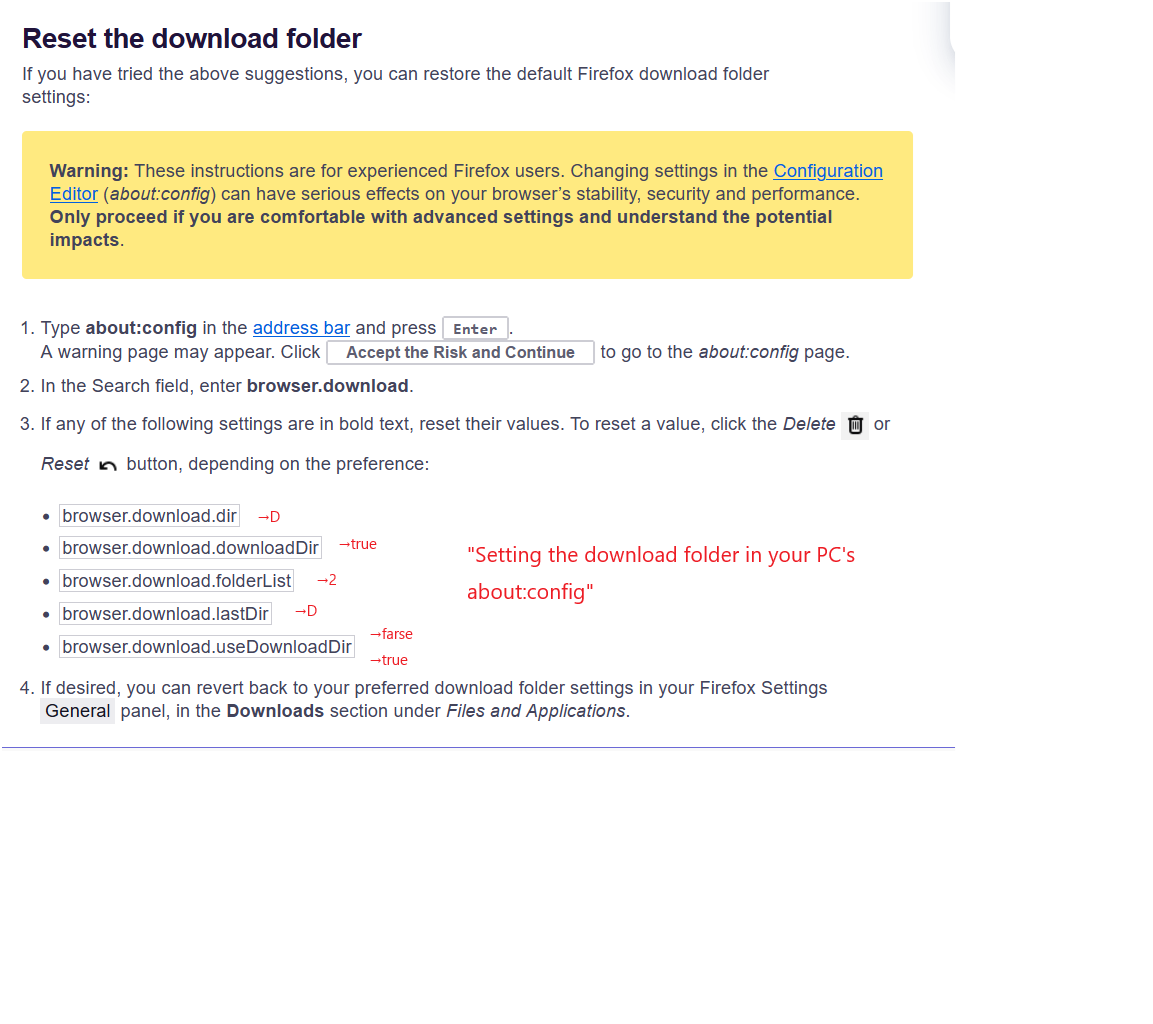
Since you are using both Firefox and Waterfox and facing the same issue, it is likely not browser-specific. The fact that JPEG files download but MP3, MP4, and PDF files do not suggests it may be related to either download permissions, security settings, or the new download location on your D: drive.
As a carer in Manchester, I’d suggest checking the following:
Make sure the D: drive has full write permissions for your browser Temporarily try switching the download location back to the default folder to test Check your antivirus or security software, as it may be blocking certain file types Try clearing browser cache and resetting download settings
The error message you mentioned (even if not saved) is important—if you can reproduce it, please share the exact wording.
Let me know what you find, and I’ll help you troubleshoot further.
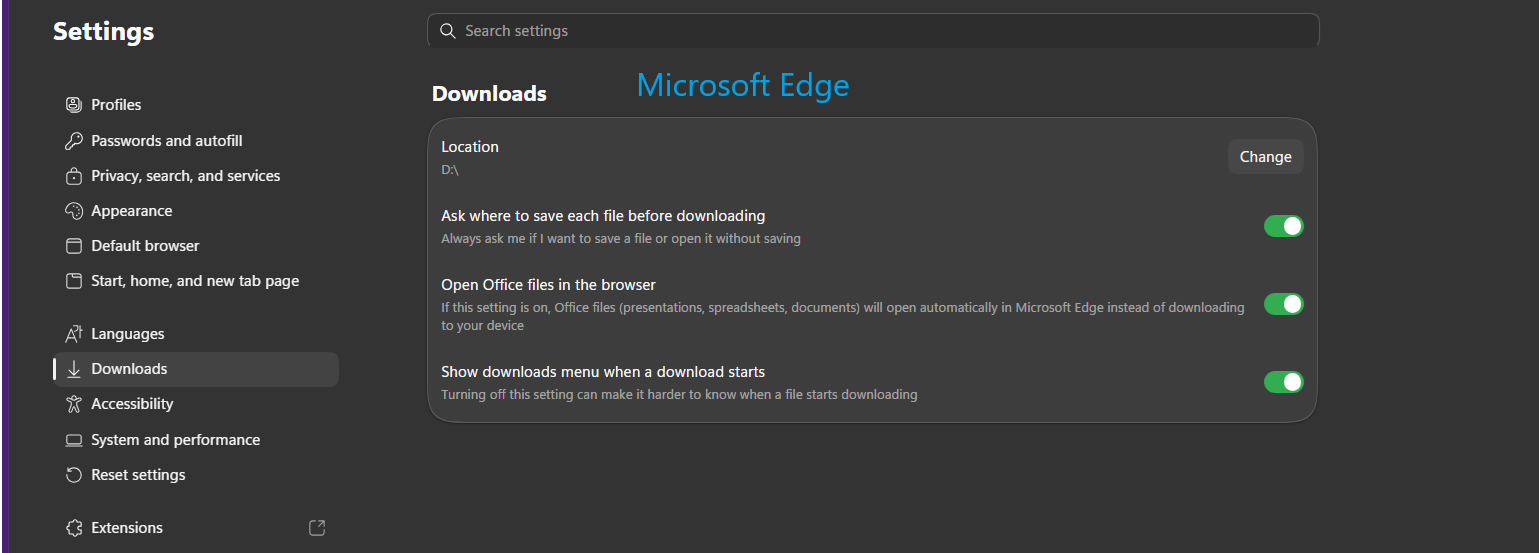
Hello. I tried resetting Firefox's save location to default and downloading again, but it didn't work. I'm not using any antivirus software. Only Windows Defender and Firefox's built-in security features are enabled. Downloads work fine with Google Chrome and Microsoft Edge. The file save location for Chrome, Edge, and Firefox is the same: "D:".