Reporting of blocked trackers…
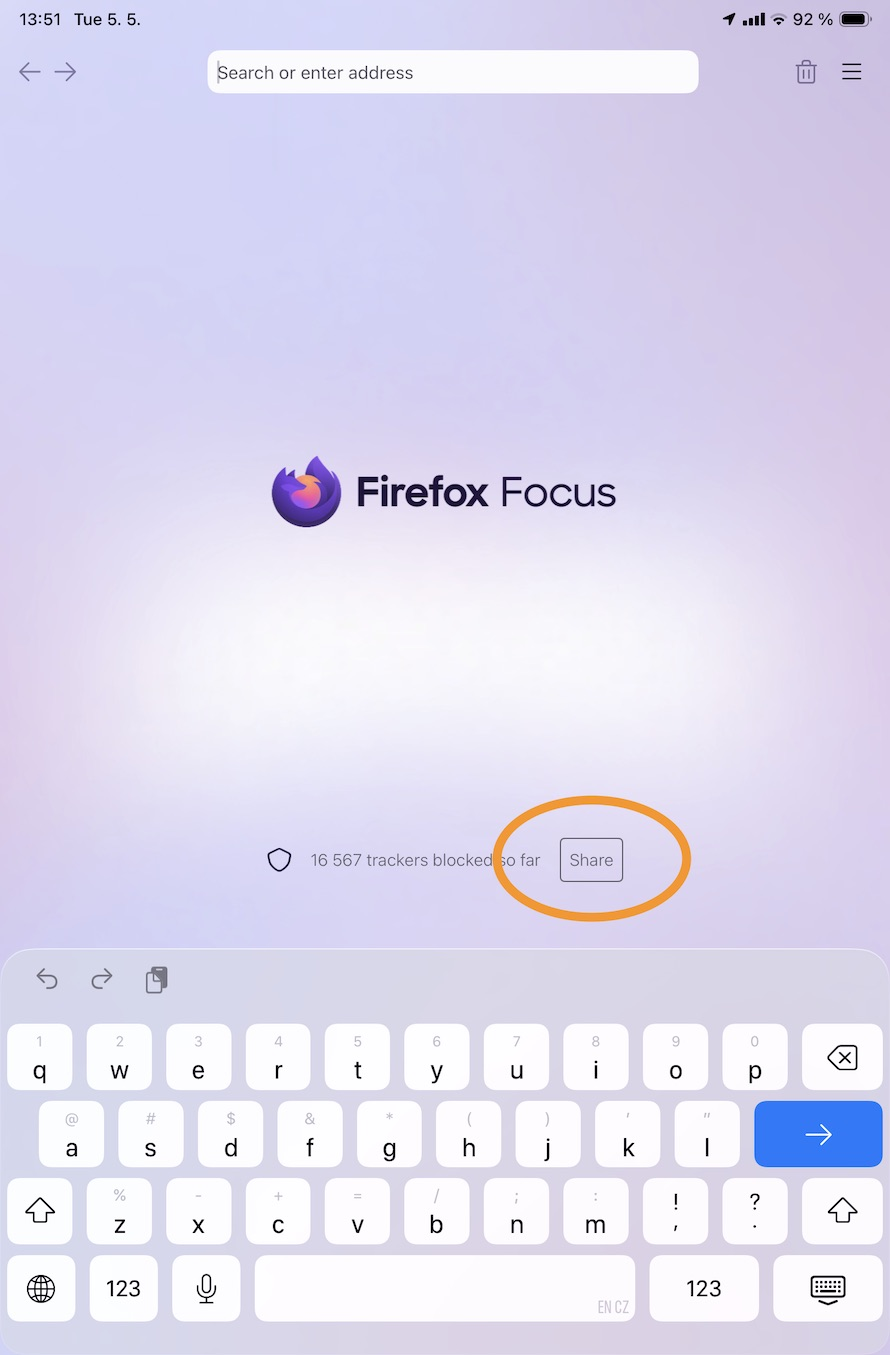
Question: the homepage shows the number of blocked trackers and a SHARE button. To Whom one should share this information with? Mozilla? What is intent of this SHARE feature? The reporting of trackers to websites, as to remove them from their websites? Like the idea of this feature, but not sure what the actual purpose is for? No reference information to SHARE usage inside the app?
Thx, JMH :)
所有回覆 (2)
Hi
Are you able to share a screenshot of what you are referring to?
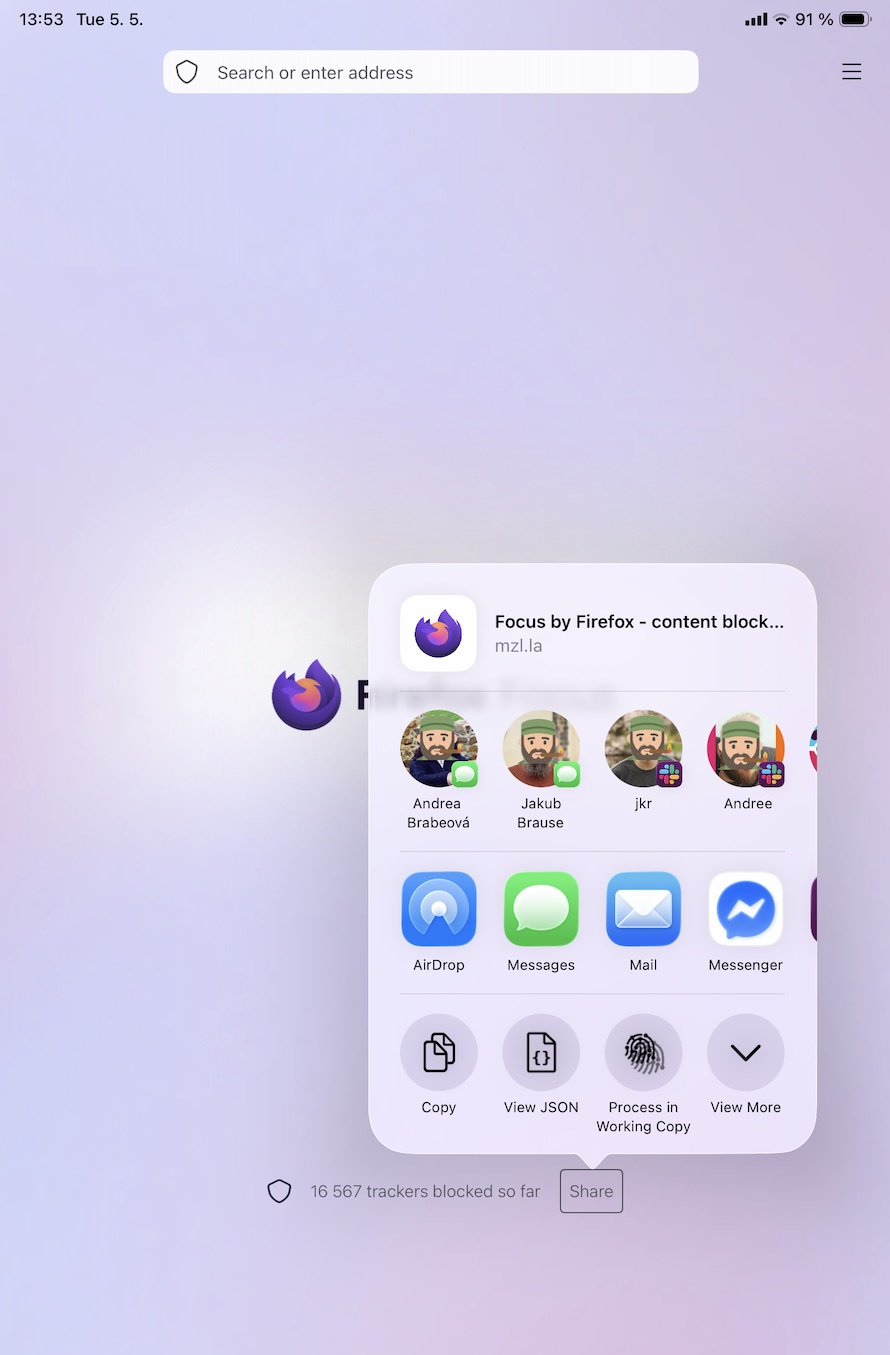
It's most likely the blank slate of the Focus default screen, next to the number of trackers (I've uploaded a screenshot) — it just brings up the common system sharing dialog, that lets you send someone a message or email with that number, to show off how many trackers you avoided, with a link to download the app, if others also wanted to try it out.
(You can see the whole message if you copy the text from the context menu, or you can just share that to yourself in a text message to get the preview…)