


free vpn

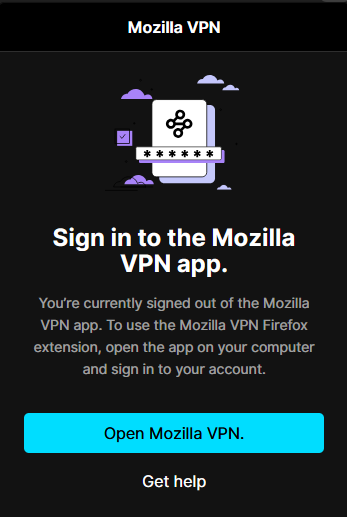
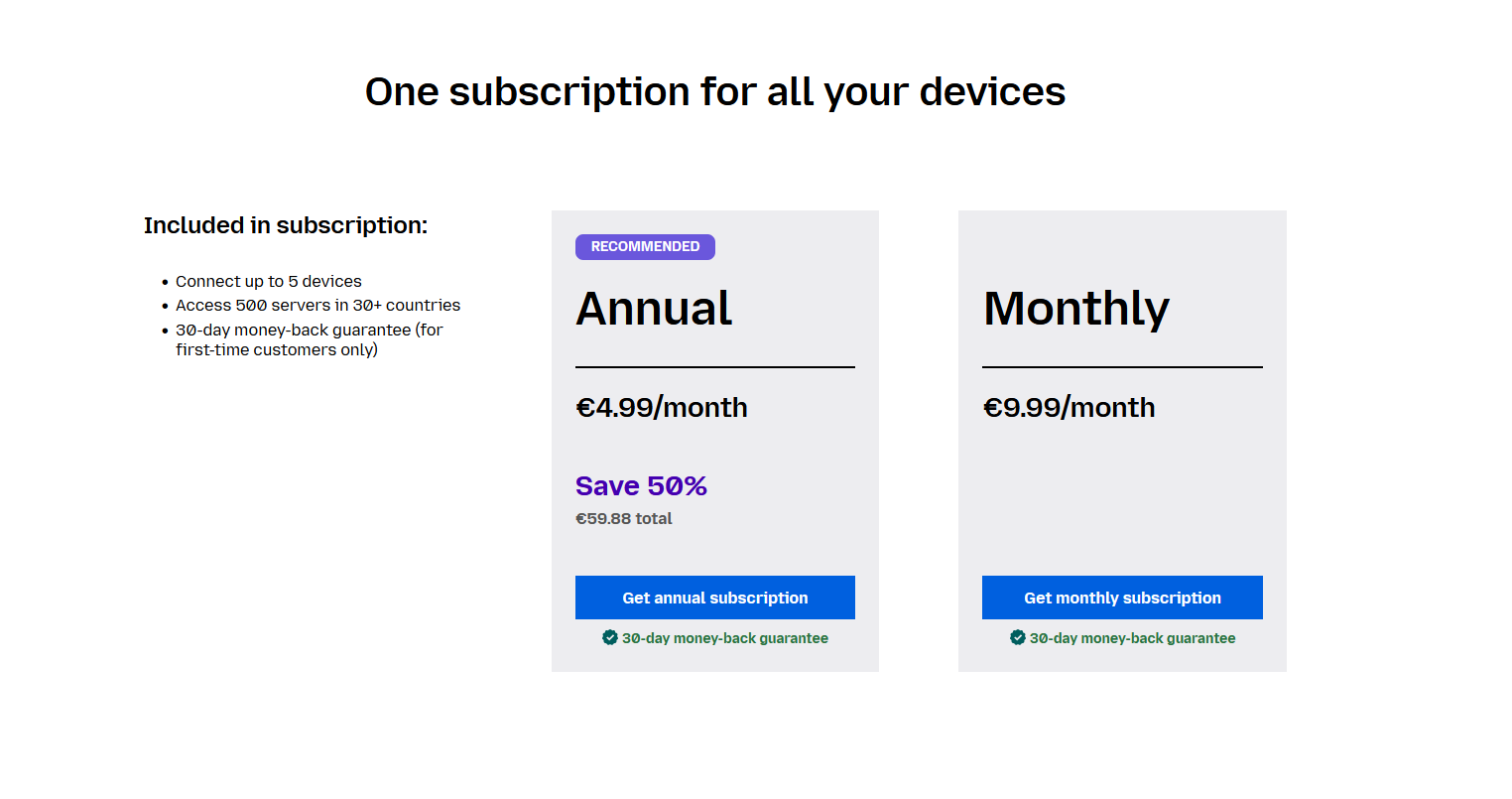
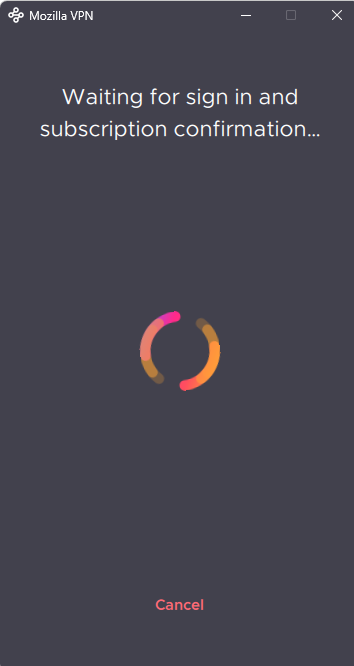
hello, i heard that firefox released a free vpn plan, i tried to access it via the toolbar but it asked me to install the app (pic 1), after i installed the app it asked me to select a plan but there isn't a free option (pic 2). the firefox vpn won't allow me to proceed unless i select a plan (pic 3). so how to i get access to the free plan?
所有回覆 (5)
It is not a free plan of Mozilla VPN, it is a separate built-in VPN.
then how do i access the built in vpn?
The Firefox built-in VPN is offered in stages to users in the U.S., U.K., Germany and France and Canada starting in Firefox version 150. It may not be available to you yet, even if you’re in one of these locales, as the staged rollout takes time to reach everyone.
If the built-in VPN is available, you would see a VPN icon in the top-right corner of the toolbar, that opens a prompt to turn on the VPN. You would also need to sign in to a Mozilla account. For more information, see the Use built-in VPN in Firefox article.
Thanks for the info Tydraniu if they are introducing in stages shame they don't send the join messages then when its available for each stage, instead of every week when its not.
You're right, I don't understand it either.