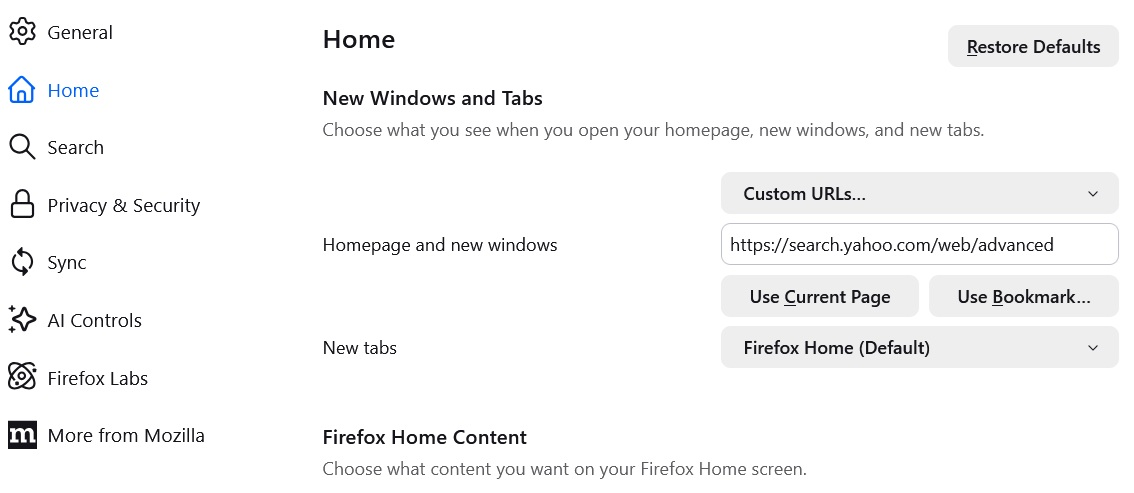
FF 149.0.2 (64-bit) does not load home-page URL on start-up and new-tab

After upgrading to 149.0.2 (64-bit), when starting FF or opening an new tab, the preferred URL is not loaded. It is configured in Settings/Home/New Windows and Tabs All previuos FF versions were OK with the same URl (https://search.yahoo.com/web/advanced)
所有回覆 (6)
You can't set a Custom URL for New Tab
But you can Customize items on your Firefox New Tab page to display a Web Search, Shortcuts to your most visited sites, Recommended stories and other information. You can choose what to display so the page feels just right for you.
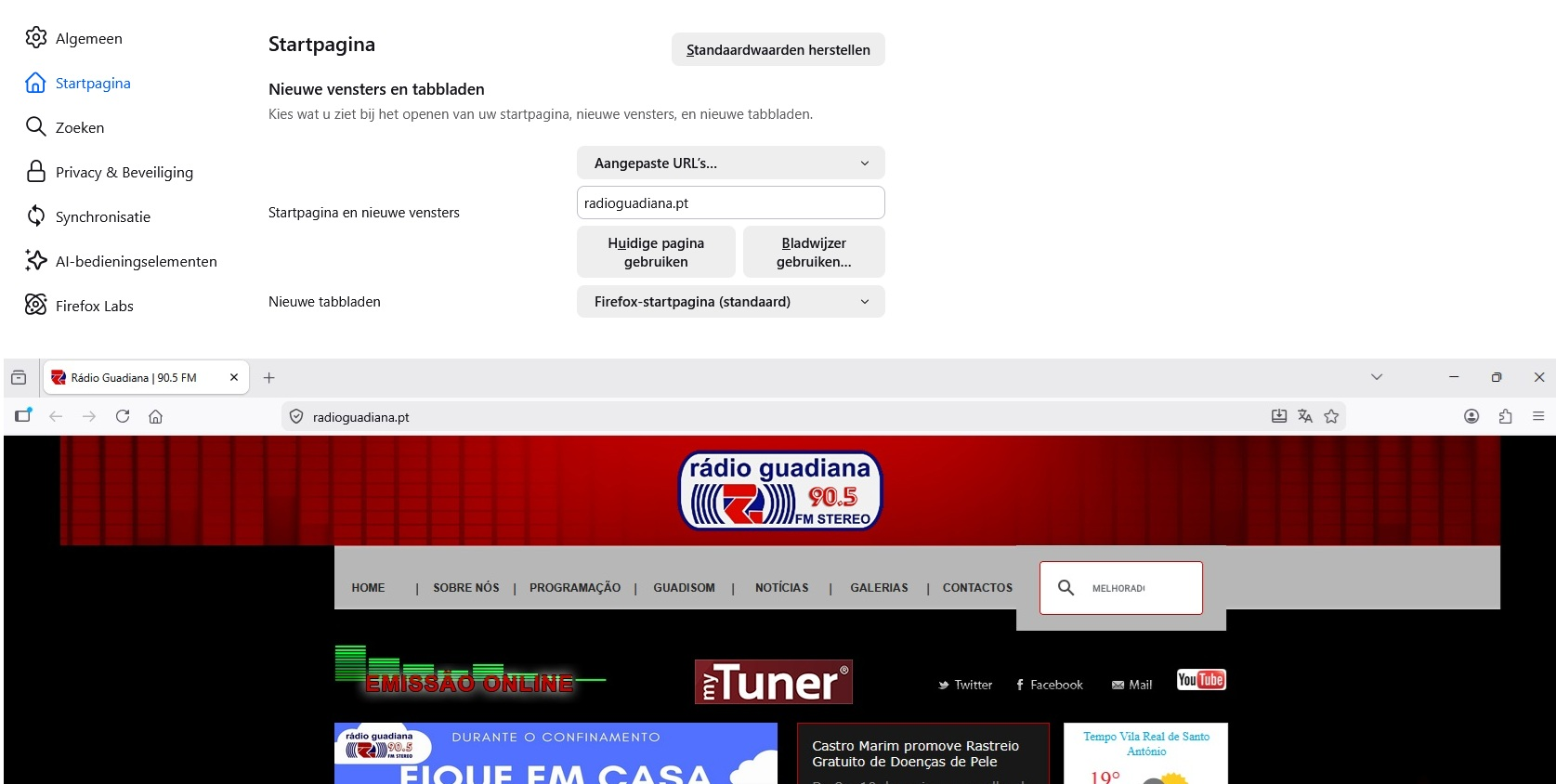
Thanks for your fast reaction ! OK , accepted for NewTab, I never paid attention to it I think ... But when starting FF by double-clicking the icon on the desktop, FF does not open the URL configured in Settings/Home/New Windows and Tabs. I used another User at Win11 logon and installed FF there. On that (fresh) installation, FF opens the URL as it should. What could be wrong with my main FF installation pls ? In attach a print-screen from the configuration and the "start-up-screen" of the other user Thanks
Did you check the Firefox startup setting in "Settings -> General (Algemeen)" as you may have set Firefox to restore the previous session ?
Use one of these to close Firefox if you are currently doing that by clicking the close X on the Firefox Title bar, especially if you have multiple windows or Private Browsing windows open to prevent losing tabs in unnoticed windows.
- "3-bar" menu button -> Exit (Power button)
- Windows: File -> Exit
If necessary, check "History -> Restore Previous Session" and "History -> Recently Closed Windows/Tabs".
A bit late with the follow-up, but FF is NOT (and was never) set to restore previous sessions. As a test, I copied an old profile folder "klwelqkn.default-release" from dec 2025 in the actual profile folder, renamed the existing file "71f8btpm.default-release" to "71f8btpm.default-release-org" and the old file to "71f8btpm.default-release". After starting FF, again NO homepage URL was opened. Should I save the latest profile folder and Uninstall/Re-ïnstal FF completely to solve this annoying issue ?
What is the value of these prefs in about:config?
- browser.startup.page
- browser.startup.homepage
browser.startup.page :: [0:blank page; 1:home page; 2:last visited page; 3:restore previous session]
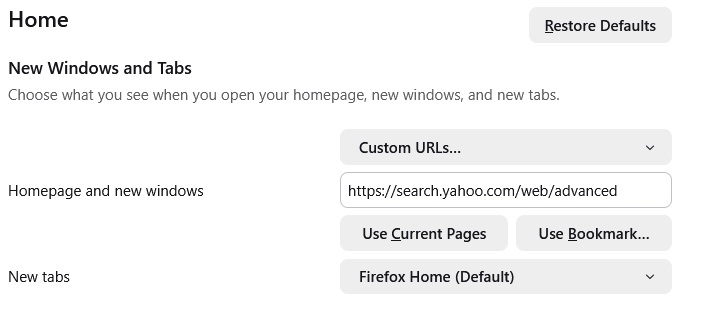
In attach you will find a screenshot of the "Home" settings. In a previous version, on opening FF , the URL was opened by default on the first tab
Thanks, Rupert