


Trying to use the new free firefox vpn, but no pop-up to activate?

I am trying to activate the new free VPN feature, however your steps are not matching what's on my screen.
The first step from your [Set up VPN] article says:
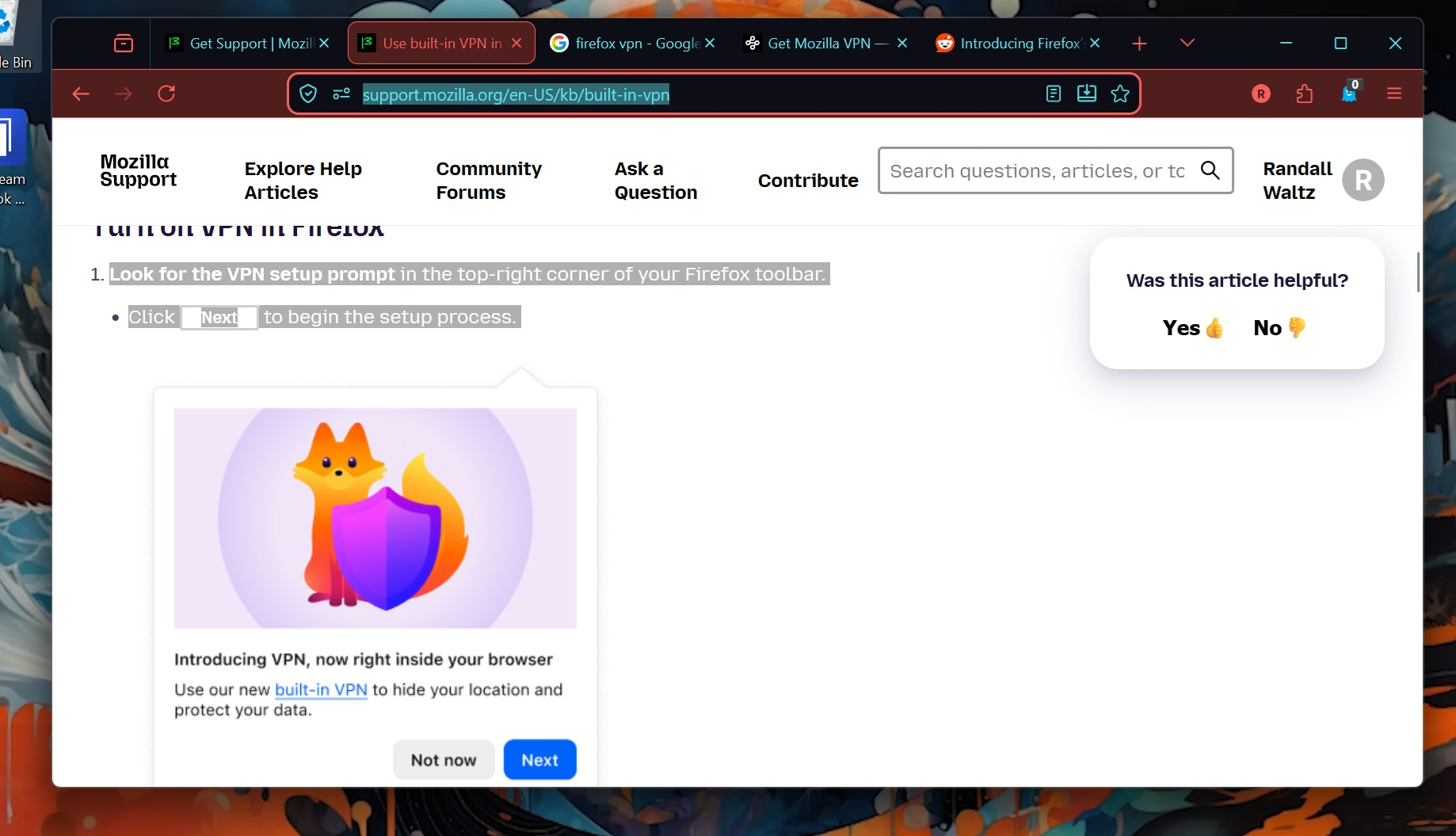
"Look for the VPN setup prompt in the top-right corner of your Firefox toolbar.
Click Next to begin the setup process. "
Yet I am not receiving this prompt.
I have logged into my account, encountered issues with my authenticator app and back up keys not being saved, and so signed up with a new mozilla account using my secondary google email. (This account I am raising this ticket with now. My primary account/email is [edited email from public] @gmail.com).
Hoping you can clarify or give an easy route into activating this wonderful new service you've announced. Am I right in understanding that it is different (ie. built-in and free?) to your Paid Service ?
由 James 於 修改
所有回覆 (4)
https://support.mozilla.org/en-US/kb/built-in-vpn https://blog.mozilla.org/en/firefox/built-in-vpn/ https://blog.mozilla.org/en/firefox/firefox-148-149-new-features/
This "VPN in Firefox" feature is experimental and is being introduced to the Firefox user base through a progressive rollout starting in Fx 149.0. It may not yet be available to all users.
Users will have 50 gigabytes of data monthly in the U.S., France, Germany and U.K. to start. Available in Firefox 149 starting March 24.
Randall Waltz said
I am trying to activate the new free VPN feature, however your steps are not matching what's on my screen. The first step from your [Set up VPN] article says: "Look for the VPN setup prompt in the top-right corner of your Firefox toolbar. Click Next to begin the setup process. " Yet I am not receiving this prompt. I have logged into my account, encountered issues with my authenticator app and back up keys not being saved, and so signed up with a new mozilla account using my secondary google email. (This account I am raising this ticket with now. My primary account/email is [edited email from public] @gmail.com).
In the KB article it says
To use VPN, you need to sign in with a Mozilla account. If you’re eligible, you’ll see a prompt in the Firefox toolbar inviting you to set up the feature.
Btw this is a community support forum and not some form of direct chat or ticket system as you can see on top it says "Community Forums".

Maybe Mozilla ought to not tell everyone this feature is available if in fact they are not eligible. I've wasted a lot of time trying to figure out how to use this only to conclude I'm not eligible. This may be the stupidest thing I've ever seen with the Firefox browser. Please only notify those that are actually eligible, or explain clearly how people can instantly know this doesn't apply to them, or maybe even offer an option where people can "apply" for eligibility.

I think you have broken my trust in Mozilla. You claim to have ethical standards other do not. You offered my FREE 50gb VPN if I updated to 149 I am now on 149.02 - but there is no sign of VPN You say it is offered in the UK - but that's where I am and there's no sign of it. I really feel misled and conned. So you're as tricky as the rest, really. Perhaps I should go back to Chrome!