


No emojis display in Firefox.
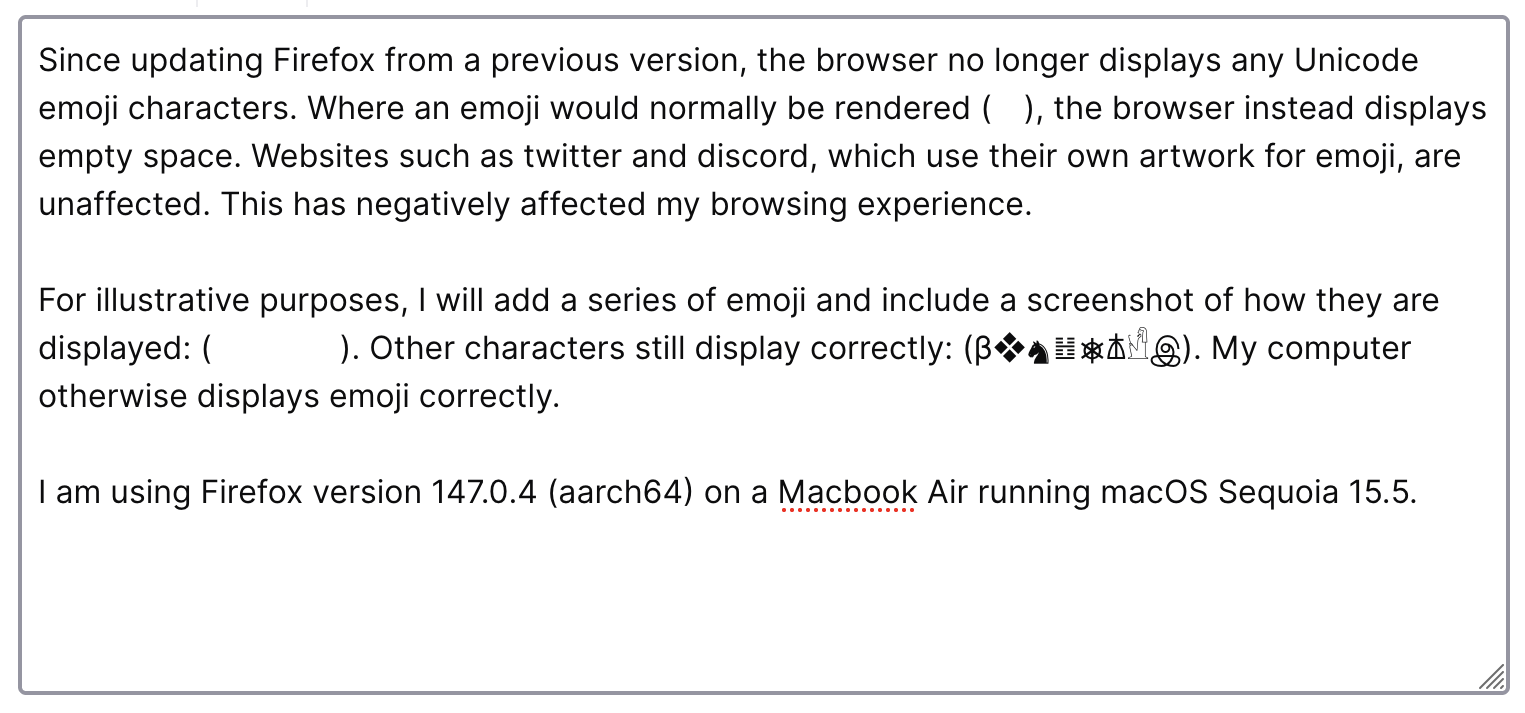
Since updating Firefox from a previous version, the browser no longer displays any Unicode emoji characters. Where an emoji would normally be rendered (👁️), the browser instead displays empty space. Websites such as twitter and discord, which use their own artwork for emoji, are unaffected. This has negatively affected my browsing experience.
For illustrative purposes, I will add a series of emoji and include a screenshot of how they are displayed: (😀🙁😡💀). Other characters still display correctly: (β❖♞䷲⎈𐘢𓀺இ). My computer otherwise displays emoji correctly. The issue persists after disabling extensions, and has persisted between computer restarts.
I am using Firefox version 147.0.4 (aarch64) on a Macbook Air running macOS Sequoia 15.5.
被選擇的解決方法
The issue is being investigated as Bug 2005440, and a workaround can be found in the comments. The problem seems to be a consequence of how MacOS handles emoji rendering during lockdown mode.
從原來的回覆中察看解決方案 👍 0所有回覆 (1)
選擇的解決方法
The issue is being investigated as Bug 2005440, and a workaround can be found in the comments. The problem seems to be a consequence of how MacOS handles emoji rendering during lockdown mode.
由 second 於 修改