


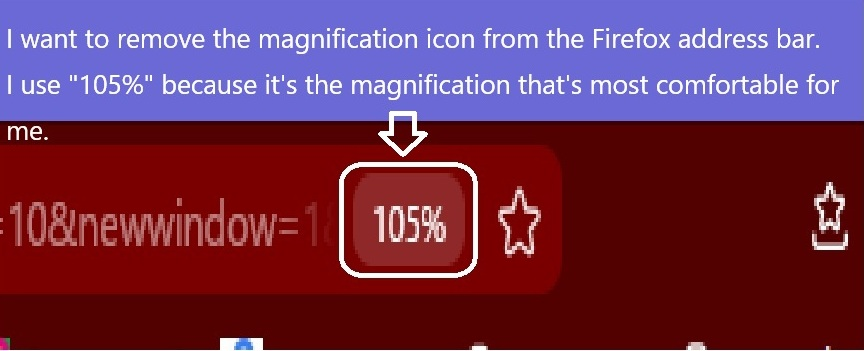
I want to remove the magnification icon from the Firefox address bar.
Thank you in advance. I have a question about the "Screen zoom ratio" that appears in the Firefox address bar. I don't know how to hide it. The address bar is set to 105%, which I find to be the best zoom ratio, so I keep it set to that. I know you're busy, but I would really appreciate it if you could let me know. Thank you very much.
所有回覆 (4)
Hello
You can try an code userChrome.css#urlbar-zoom-button{display:none!important;}
Hello, Agent virtuel. Thank you for the information. I ran the "userChrome.css" you suggested and it was hidden. I feel much better now. Thank you very much for sharing the information. Thank you very much.
With the help of Browser Toolbox https://firefox-source-docs.mozilla.org/devtools-user/browser_toolbox/index.html
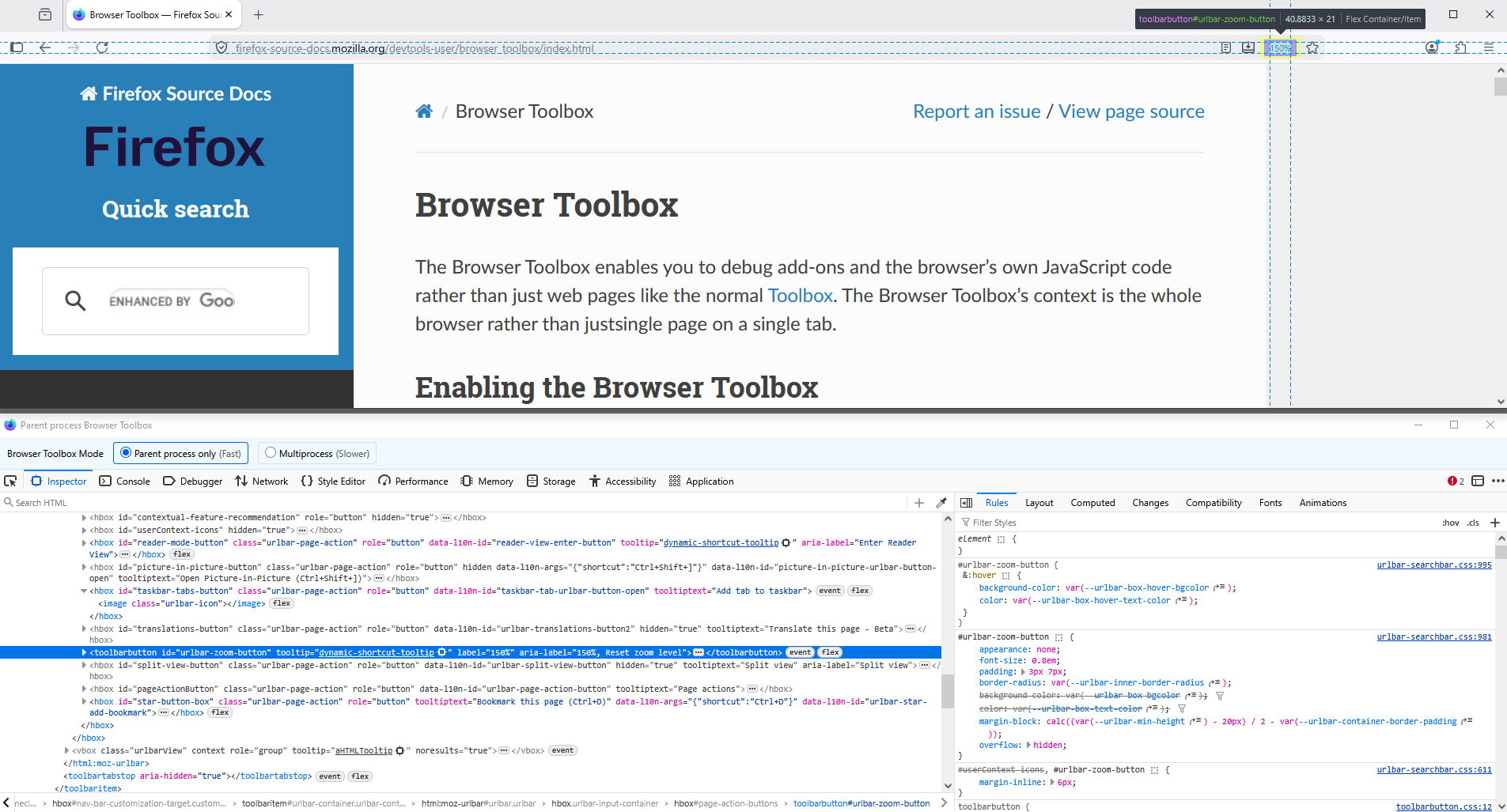
This parenthesis, according to your screenshot, zoom value 105
Is it this subject https://connect.mozilla.org/t5/ideas/specific-standard-zoom-amount/idc-p/56796
由 Agent virtuel 於 修改