can't load Amtrak Guest Rewards page

I won't show my account information but when I try to access Amtrak's Guest Rewards site it goes into a loop. First it asks for username & password and accepts that with no problem. Then it asks for the code it sends to my cell phone and accepts that. And then it just keeps reloading various pages until I kill it. This is the error message shown in the log, it's repeated over and over:
NS_ERROR_ILLEGAL_VALUE: Component returned failure code: 0x80070057 (NS_ERROR_ILLEGAL_VALUE) [nsIFaviconService.replaceFaviconDataFromDataURL]
   loadFavicon resource:///modules/PlacesUIUtils.sys.mjs:220
   loadFavicon resource:///modules/PlacesUIUtils.sys.mjs:647
   setIconFromLink resource:///actors/LinkHandlerParent.sys.mjs:139
   receiveMessage resource:///actors/LinkHandlerParent.sys.mjs:60
LinkHandlerParent.sys.mjs:148:17
I'm running under Mac OS 10.13.6 The site loads fine when I use Safari (version 13.1.2)
Thanks
所有回覆 (9)
Hi,
Sorry to hear that. Here are some standard troubleshooting steps that may resolve the issue:
- Please check if you have Enhanced Tracking Protection (ETP) enabled. You can do that by clicking the shield
 icon at the left of the address bar.
- If ETP is enabled, try disabling it.
- If the problem is not fixed, try clearing Firefox cache.
- If it does not help, also try clearing cookies and data for the website you experience troubles with (warning: you will be logged out on this website).
- If it also does not help, try running Firefox in Troubleshoot Mode. If the problem doesn't persist, please follow the steps from this article to troubleshoot further.
Looking forward to your update on how it goes!
Thanks for the suggestions. Unfortunately I'd already tried all of them, even reloading Firefox. This used to work but it was a half-dozen or so updates ago. Wish I'd had the problem immediately after an update as that might've helped solve the problem. Perhaps it'll go away down the road. Thanks again.

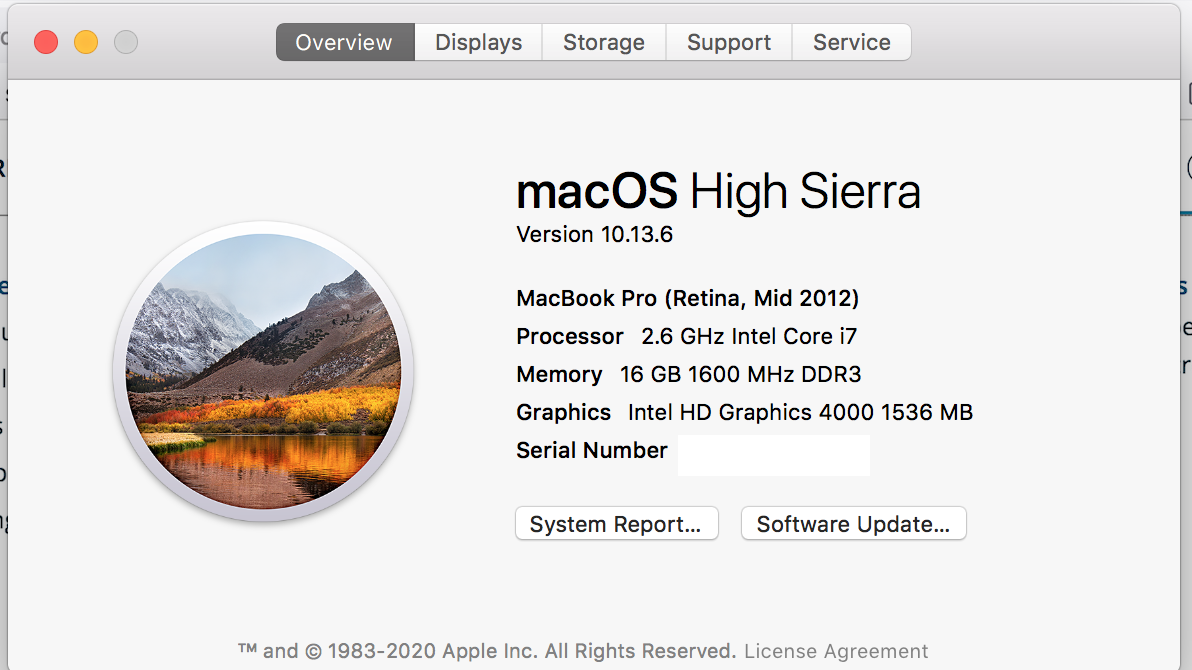
I have 10.13.6, what site? Provide a link.
You'll need an Amtrak account to go to the point I have the problem. The url is: https://www.amtrak.com/guestrewards/home.html Thanks in advance
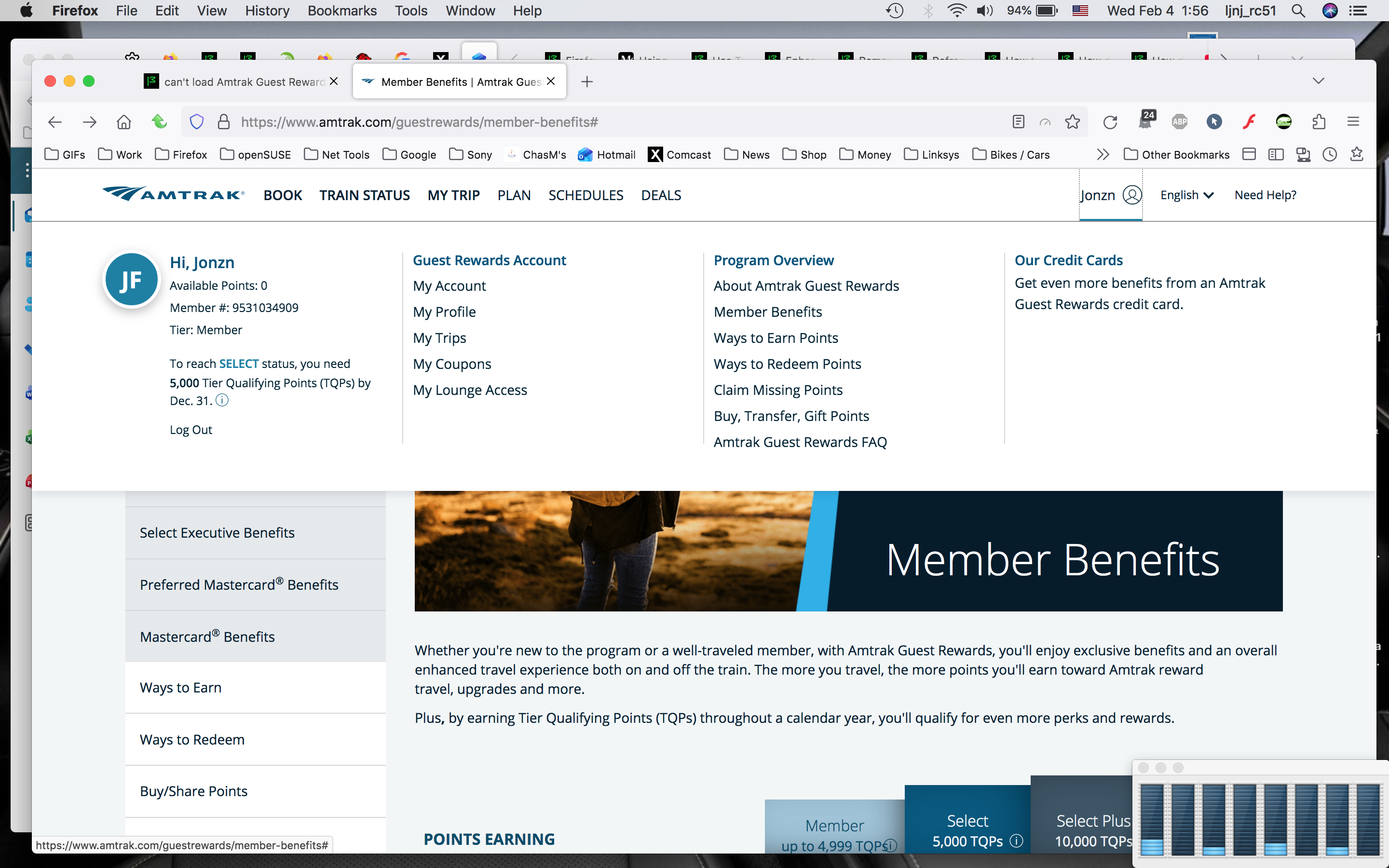
I'm in. see screenshots
由 jonzn4SUSE 於 修改
Thanks for trying. Now I have to figure out why my version of Firefox (115.32) doesn't work when yours does. At least I know it SHOULD work, thanks again.
Just to note, I'm also able to sign in.
I recommend you to do the following:
- Create a new Firefox profile and see if the issue persists there. (After creating, remember to set your current one as default again.)
- See if the issue persists in another browser.
- If the issue persists in a new profile, but doesn't persist in other browsers, report it on WebCompat. Optionally, share a link to your report here.
Mark Geller said
Thanks for trying. Now I have to figure out why my version of Firefox (115.32) doesn't work when yours does. At least I know it SHOULD work, thanks again.
You can also try Refreshing Firefox. https://support.mozilla.org/en-US/kb/refresh-firefox-reset-add-ons-and-settings
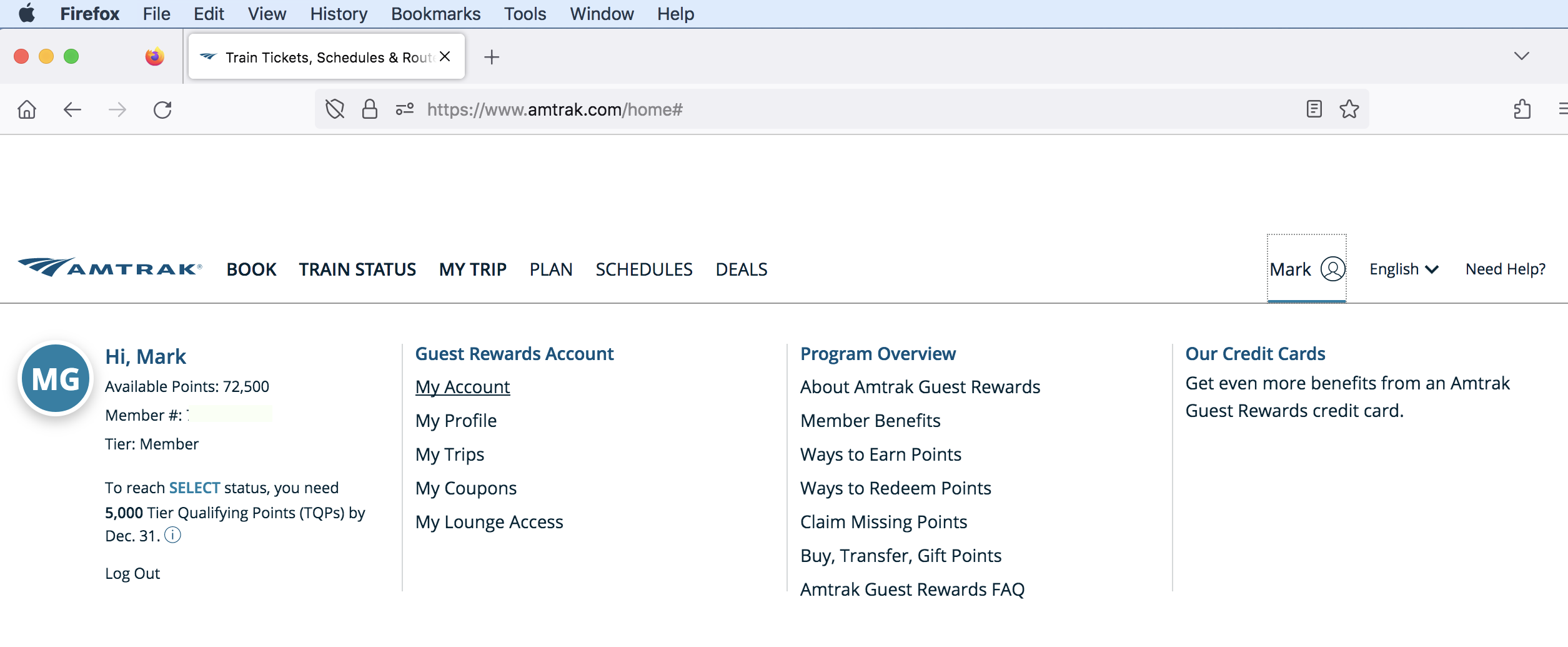
I deleted/reloaded Firefox after deleting the Firefox folder from application support, so I started from ground zero. After that I was able to sign on as expected. So there's obviously something wrong in my data. However, when I clicked on "My Account" it went into another loop. I've included partial screenshots. There were 6 instances of "NS_ERROR_ILLEGAL_VALUE" errors and then an apparently infinite number of varying "Cross-Origin Request Blocked" errors. At least I'm getting closer to a solution, thanks again.