


Eliminate Sidebar Entirely

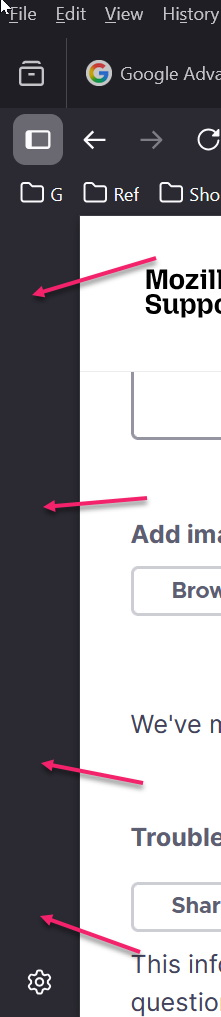
How do I eliminate the sidebar *entirely*.
It's taking up unnecessary space on my screen, even when I have turned off all of the options in settings.
How do I eliminate the sidebar *entirely*.
It's taking up unnecessary space on my screen, even when I have turned off all of the options in settings.
被選擇的解決方法
Right click on it and it should not be checked in the settings under General.
從原來的回覆中察看解決方案 👍 0所有回覆 (2)
選擇的解決方法
Right click on it and it should not be checked in the settings under General.