


Screen Tearing only in Firefox

I get screen tearing on videos or when i scroll on any website. Only happens on Firefox, I've tested Chrome, Edge, Opera.
Smooth Scrolling is Off. Hardware Acceleration is Off. I've tried toggling "gfx.font_rendering.directwrite.force-enabled" Firefox is up to date.
None of this has helped.
所有回覆 (7)
to add, i noticed this started happening after a recent NVIDIA driver update. I believe that might have caused it, but I'm not certain.
Edit: Rolled back NVIDIA driver to April 2025, didn't fix the issue, so it's not that.
由 niktr 於 修改

Does it happen with Firefox in Troubleshoot Mode? https://support.mozilla.org/en-US/kb/diagnose-firefox-issues-using-troubleshoot-mode#search Are you running security software besides MS Defender? Windows home or pro?
System info: Laptop, desktop, or DIY? If not DIY, what make and model computer? Also provide the make and model graphics card.
由 jonzn4SUSE 於 修改
1. Yes it happens in Troubleshoot Mode. 2. No 3. Win10 Pro 64bit
Desktop DIY MB: B550M Aorus Elite Gigabyte CPU: AMD R5 5600X GPU: RTX 3090 24GB EVGA Monitors: 2x AW2521HFA
Ran the same test on Desktop too, no Screen Tearing. Only happens inside Firefox. Tried disabling G-Sync - no change. Tried changing monitor refresh rate - no change.
NVIDIA Control Panel: Vsync = Tried App Controlled, Tried On, Tried Adaptive - No change Max FPS = Tried Off, Tried 60, Tried 58 - No change
niktr said
to add, i noticed this started happening after a recent NVIDIA driver update. I believe that might have caused it, but I'm not certain. Edit: Rolled back NVIDIA driver to April 2025, didn't fix the issue, so it's not that.
What driver were you originally on? see screenshot https://www.nvidia.com/en-us/geforce/drivers/
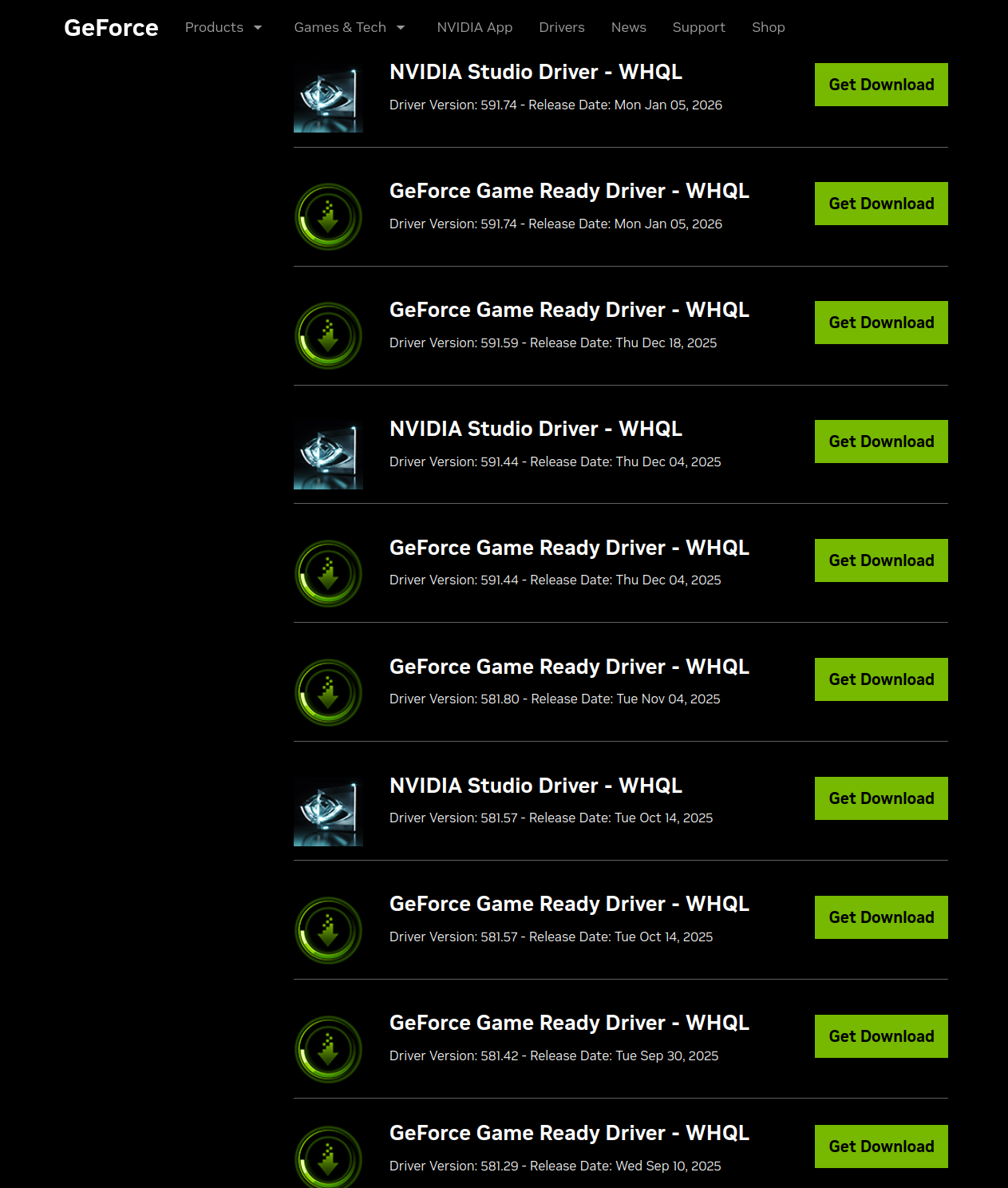
Can't remember, could be any single one from Oct to Nov. But I think it's irrelevant since I rolled back to even before that, if a new Bug was introduced in Nov - Jan, rolling back would've fixed the issue. Also this is isolated to Firefox, so it might be something in the December 18 2025 Firefox update.
In any case, if i have to roll back my NVIDIA driver just for Firefox to function normally, I'd prefer to just switch browsers instead of sacrificing driver functionality.
You should install a previous version of Firefox and test. Make sure to install in a different directory than your current one. https://ftp.mozilla.org/pub/firefox/releases/
Also test by running Windows Sandbox. https://www.howtogeek.com/399290/how-to-use-windows-10s-new-sandbox-to-safely-test-apps/