


[Security] Option to securely hide personal information from the Firefox settings

Hello Firefox Developers,
No pressure for this item.
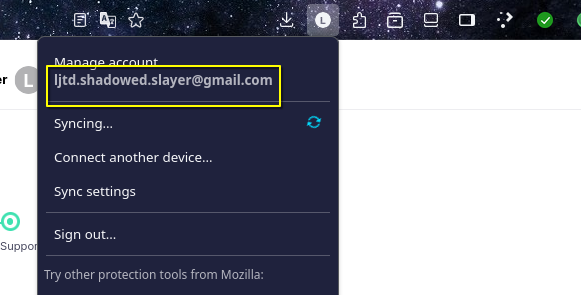
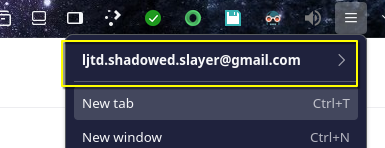
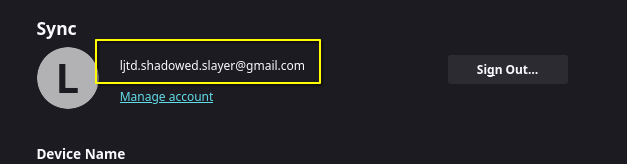
I would like to request that there be an option to censor or hide the Firefox user information in the Firefox UI and in the Settings section for privacy and security reasons, especially when doing online streams or making online guides.
At least an option to either make it "l.............@..." with an eye option beside it. Like what the password field behaviour is in online forms.
It would be nice if the option were available to the end-users.
Thank you so much.
所有回覆 (1)
Hi,
The people who answer questions here, for the most part, are other users volunteering their time (like me), not Mozilla employees or developers. If you want to leave feedback for developers, you can go to the Firefox Help menu and select Share ideas and feedback…. Alternatively, you can use this link. Your feedback gets collected by a team of people who read it and gather data about the most common issues.
You can also file a bug report or feature request. See File a bug report or feature request for Mozilla products for details.