


Windows 10 will reach EOS (end of support) on October 14, 2025. For more information, see this article.

搜尋 Mozilla 技術支援網站

防止技術支援詐騙。我們絕對不會要求您撥打電話或發送簡訊,或是提供個人資訊。請用「回報濫用」功能回報可疑的行為。

了解更多

Since the last upgrade I have been having a problem with outlook.com/OWA signing in, need to keep clearing cookies

  • 1 回覆
  • 0 有這個問題
  • 37 次檢視
  • 最近回覆由 Ed

more options

So I have had a favorite URL in Firefox for a decade or more https://www.outlook.com/owa to access outlook.com via web browser. Microsoft in Firefox only since the last upgrade does some weird looking and throws an error saying to try again later. If I delete my cookies for live.com and refresh the link it brings me to the sign in page where I can put in the email/password and it opens fine. If I close the window same thing happens and have to clear cookies, etc. Doesn't have the issue on Chrome or Edge, but thought I would make someone aware something odd is happening there. For now I just am using an alternate link https://outlook.live.com/mail/0/ and it comes up fine but it is not re authenticating again at that point.

Is there something I can do to avoid the error?
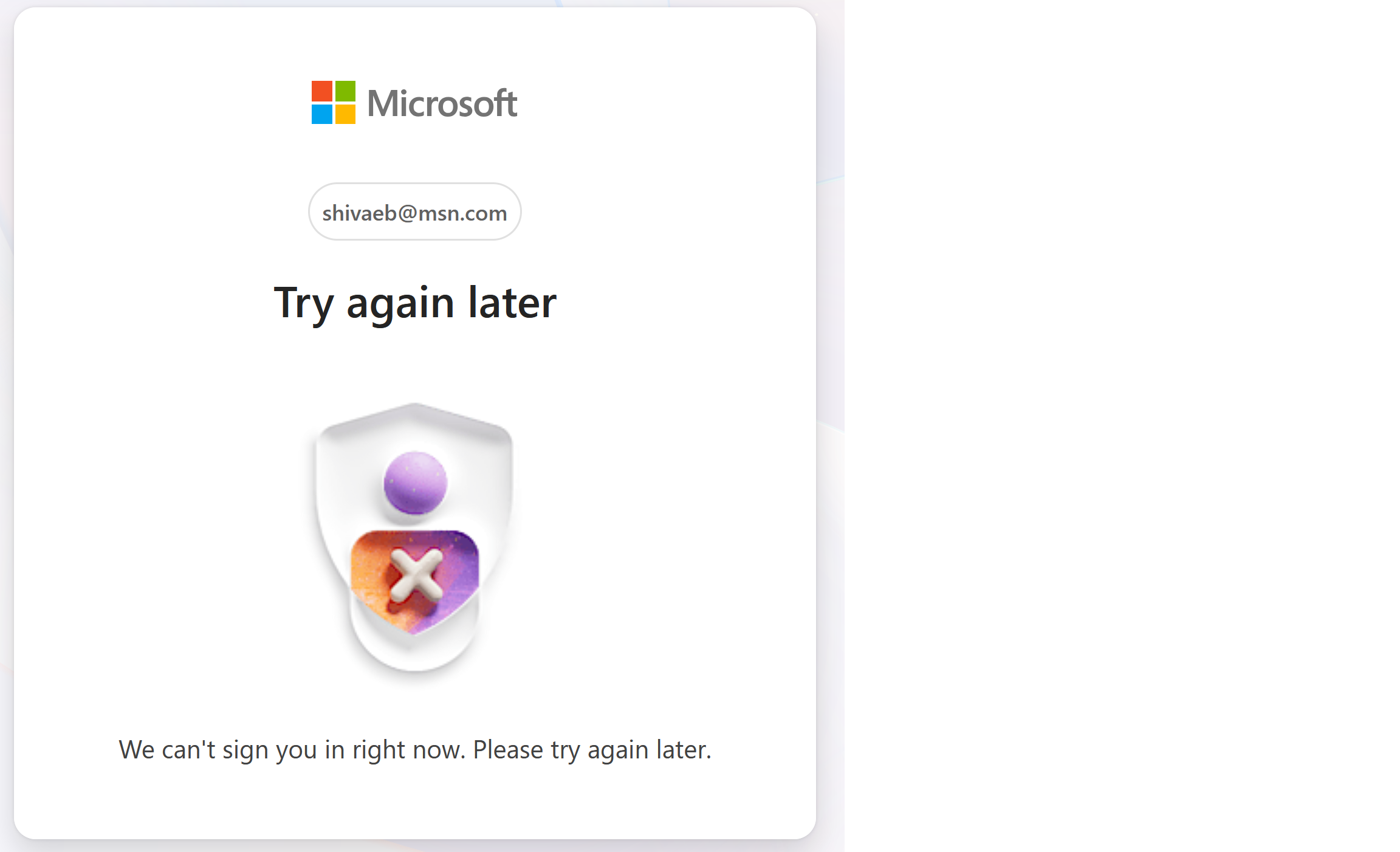
So I have had a favorite URL in Firefox for a decade or more https://www.outlook.com/owa to access outlook.com via web browser. Microsoft in Firefox only since the last upgrade does some weird looking and throws an error saying to try again later. If I delete my cookies for live.com and refresh the link it brings me to the sign in page where I can put in the email/password and it opens fine. If I close the window same thing happens and have to clear cookies, etc. Doesn't have the issue on Chrome or Edge, but thought I would make someone aware something odd is happening there. For now I just am using an alternate link https://outlook.live.com/mail/0/ and it comes up fine but it is not re authenticating again at that point. Is there something I can do to avoid the error?
附加的畫面擷圖

被選擇的解決方法

所有回覆 (1)

more options

選擇的解決方法

I think you should be using https://www.outlook.com.

問個問題

如果您還沒有帳號,您必須先登入帳號 來回覆文章。還沒有帳號的話,只能發問新問題