


Firefox Multiple profile
Hello everyone,
I’ve been using Firefox for 5 years now and I absolutely love it. I recently bought a new laptop, but I’ve run into an issue. On my old laptop, I was able to use multiple Firefox profiles at the same time—similar to how Chrome handles profiles.
On the old setup, when I clicked the three-line (menu) button, I could see my second profile there and switch between profiles with just one click. After installing Firefox on my new laptop, I can’t find that option anymore.
I know some of you might suggest using about:profiles to switch profiles. Yes, I’m aware of that method, but I find it inconvenient because I’d have to type about:profiles every time, which is a bit of a time waste for me. I really want the same quick-switch option I had before.
How can I get that functionality back? Any help or suggestions would be greatly appreciated!
I’m already using the latest version (142.0.1, 64-bit).
Thanks
所有回覆 (6)
Hi
We have introduced some new functionality into Firefox to make using multiple profiles really easy without have to use about:profiles. This support article should help:
Paul said
Hi We have introduced some new functionality into Firefox to make using multiple profiles really easy without have to use about:profiles. This support article should help: https://support.mozilla.org/en-US/kb/profile-management
Hello, i can't find this option
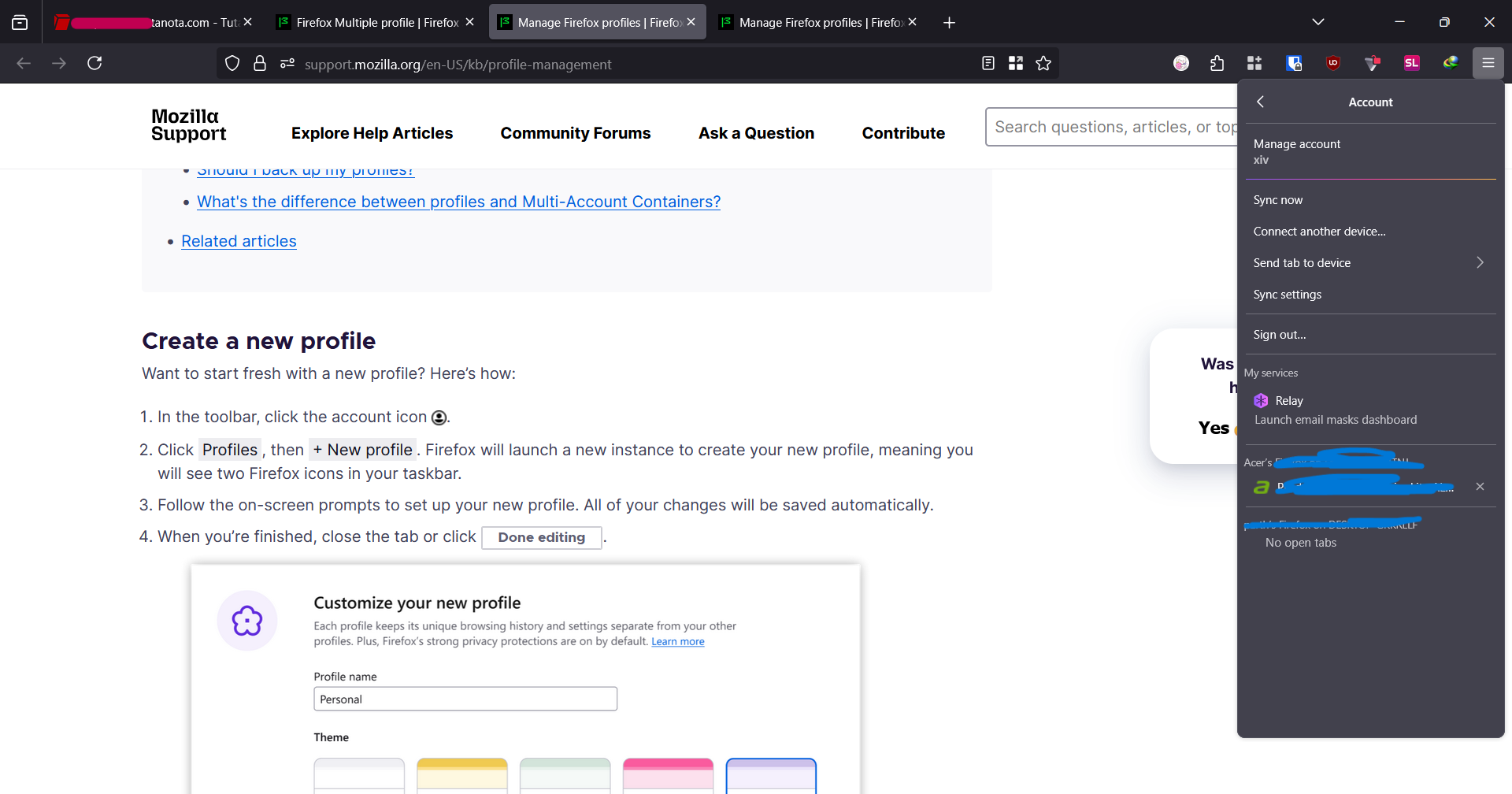
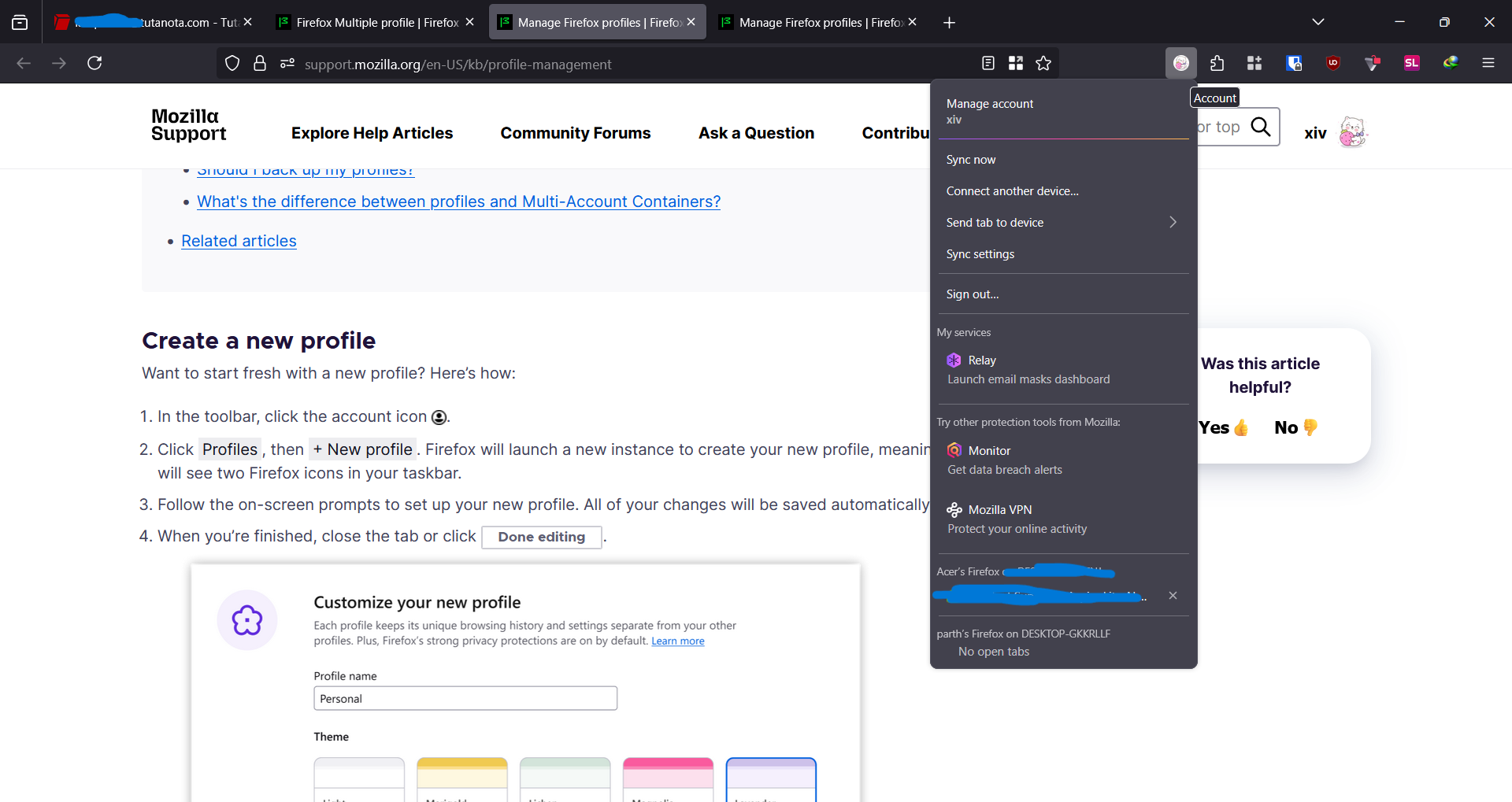
It's not there, try to click the ≡ icon.
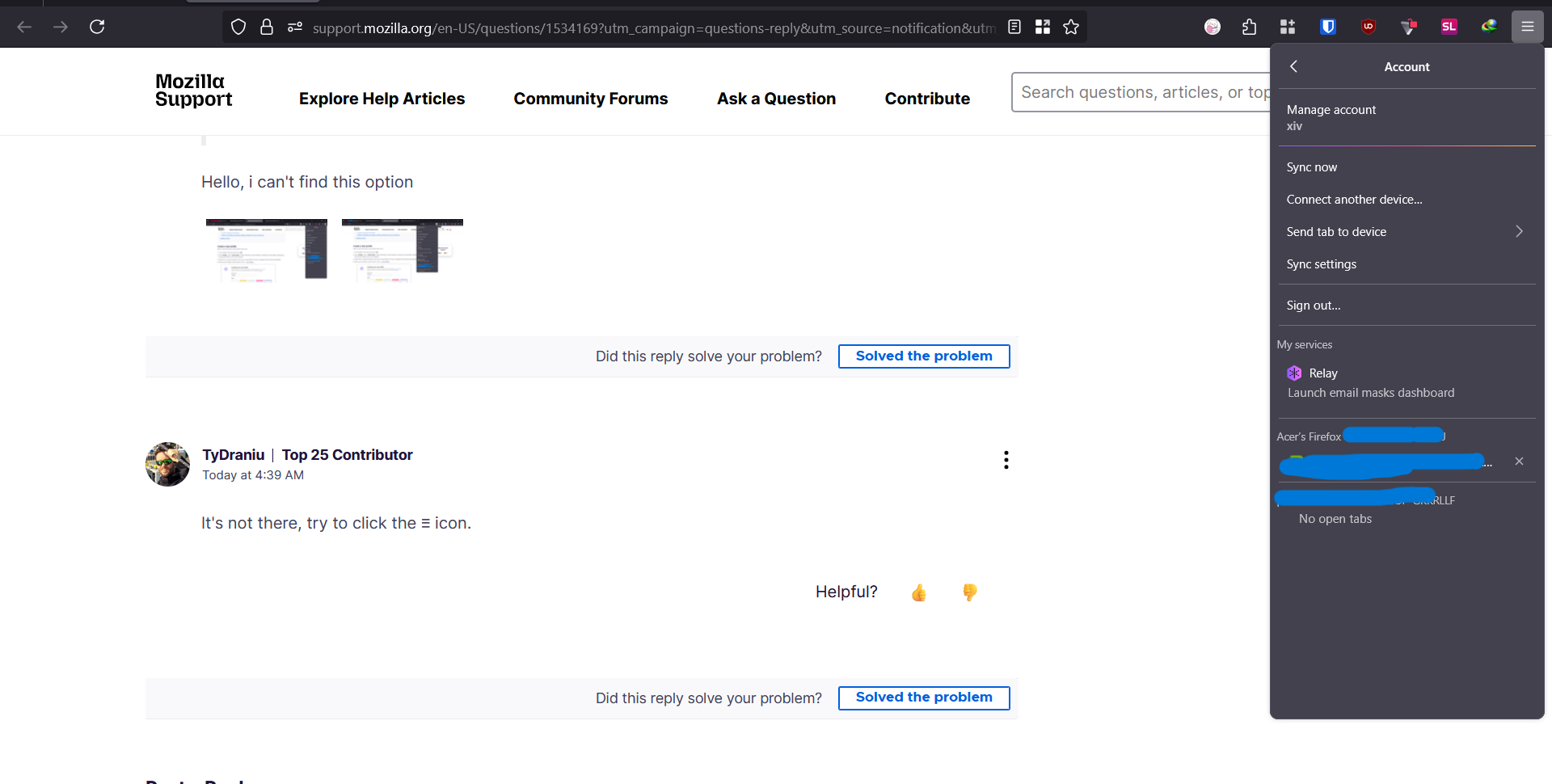
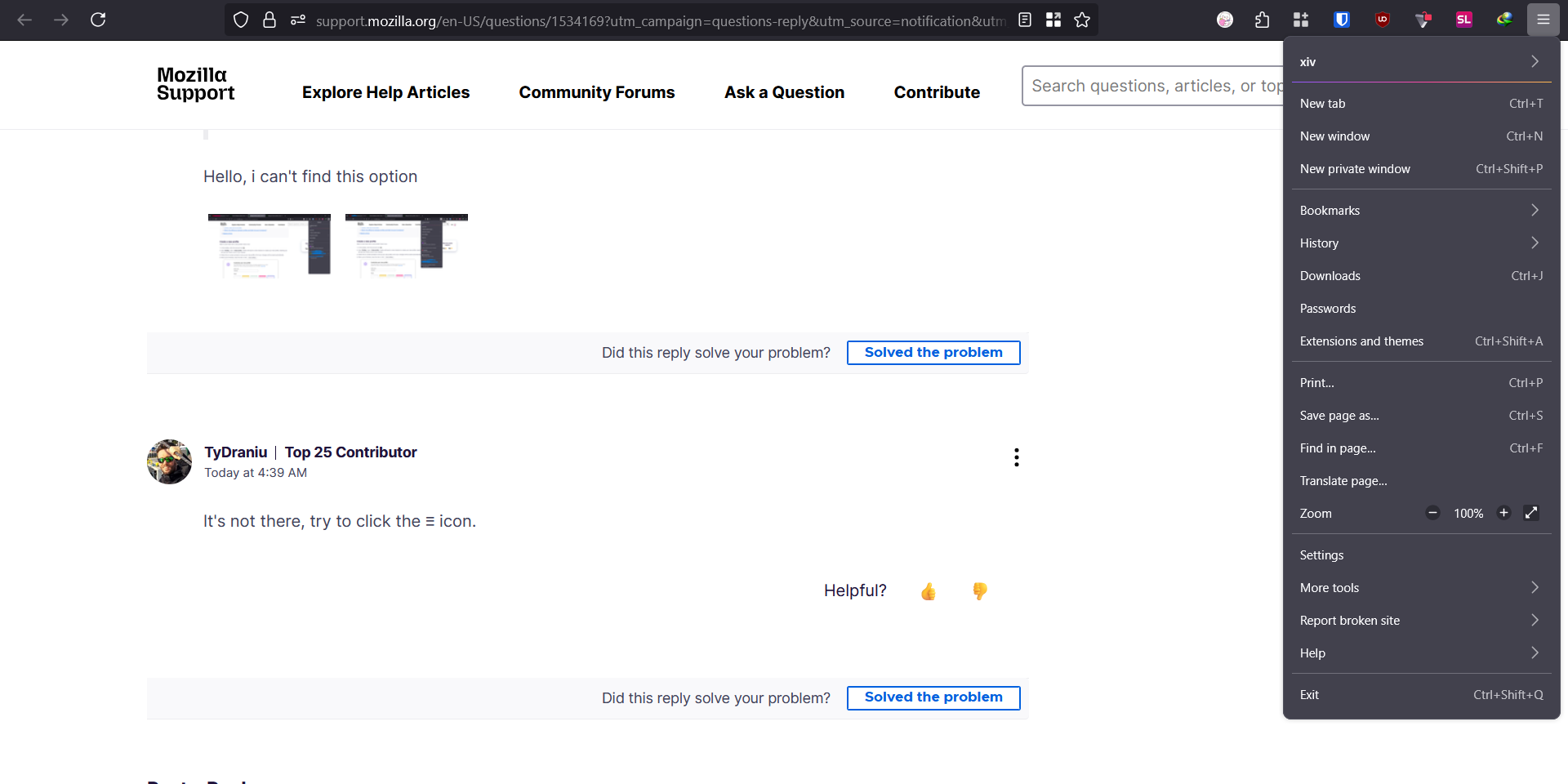
OK. Enter about:config in the address bar and switch browser.profiles.enabled to true.