


Disabling Picture-in-Picture
Tried the PiP mode with YouTube and it didn't work for me. The video pop-up still appears even after un-checking the box in settings; once I click the X button on the pop-up, the video pauses, and will unpause only if I return to the original tab and press play. I've tried the following:
- Restarting my computer - Used keyboard shortcuts to close the pop-up - Blocked autoplay media on the YouTube website
Thanks in advance.
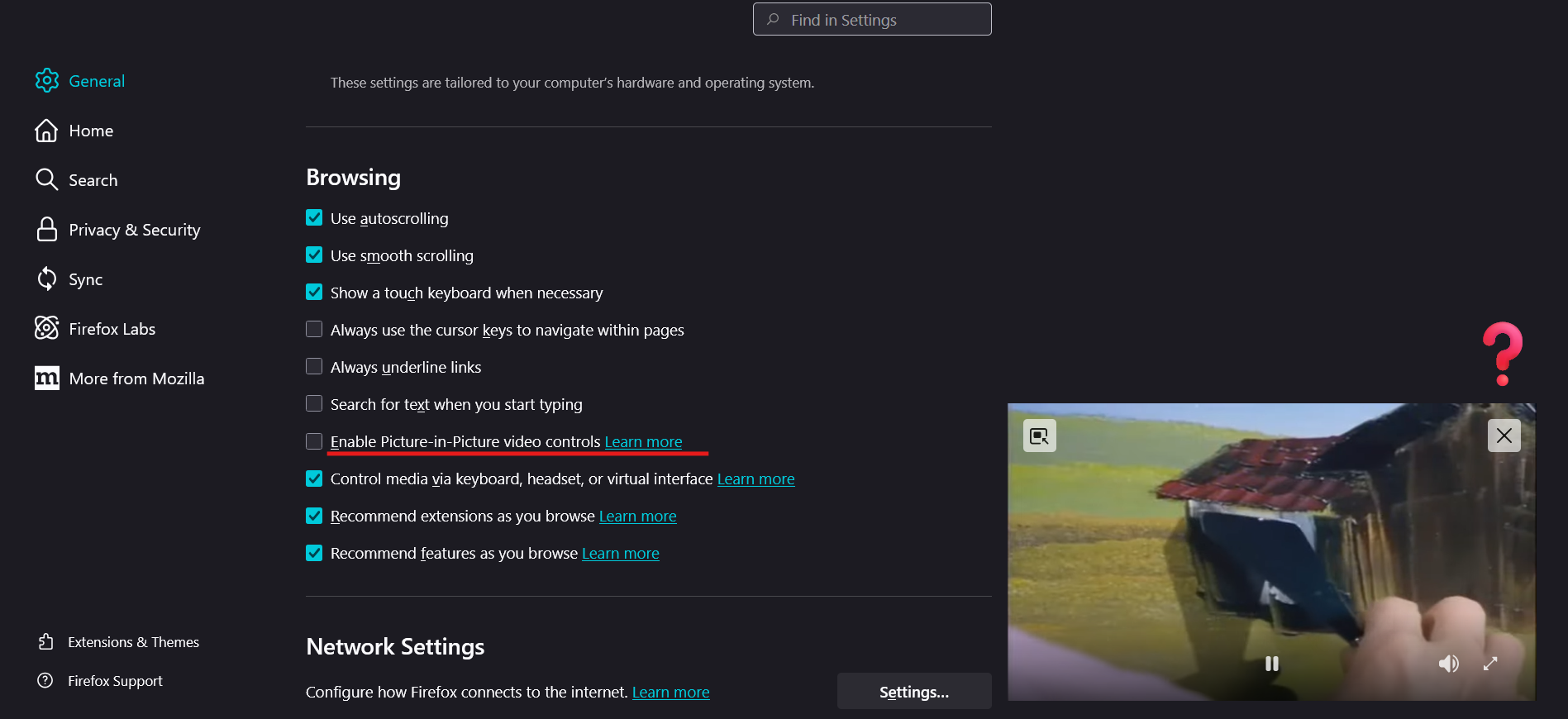

選擇的解決方法
SOLUTION: open new tab, enter about:config enter "media.videocontrols.picture-in-picture.enable-when-switching-tabs.enabled" and toggle to FALSE
media.videocontrols.picture-in-picture.enable-when-switching-tabs.enabled = FALSE
Mine was media.videocontrols.picture-in-picture.enable-when-switching-tabs.enabled = TRUE, and I have no clue why it was stuck. But that fixed it. THANK YOU EVERYONE!!!!
所有回覆 (4)
Hello
Maybe
Have you checked Firefox Labs
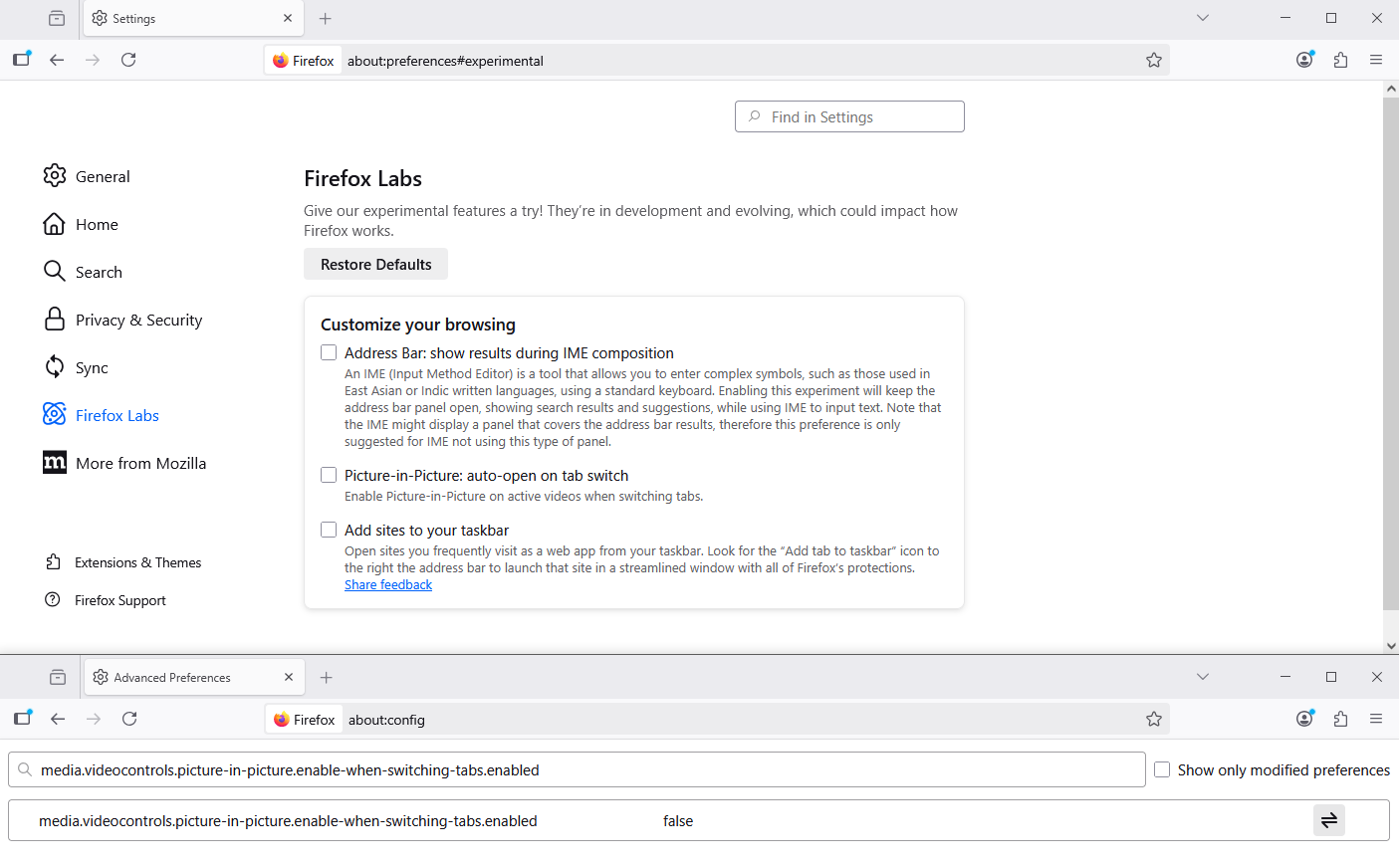
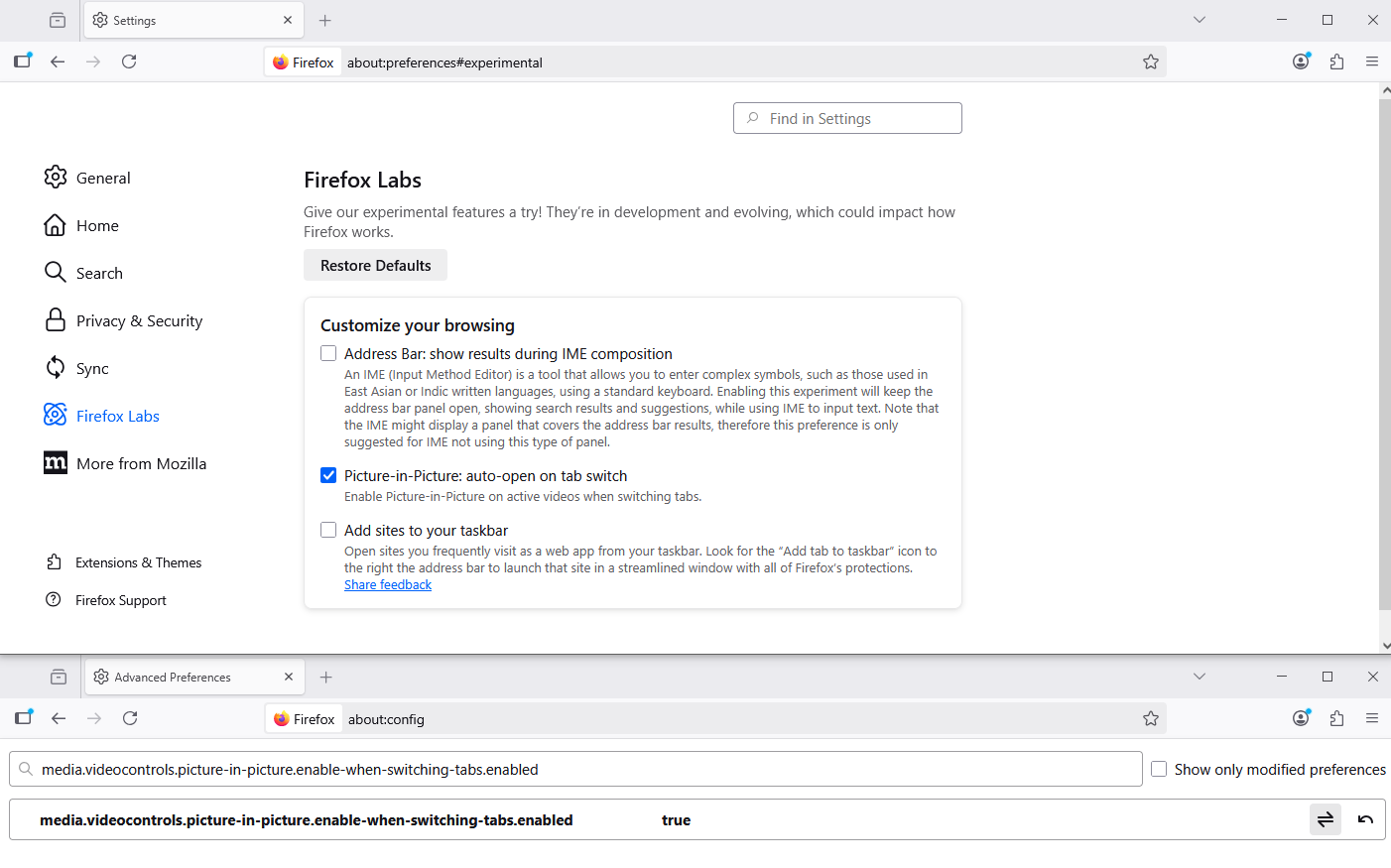
Picture-in-Picture: auto-open on tab switch
Below, screenshot, an subject.
Take a look at the preference, media.videocontrols.picture-in-picture.enable-when-switching-tabs.enabled
1 - Go to Configuration Editor for Firefox https://support.mozilla.org/en-US/kb/about-config-editor-firefox 2 - Enter a search term media.videocontrols.picture-in-picture.enable-when-switching-tabs.enabled
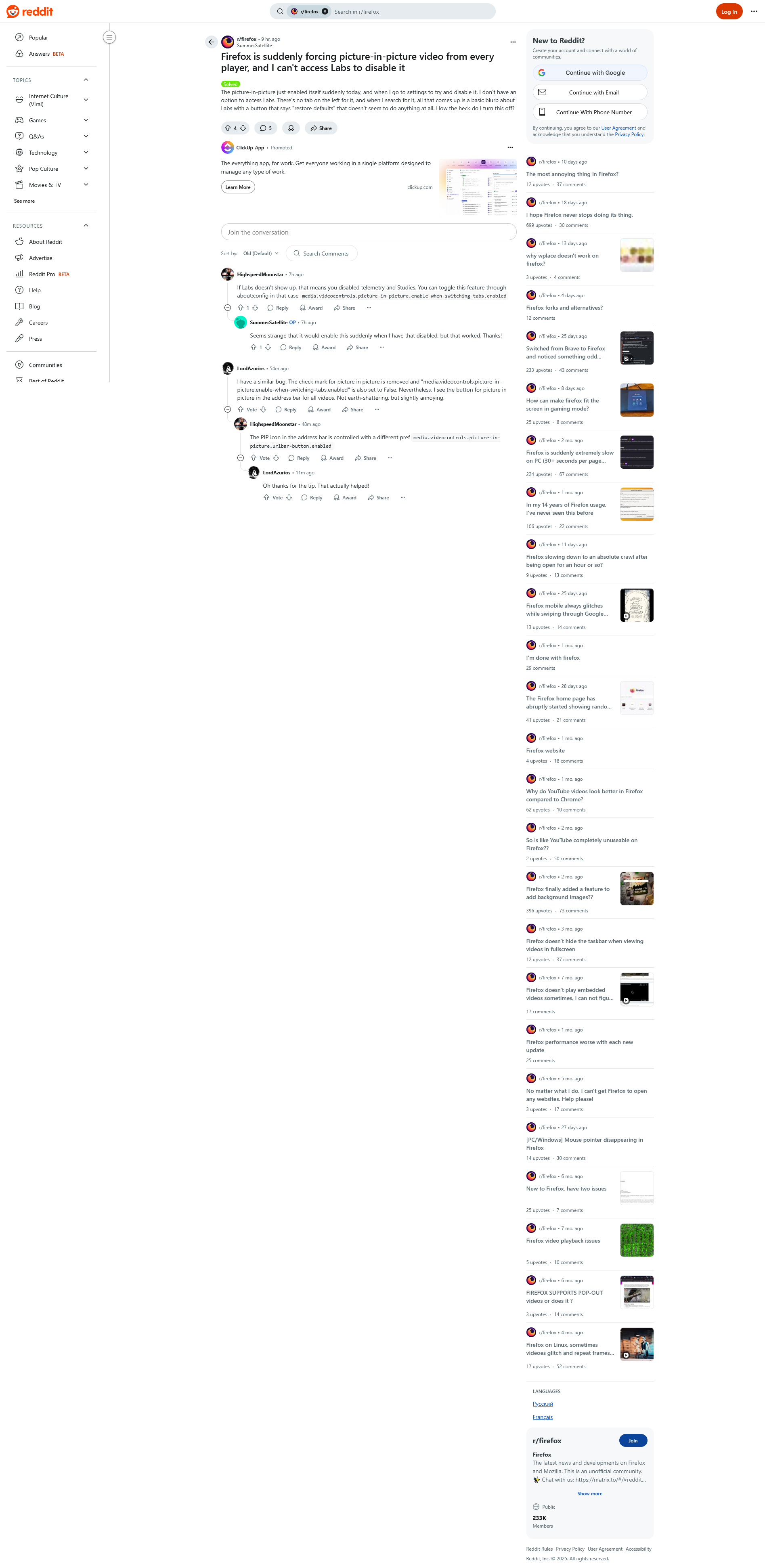

Thanks, but I said I don't want to use about:config and wonder why unchecking the settings button does not work.
Hello
Your subject https://support.mozilla.org/en-US/questions/1536055
Firefox Labs Picture-in-Picture: auto-open on tab switch Enable Picture-in-Picture on active videos when switching tabs.
That's, media.videocontrols.picture-in-picture.enable-when-switching-tabs.enabled
Is it your question.
Have you checked, the preference, media.videocontrols.picture-in-picture.enable-when-switching-tabs.enabled.
選擇的解決方法
SOLUTION: open new tab, enter about:config enter "media.videocontrols.picture-in-picture.enable-when-switching-tabs.enabled" and toggle to FALSE
media.videocontrols.picture-in-picture.enable-when-switching-tabs.enabled = FALSE
Mine was media.videocontrols.picture-in-picture.enable-when-switching-tabs.enabled = TRUE, and I have no clue why it was stuck. But that fixed it. THANK YOU EVERYONE!!!!