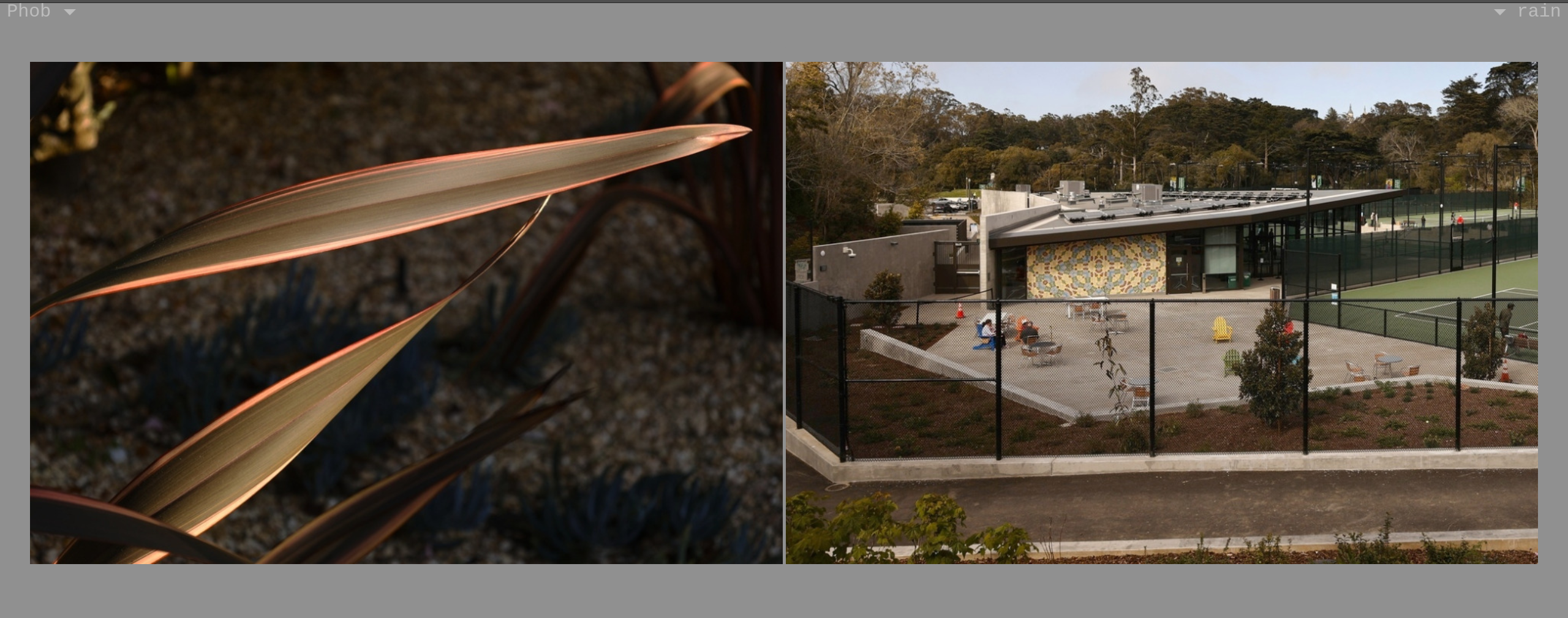
Using canvas/context to scale an image that displays ok before removes the image data, ok in Chome/Safari.

The app sizes two adjacent images to the same height. Maybe there's a better approach?
This works, in that I see the original image displayed at the wrong size:
//img.src = imgsrc.src;
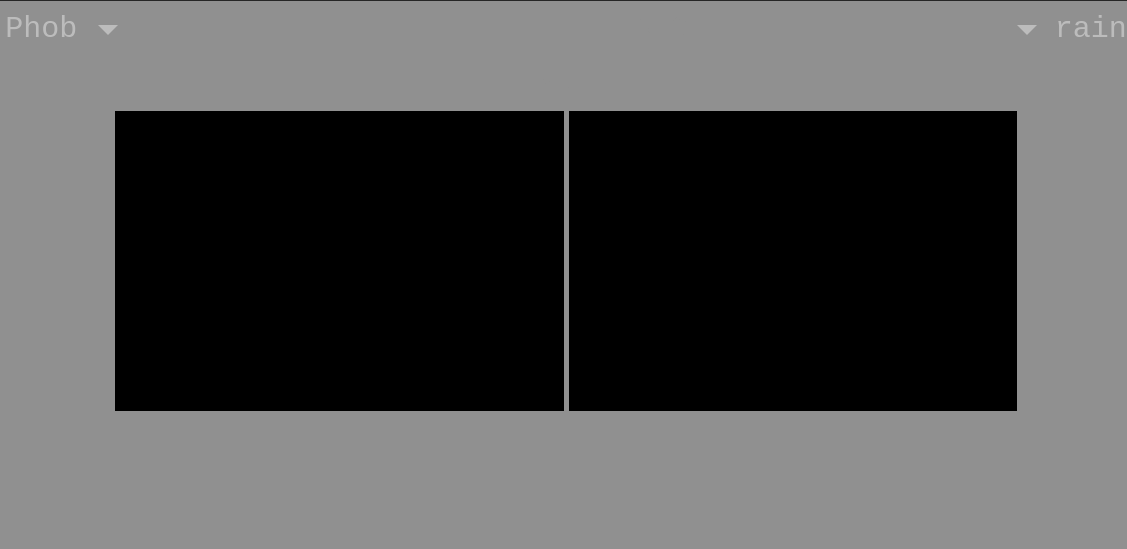
This sizes the image but without the data (black square for toDataURL w/ image/jpeg) in FF, but not Chrome and Safari:
   var canvas = document.createElement( 'canvas' );
   canvas.width = width;
   canvas.height = avail_height;
   var context = canvas.getContext( '2d' );
   // Tried/failed: Fill white background for JPEG export
   //context.fillStyle = '#fff';
   //context.fillRect(0, 0, canvas.width, canvas.height);
   context.drawImage( imgsrc, 0, 0, canvas.width, canvas.height);
   context.lineWidth = 150; // ??
   img.src = canvas.toDataURL('image/jpeg', 0.92);
   img.onmousedown = disableDragging; // for FF
   img.style.opacity = "1.0"
The page is the view.html one gets to via Enter on phobrain.com.
被選擇的解決方法
Hi,
The people who answer questions here, for the most part, are other users volunteering their time (like me), not Mozilla employees or developers. If you want to leave feedback for developers, you can go to the Firefox Help menu and select Share ideas and feedback…. Alternatively, you can use this link. Your feedback gets collected by a team of people who read it and gather data about the most common issues.
You can also file a bug report or feature request. See File a bug report or feature request for Mozilla products for details.
從原來的回覆中察看解決方案 👍 0所有回覆 (8)
選擇的解決方法
Hi,
The people who answer questions here, for the most part, are other users volunteering their time (like me), not Mozilla employees or developers. If you want to leave feedback for developers, you can go to the Firefox Help menu and select Share ideas and feedback…. Alternatively, you can use this link. Your feedback gets collected by a team of people who read it and gather data about the most common issues.
You can also file a bug report or feature request. See File a bug report or feature request for Mozilla products for details.
Thanks! Closing again.
I'm leaving it as bug 1 against my app, since other browsers work ok:
由 phobrain 於 修改
Hmm, the images look fine to me. Maybe I didn't see any that changed from PNG/WebP to JPEG.
I don't think it has to do with formats changing, just rescaling. Fwiw the public site is serving webp. (My impression is that in the canvas the image loses its original format, so you could data-url it as anything.)
I wonder why it works for you? It's the same for me whether I serve it locally (as .jpg/.webp) or on the public site. See Screenshot.
FF version: 140.0.4 (64-bit)
Update: it works on the public site from another linux box with FF 139.0.4. Update: Also on the 2nd system after updating FF to 141.0.3.
Is there a setting that blanks images when copying to canvas?
由 phobrain 於 修改
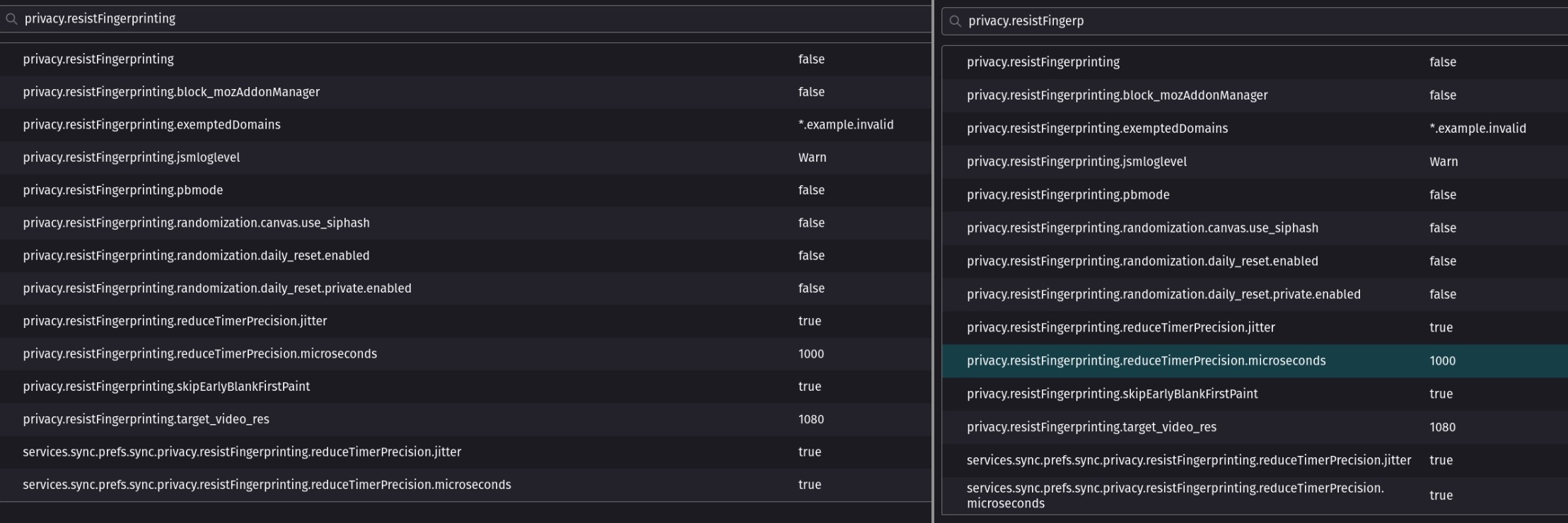
The main setting known to interfere with canvas manipulation is the privacy.resistFingerprinting preference. When it is modifying image extraction from a canvas, there will be a special button next to the lock icon in the address bar to make a site exception.
It looks like the resistFingerprinting options are the same on both FF's. No lock icon. Can I dump settings to text for diff?
phobrain said
Can I dump settings to text for diff?
Try comparing the respective prefs.js files. Many of the entries are just timestamps, but some are customized settings.
The settings didn't yield anything, but I saw FF was at 141.0.3 on disk, so I restarted it, and coming up in the new version, images are displaying ok. Thanks for the help!