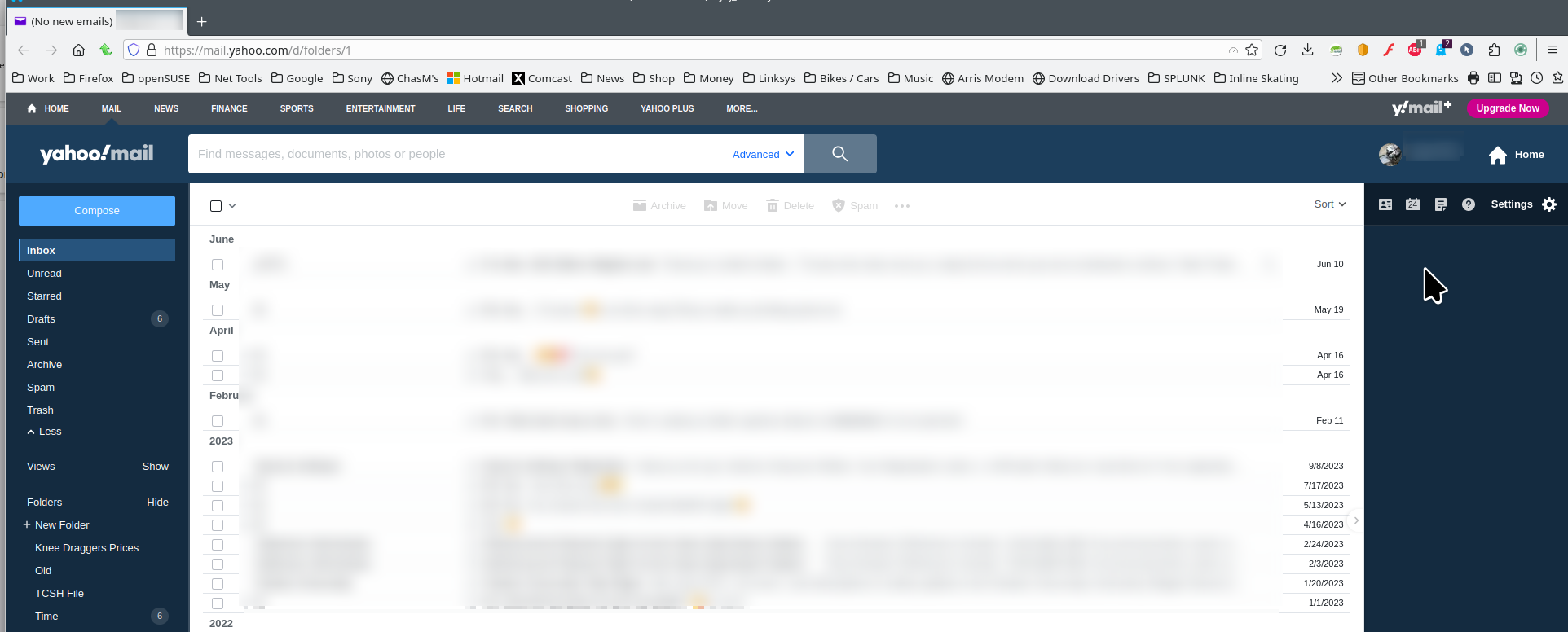
Unable to view Yahoo email

This is the second time I have put this forward. Using Firefox on Windows 10, I am unable to view yahoo emails. I get a white screen with a black bar across the top. Yahoo will tell me I have "5 unread messages". If I go into Yahoo using Edge, I can view the emails (which is why I think it must be a Firefox problem, but I may be mistaken. The one response was to empty the cache and such, which I have done and it doesn't help. Does Firefox not empty its cache each time I leave the site?
If this is a Firefox/Yahoo interactive problem, I apologize - it may be something about Yahoo. I have wandered all over their support sections though, without finding a potential solution.
Thanks for any support/suggestions you can make.
所有回覆 (1)

I have no issues with yahoo. see screenshot What version of Firefox? Did you try with Firefox in Troubleshoot Mode? https://support.mozilla.org/en-US/kb/diagnose-firefox-issues-using-troubleshoot-mode#w_how-to-start-firefox-in-4troubleshoot-modesf5safe-modesf Did you clear your browser cache? https://support.mozilla.org/en-US/kb/clear-cookies-and-site-data-firefox Windows home or pro? If Windows Pro version, try testing in Windows Sandbox (VM) to see if you have the same issue. https://www.howtogeek.com/399290/how-to-use-windows-10s-new-sandbox-to-safely-test-apps/