Problem for import booksmark in firefox- ubuntu

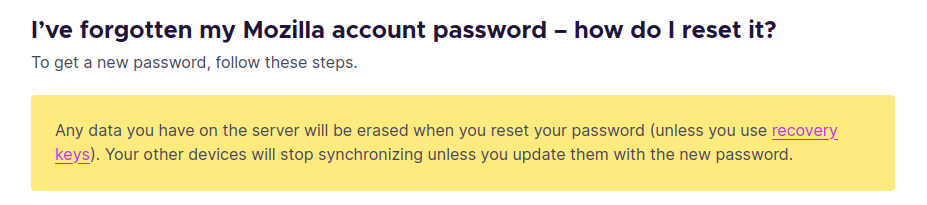
Hi, I have problem for import my bookmark. I installed firfox from snapstore. i uninstall it and then again installed it from snapp store. after re-installing i want to signin in my account and then import my bookmarks & passwords. so i enter my email(i always use this email) but for the password i forgoted it so i click on change password and change it so i entered to my account with new password now here my problems started : i cant import data ! there is nothing! why? :( in another try i cick on import browser data it shows me this options import bookmarks from html or csv file. but i dont have these files! so my question is how can i import my previouse booksmarks and password ?! i really need them :(
thankyou for your help!
Ubuntu 24.04.1 LTS - my firfox version : 133.0 (64-bit)
由 Negin 於 修改
所有回覆 (1)
Negin said
but for the password i forgoted it so i click on change password and change it so i entered to my account with new password now here my problems started
Sorry, but if your data was not backed up or on another device, there is nothing we can do. https://support.mozilla.org/en-US/kb/ive-lost-my-firefox-sync-account-information