


Bookmark sidebar reset width size after closing Firefox

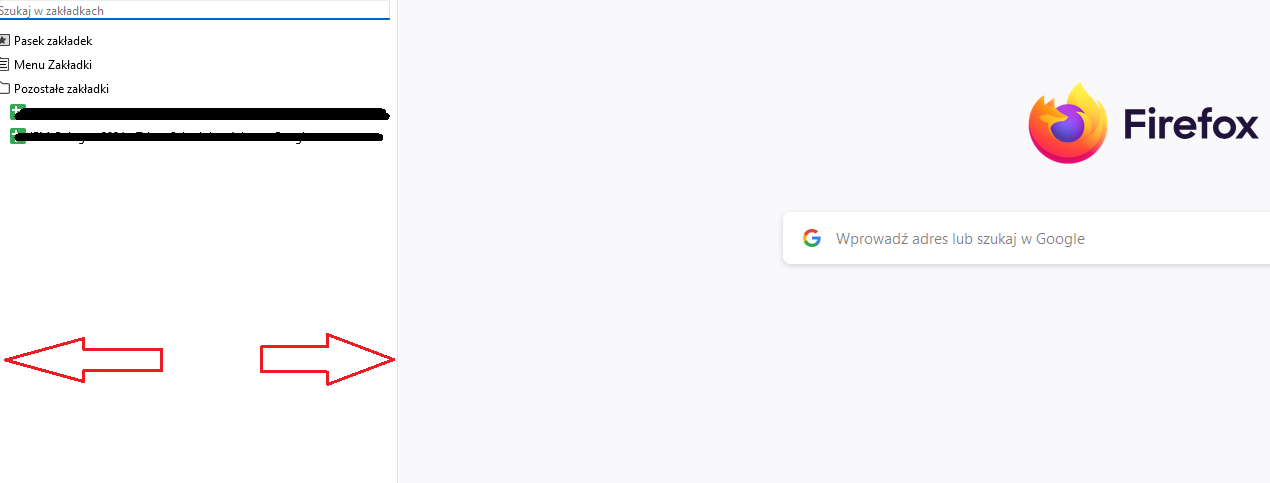
After last update, when I open the bookmark sidebar (CTRL+B) and change its size (width), and then close Firefox, sidebar's width change to previous size.
How to fix it?
所有回覆 (6)
Could be a problem with sessionstore.jsonlz4 as that is where the sidebar state is now saved (xulstore.json is no longer used). Are you disabling session restore somehow?
Unfortunately, still the same situation...
由 M 於 修改
Do you at least keep pinned tabs if you close and restart Firefox? You aren't using Private Browsing mode?
 sidebar:
  style:-moz-box-ordinal-group: 1; order: 2; width: 315px;;
I see this data in the current session state if I check this in the Browser Console.
/* Session data - GET/SET State */
ssj = SessionStore.getBrowserState(); // get Current Session State
ssj = prompt("Copy Current Session State to SAVE\n\n Press ESC or click Cancel to ABORT", ssj||"");You can look at this tool to inspect a compressed jsonlz4 sessionstore file. This tool works locally, no uploading is done.
OK, now I understand. Is there any option to fix sidebar width, but WITHOUT opening previous windows and tabs? Just open the browser, load "clear" page, press CTRL+B and thats it.
Currently not as far as I know. You can consider to clear the history yourself before closing Firefox and let session restore do its thing.
They are considering to save the sidebar state in a pref that acts as a fallback for cases like this, but this won't allow to save the sidebar state per window (bug 1908019).