


savefrom.net

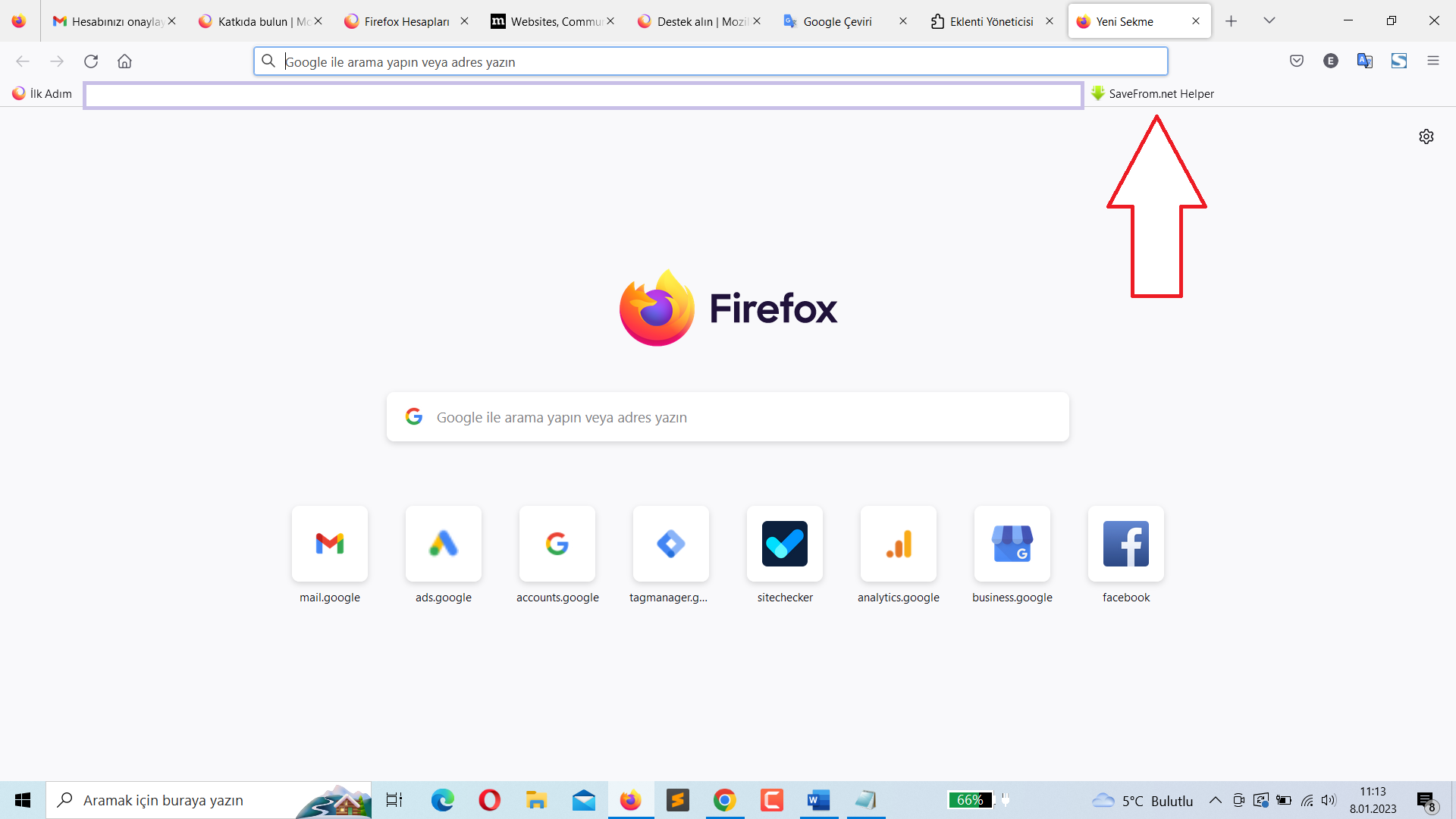
Hello there; I had installed the "savefrom.net" extension. This extension automatically generated the website address to the "bookmarks toolbar". I deleted the extension and deleted the shortcut as well. But when the bookmarked website shortcut "firefox" is closed and reopened, it adds itself to the bookmarks toolbar again. No matter what I did, it didn't work. I don't want to delete Firefox completely and reinstall it. Because there are too many shortcuts and data that I use all the time. How do you think I can solve this problem?
被選擇的解決方法
There are two ways that Enterprise Policies can be applied to Firefox for Windows:
(1) Through the Windows Registry (2) Through a policies.json file in the Firefox programs folder
Is this a work computer managed by an IT department?
I don't want to create a problem by suggesting options that would remove company policies. (We would only want to get rid of the bookmark policy.)
For future reference:
- Customizing Firefox Using Group Policy (Windows) (adds to the Registry)
- Customizing Firefox Using policies.json
所有回覆 (7)
Do you use Sync? With Firefox closed, I would look in task manager to see if there is a process running.
Thank you for the idea. I looked in the task manager and I didn't see any activity related to it. The problem persists.

It sounds like malware. This support article may help.
https://support.mozilla.org/en-US/kb/troubleshoot-firefox-issues-caused-malware
There are not that many ways that a bookmark could get added to Firefox. One is an add-on. Hopefully you have well and truly flushed any add-on doing this.
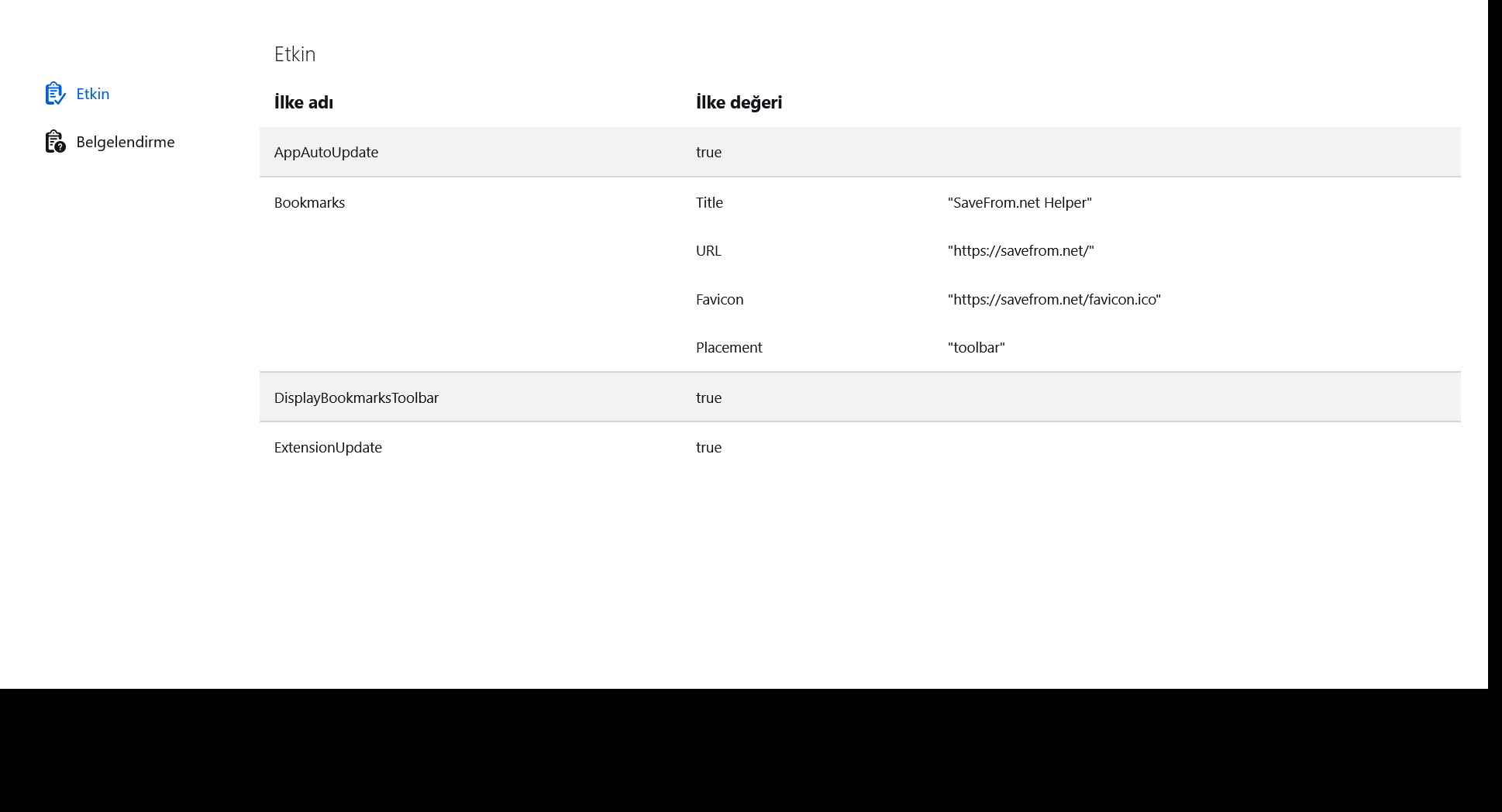
Another is a code file that Firefox reads at startup which does the deed. As a starting point for investigation, could you type or paste about:policies in the address bar and press Enter to load the About Policies page. What you normally see is Active in blue, and "The Enterprise Policies service is inactive."
How about on your Firefox?

Hello @jscher2000; Your answer to my question below will seem like a solution. I added a screenshot. He added himself where you said. How can I remove it from here? Is there a resource on this? I am writing to you with google translate.
選擇的解決方法
There are two ways that Enterprise Policies can be applied to Firefox for Windows:
(1) Through the Windows Registry (2) Through a policies.json file in the Firefox programs folder
Is this a work computer managed by an IT department?
I don't want to create a problem by suggesting options that would remove company policies. (We would only want to get rid of the bookmark policy.)
For future reference:
- Customizing Firefox Using Group Policy (Windows) (adds to the Registry)
- Customizing Firefox Using policies.json
Thank you jscher2000. My personal computer. I solved the problem. with policies.json