


Random web pages coming up blank/failing to load

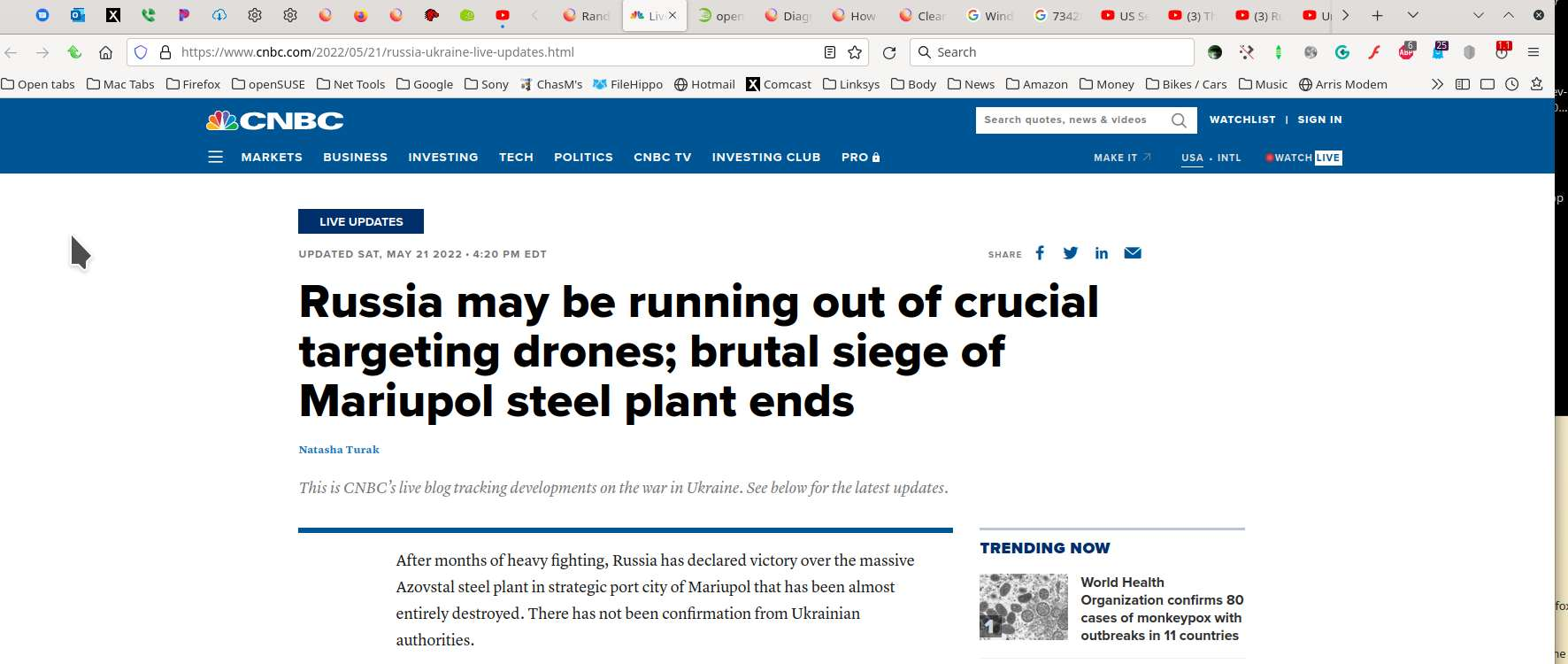
When I try to load random web pages on some well known websites, some load, and then turn blank.
For example: https://www.cnbc.com/2022/05/21/russia-ukraine-live-updates.html
This happens at random, it seems. Most of my browsing seems to work fine.
Reloading doesn't help.
Troubleshooting mode doesn't help.
所有回覆 (2)

What security software are you running? Do yo have the same issue under a different Windows account? Did you try Windows in Safe Mode with networking? Did clearing the browser cache help?
由 jonzn4SUSE 於 修改
That page loads without any apparent issue in my browser. Creating a new profile is a quick way of testing whether the issue is caused by your profile or software.
https://support.mozilla.org/en-US/kb/diagnose-firefox-issues-using-troubleshoot-mode#w_the-problem-happens-in-21troubleshoot-modesf22safe-modesf https://support.mozilla.org/en-US/kb/troubleshoot-extensions-themes-to-fix-problems (also deals with hardware acceleration) https://support.mozilla.org/en-US/kb/profile-manager-create-remove-switch-firefox-profiles
If you have visited the site previously, you could try removing cookies and site data and clearing the cache.
https://support.mozilla.org/en-US/kb/clear-cookies-and-site-data-firefox https://support.mozilla.org/en-US/kb/how-clear-firefox-cache