


Hindi Text is not rendering in browser.
Hindi Text is not rendering in Tor browser. My laptop has Hindi font installed.
所有回覆 (5)
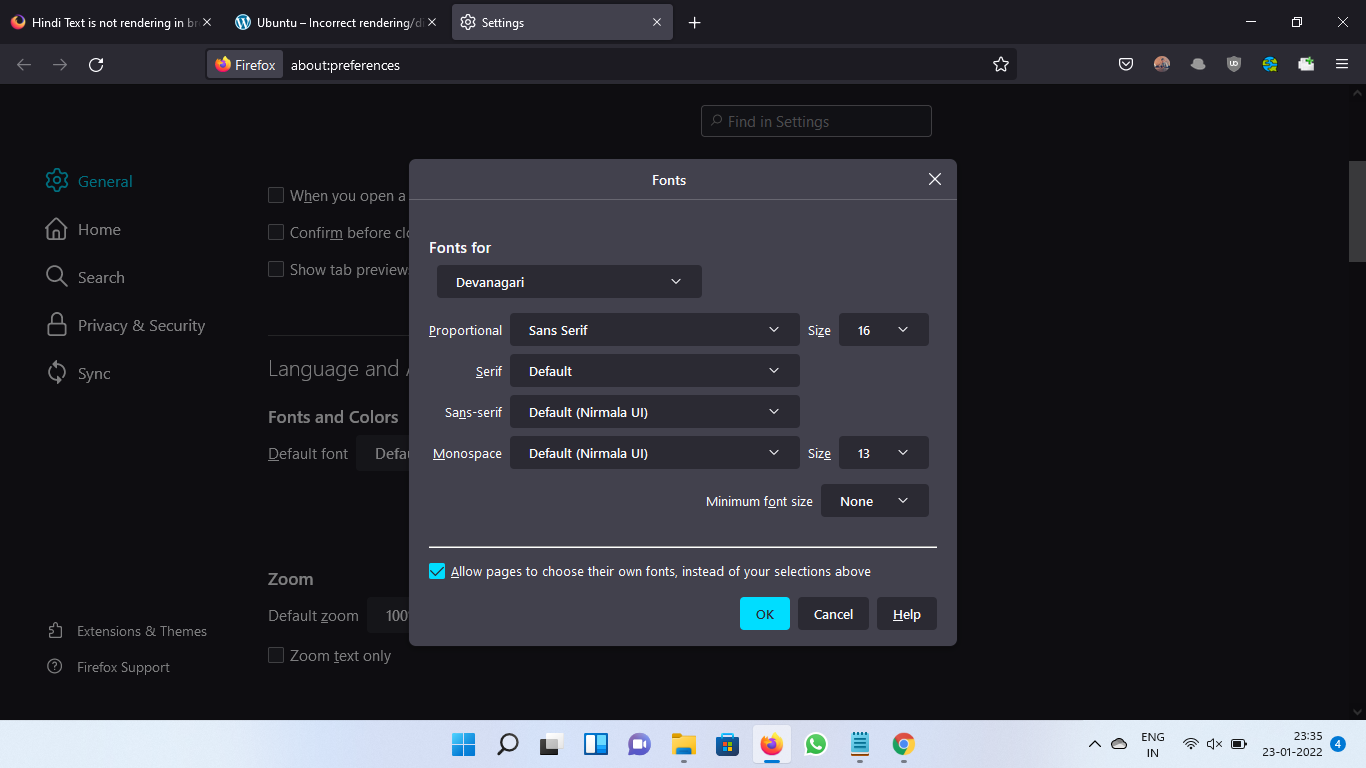
Check if it is installed on your browser too,
- Go to Settings,
- Then In general tab you will find Language and Appearance option,
- Click on advanced option,
- Choose Devanagri from fonts from dropdown
- And, then check if it is same as my attached screenshot setting
Thank You.
Hi Shashank,
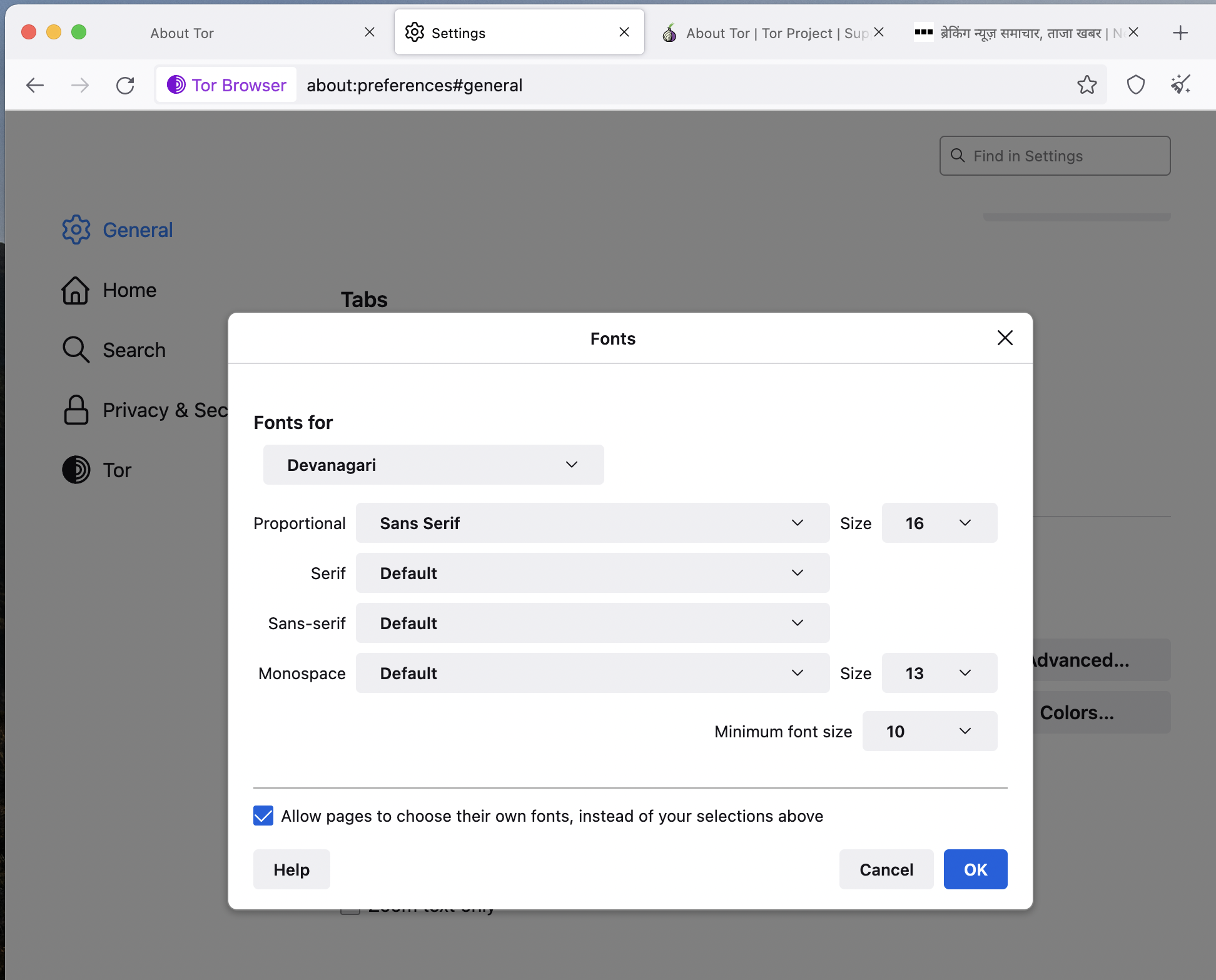
I have selected Devanagari and other field are same as yours. Still not able to render HIndi text.
Hi
This is something that the Tor browser support team will be able to help you with.
Hi Seburo,
Tor Browser is built on Firefox. Tor's Help page has redirected me here.
Seburo said
Hi This is something that the Tor browser support team will be able to help you with.
Note that Tor might disable locally installed fonts for privacy and resist fingerprinting reasons.
You can right-click and select "Inspect" to open the built-in Inspector with this element selected.
You can check in the Rules tab in the right panel in the Inspector what font-family is used for selected text. You can check in the Font tab in the right panel in the Inspector what font is actually used because Firefox might be using a different font than specified by the website.
由 cor-el 於 修改