


DIsable u block origin on certain websites

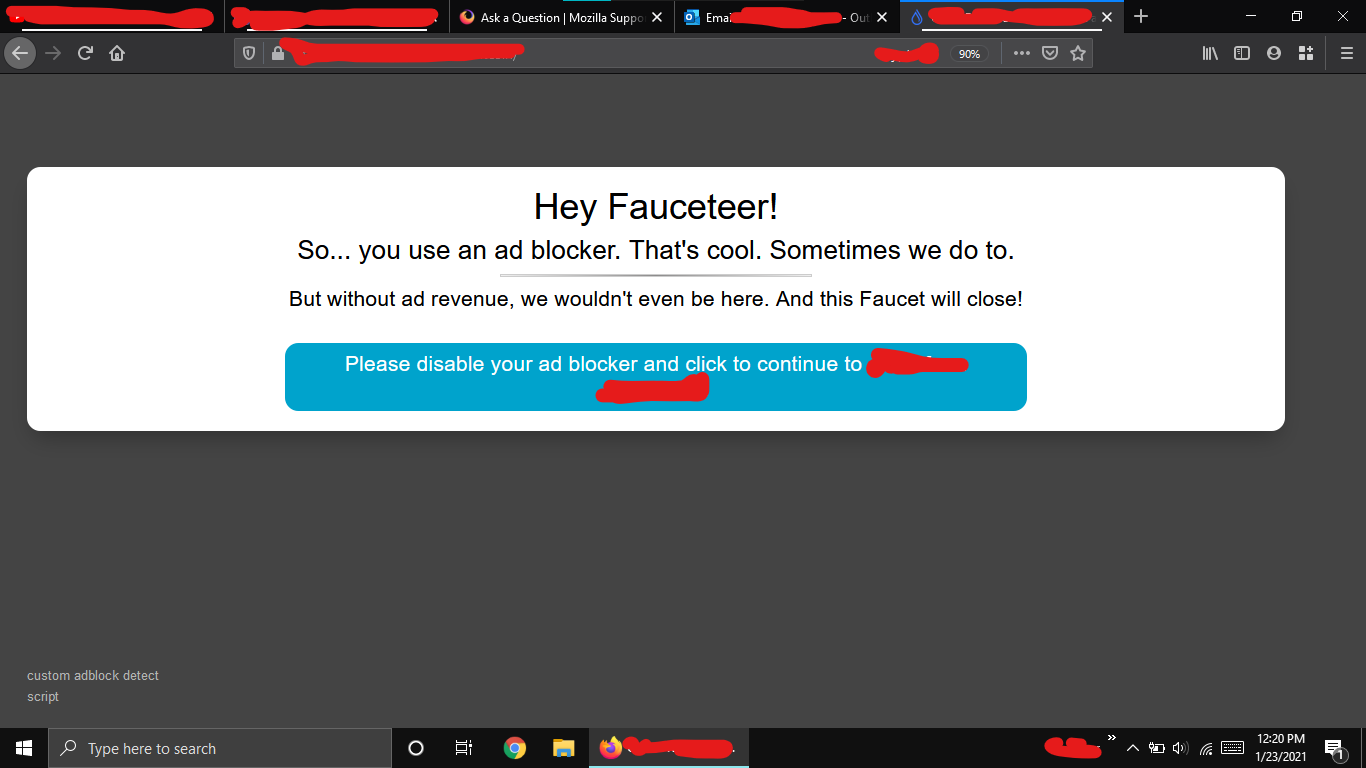
Some websites do not load if an ad-blocker extension is enabled. In FireFox Windows Browser, how do I disable u block origin on some certain websites? I don't want to disable ad-blocker and then enable it again and again.
所有回覆 (3)
選擇的解決方法
Just hit the powerbutton on the addon. it will save on which website you are. And will be turned off on revisiting
Where is the power button? I just want to turn off Ad Blocker for some sites
Note that if you disable UBO that the builtin Firefox Enhanced Tracking Protection may instead block content that was previously blocked by UBO and thus hidden from ETP.
Firefox shows a purple shield instead of a gray shield at the left end of the location/address bar in case Enhanced Tracking Protection is blocking content. You can click shield icon for more detail and possibly disable the protection. You can check the Web Console for messages about blocked content.
- https://support.mozilla.org/en-US/kb/enhanced-tracking-protection-firefox-desktop
- https://support.mozilla.org/en-US/kb/trackers-and-scripts-firefox-blocks-enhanced-track
Content blocking extensions usually have a badge attached to its toolbar icon to show how many items are blocked (click the icon for more detail), so you can click the UBO icon on the Navigation Toolbar to disable UBO for this website.