


facebook container not working!
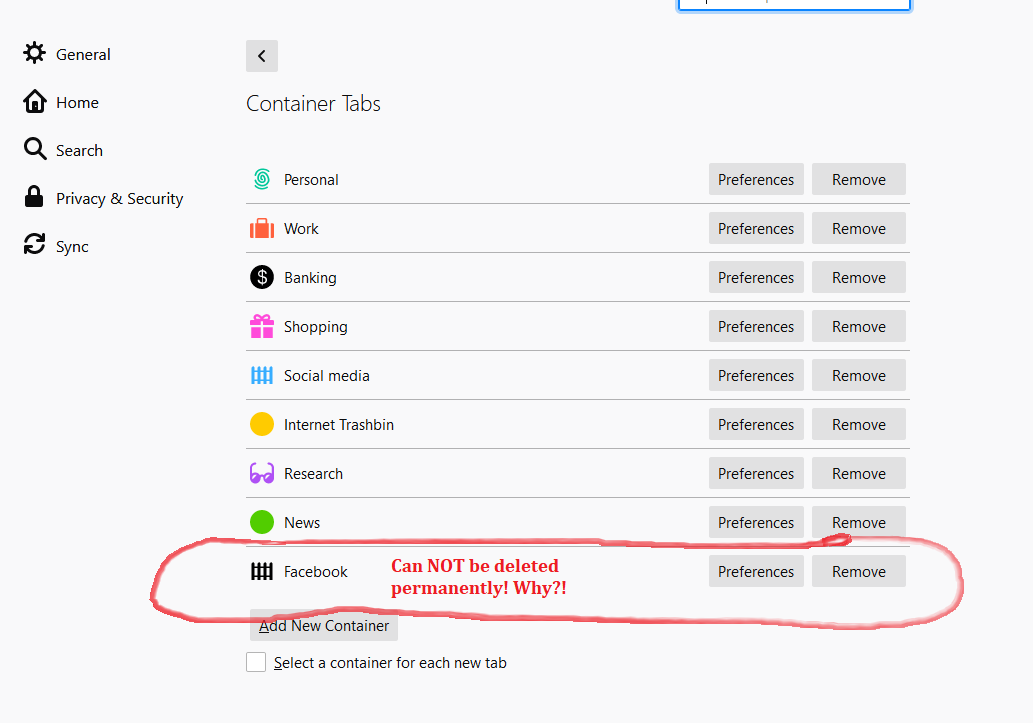
In the plugin "facebook Container" I have made a new "tab category" called "social media" with a blue sign. The problem is that firefox continues to open FB in the old category even if I delete it, which is also very hard to do as I have to close all my FB-tabs to be able to delete it in the options tab. Next time I use firefox or a few days later firefox has again undeleted the old FB category and again opens my FB tabs in black tabs instead of my new blue tabs. I can´t use my own new tab category as long as the old one is there and it keeps comming back after I delete it. Very annoying to say the least! Please fix this error as soon as posible, thank you.
所有回覆 (1)
That is how the Facebook Container extension works. All Facebook related pages will open in this container and you can't change this. You can open other pages in this container, but that reduces the protection this extension offers.
由 cor-el 於 修改