There is a small margin between the close button and the upper right corner of the screen Vol.2
Hi everyone,
A few months ago I had this question:
https://support.mozilla.org/en-US/questions/1217430
I had fixed this problem with the solution provided in the answer of that question back then. Unfortunately, after the firefox's 65 update has been installed, this fix with userChrome.css doesn't work anymore. Is there a way to fix this in firefox 65 for linux ?
被選擇的解決方法
所有回覆 (3)

Which userChrome.css did you use? Maybe the updated browser doesn't support the css you used and it needs to be updated.
選擇的解決方法
Try this selector to set the margin.
.titlebar-buttonbox toolbarbutton { }
cor-el said
Try this selector to set the margin.
.titlebar-buttonbox toolbarbutton { }
Firstly, thank you all for your replies.
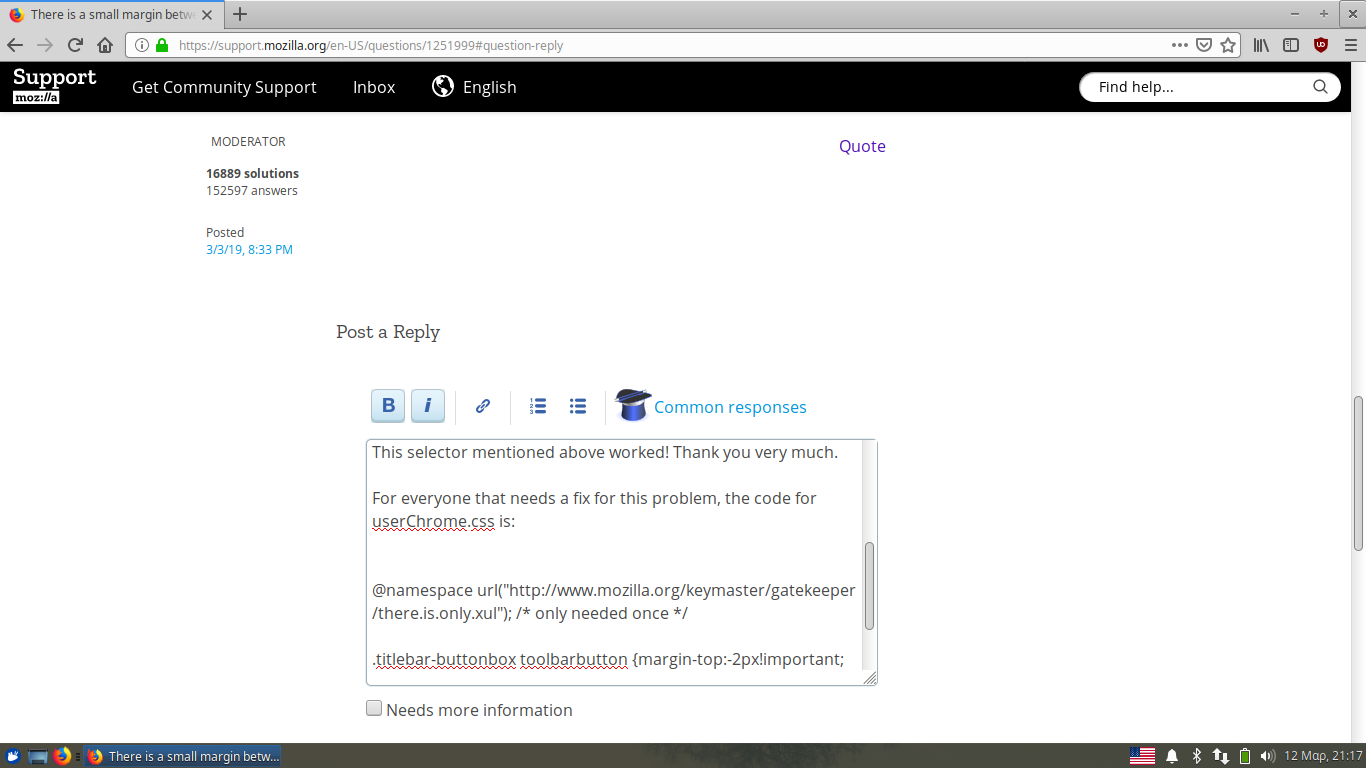
This selector mentioned above worked! Thank you very much.
For everyone that needs a fix for this problem, the code for userChrome.css is:
@namespace url("http://www.mozilla.org/keymaster/gatekeeper/there.is.only.xul"); /* only needed once */
.titlebar-buttonbox toolbarbutton {margin-top:-2px!important;
margin-right:-5px!important;}