


Windows 10 reached EOS (end of support) on October 14, 2025. For more information, see this article.

Tìm kiếm hỗ trợ

Tránh các lừa đảo về hỗ trợ. Chúng tôi sẽ không bao giờ yêu cầu bạn gọi hoặc nhắn tin đến số điện thoại hoặc chia sẻ thông tin cá nhân. Vui lòng báo cáo hoạt động đáng ngờ bằng cách sử dụng tùy chọn "Báo cáo lạm dụng".

Tìm hiểu thêm

Note pen not recognized in Naver search bar

  • Không có trả lời
  • 0 gặp vấn đề này
tuỳ chọn khác

FirefoxFast&PrivateBrowser app developer in charge.

Greetings.

This is donghyun from Samsung Electronics Application Quality Assurance team.

We test applications and site compatibilities for Samsung Android devices. Then we find bugs and mal-functions that are present.

Based on customer feedback we have received recently, the application available from the Google Play has come to our attention.

It seems that the application is not properly performing as expected. Application Name : FirefoxFast&PrivateBrowser Package Name : org.mozilla.firefox Application Version : 147.0.1

Issue Title Note pen not recognized in Naver search bar

Issue Procedure 1.Execute app 2.Access the Naver site > Select Serch > try writng with a pen 3.Check the screen

Frequency of Occurrence Always

Detected Device Group Galaxy S25 Ultra

Detected Device SM-S938N

Android OS Android16

Please reply to this email address: [edited email from public community support forum]
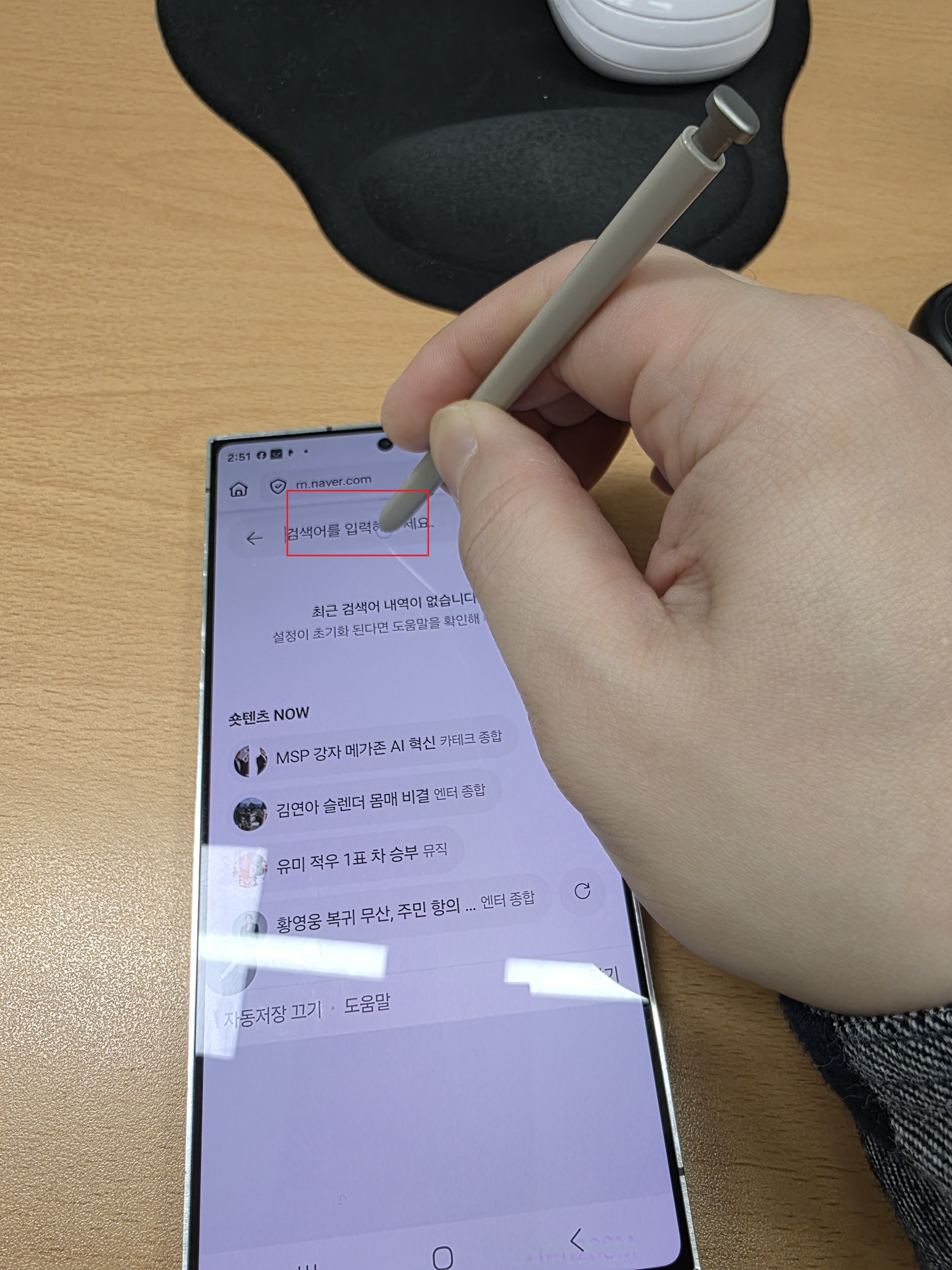
FirefoxFast&PrivateBrowser app developer in charge. Greetings. This is donghyun from Samsung Electronics Application Quality Assurance team. We test applications and site compatibilities for Samsung Android devices. Then we find bugs and mal-functions that are present. Based on customer feedback we have received recently, the application available from the Google Play has come to our attention. It seems that the application is not properly performing as expected. Application Name : FirefoxFast&PrivateBrowser Package Name : org.mozilla.firefox Application Version : 147.0.1 Issue Title Note pen not recognized in Naver search bar Issue Procedure 1.Execute app 2.Access the Naver site > Select Serch > try writng with a pen 3.Check the screen Frequency of Occurrence Always Detected Device Group Galaxy S25 Ultra Detected Device SM-S938N Android OS Android16 Please reply to this email address: [edited email from public community support forum]
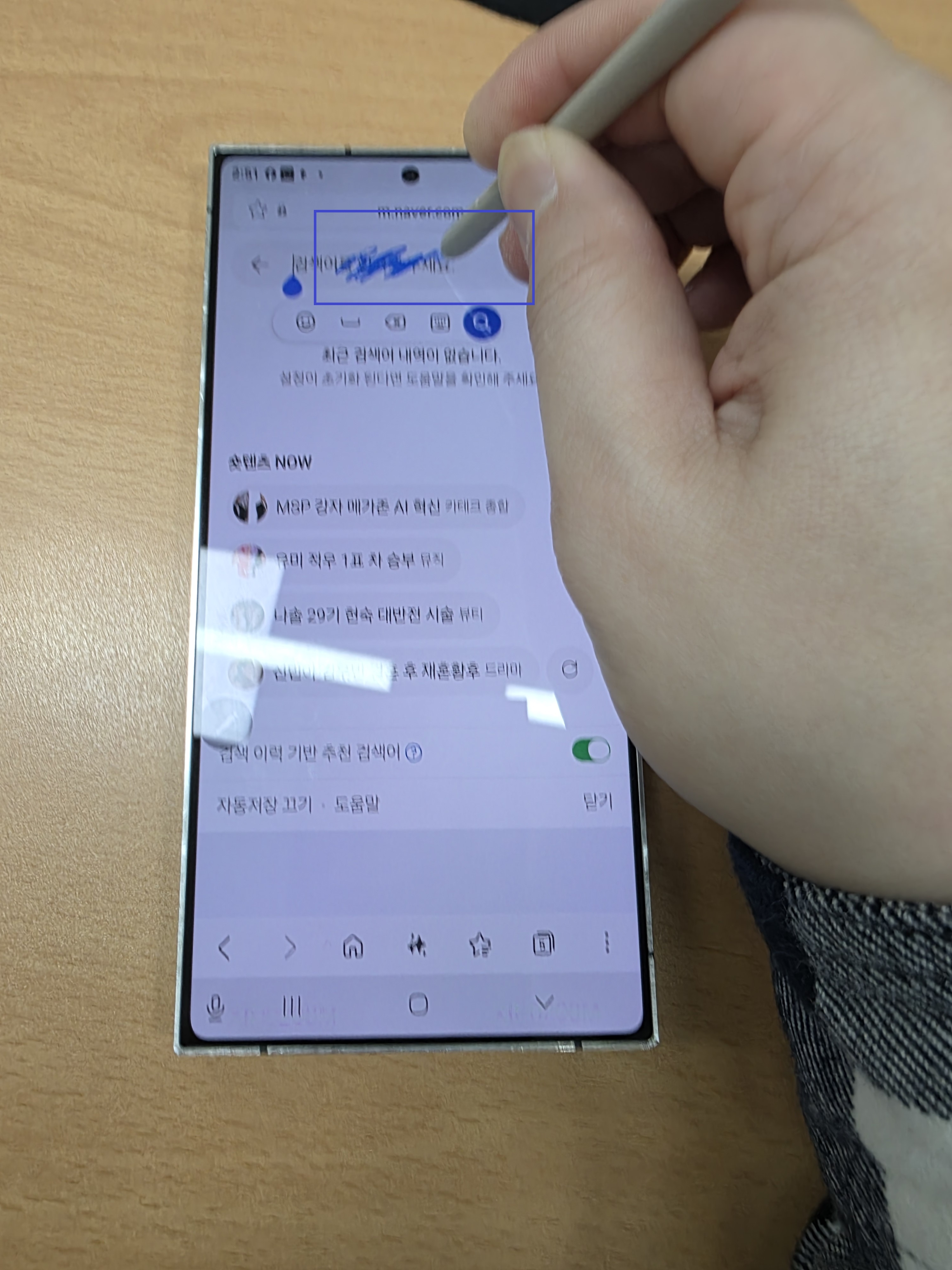
Đính kèm ảnh chụp màn hình

Được chỉnh sửa bởi James vào

Bạn phải đăng nhập vào tài khoản của bạn để trả lời bài viết. Vui lòng bắt đầu một câu hỏi mới, nếu bạn chưa có tài khoản.