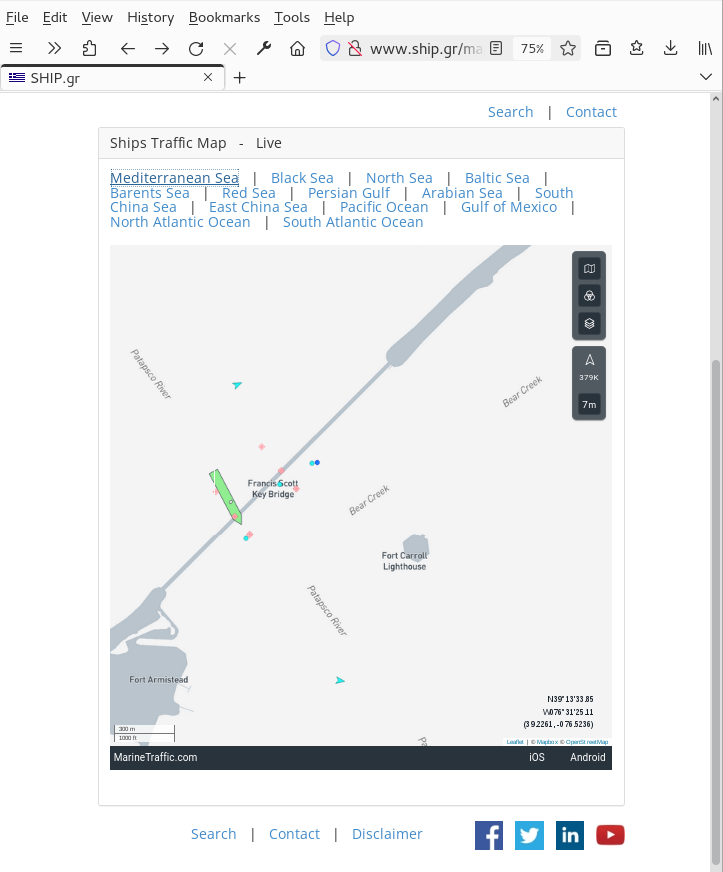
Embed map does not appear anymore, after last update.

Dear Support Team,
Embed map does not appear anymore, after last update of Firefox browser: http://www.ship.gr/map.html
It appears normally in all other browsers. Thank you and best regards Antony ship@ship.gr
Tất cả các câu trả lời (6)
Can you show what you're seeing? Did you try with Firefox in Troubleshoot Mode? Here is what I see before Troubleshoot Mode. see screenshot
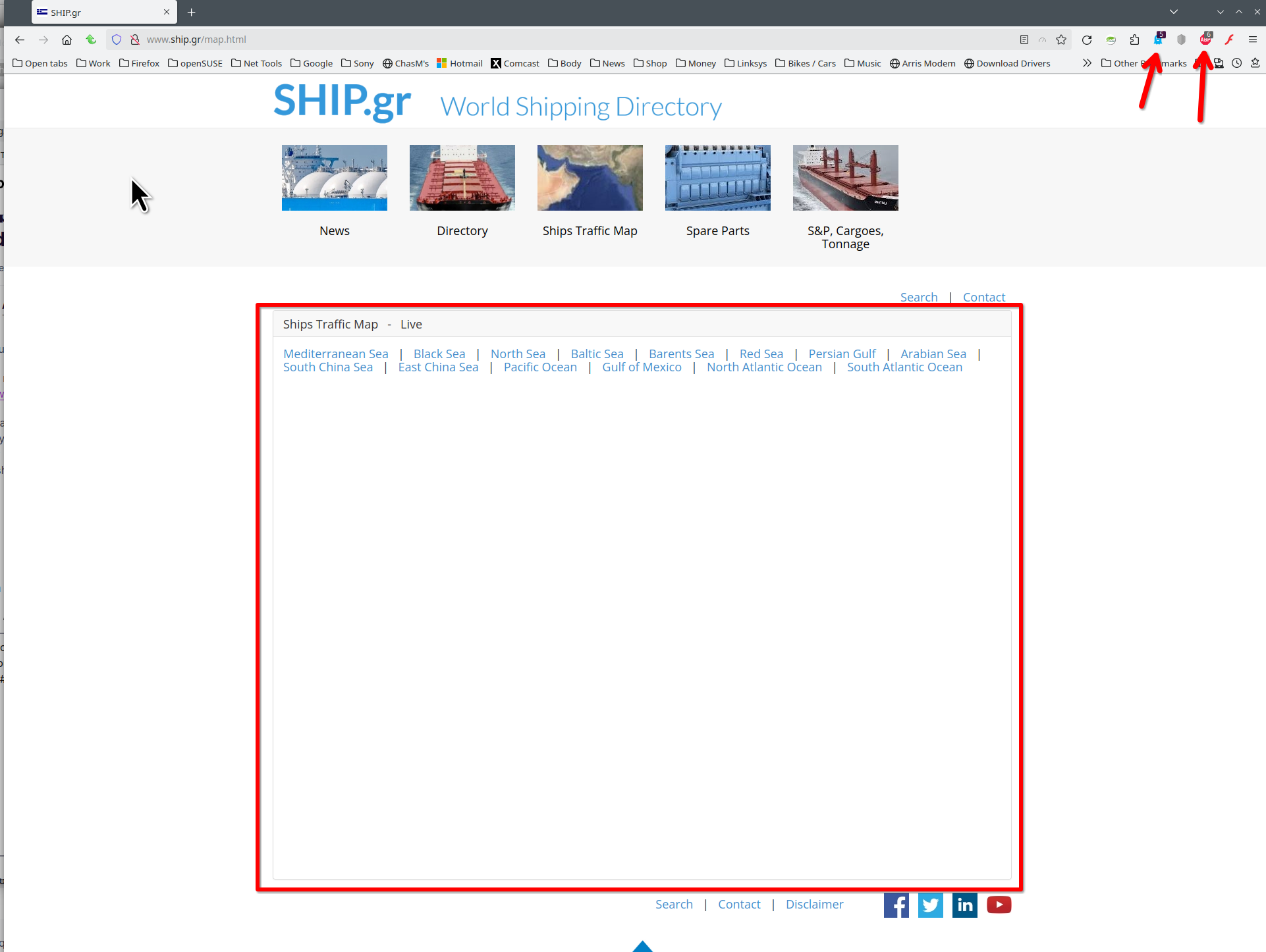
Được chỉnh sửa bởi jonzn4SUSE vào
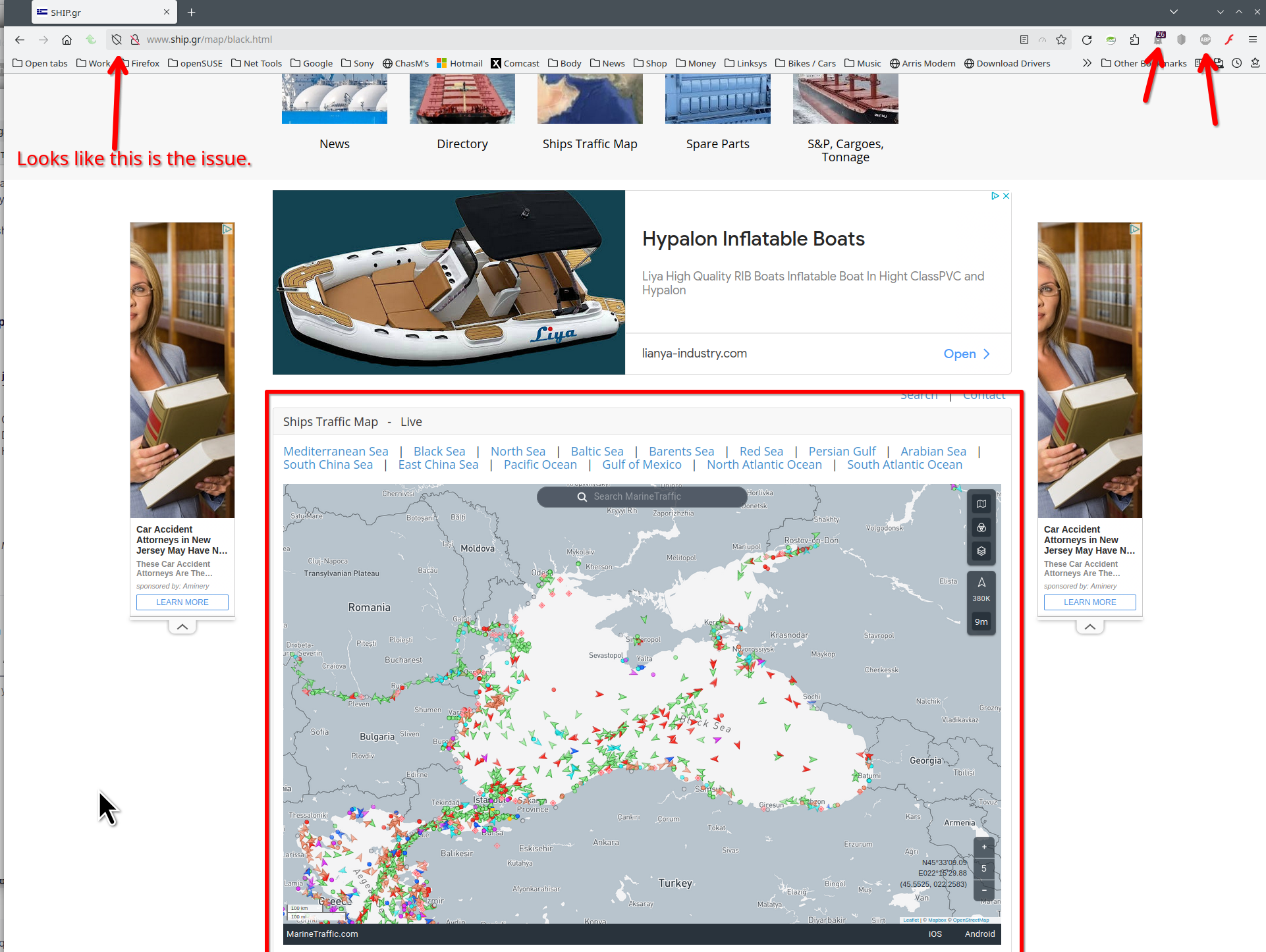
I say it's an ETP issue. With my adblocker and ghostery on the site works. see screenshot I already sent a report to the ETP team.
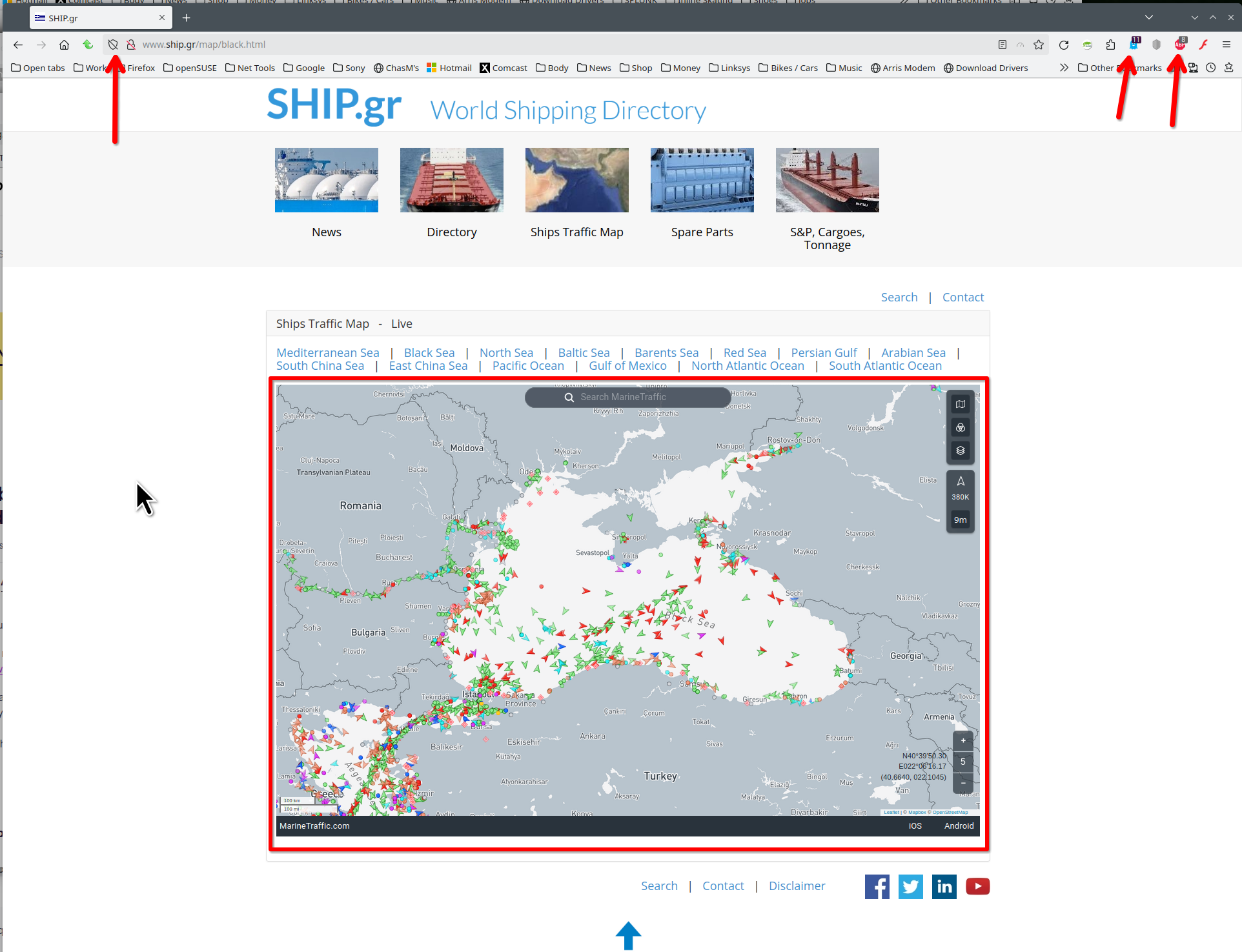
Được chỉnh sửa bởi jonzn4SUSE vào
Thank you for your prompt reply. I can't find ETP. The map was appearing for years. Now it doesn't.
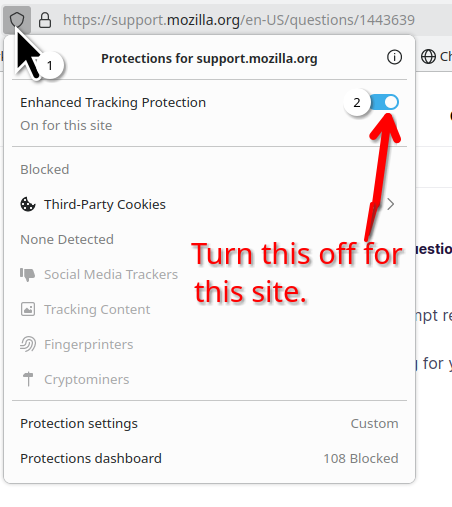
No problems here with showing this map with ETP enabled.
You can check the Web Console for relevant-looking messages.
The map is drawn on canvas, so make sure you do not block this. Also make sure that you aren't using "Resist Fingerprinting".
Did you try Troubleshoot Mode ?
Start Firefox in Troubleshoot Mode to check if one of the extensions ("3-bar" menu button or Tools -> Add-ons -> Extensions) or if hardware acceleration or if userChrome.css/userContent.css is causing the problem.
- switch to the Default System theme: "3-bar" menu button or Tools -> Add-ons -> Themes
- do NOT click the "Refresh Firefox" button on the Troubleshoot Mode start window