


Duolingo's audio doesn't work fine

Since a few days I have a problem with Duolingo. When I Play the the vocals the audio "fries". The problem there is ONLY with Firefox. On Chrome and other browers the audio works perfecly.
Tất cả các câu trả lời (9)

Please provide a public link (no password) that we can check out. No Personal Information Please !
Make sure you are not blocking content.
https://support.mozilla.org/en-US/kb/enhanced-tracking-protection-firefox-desktop also see https://blog.mozilla.org/security/2021/03/23/introducing-smartblock/
https://support.mozilla.org/en-US/kb/smartblock-enhanced-tracking-protection
Diagnose Firefox issues using Troubleshoot(Safe) Mode {web link}
A small dialog should appear. Click Start In Troubleshoot(Safe) Mode (not Refresh). Is the problem still there?
Many site issues can be caused by corrupt cookies or cache.
Warning ! ! This will log you out of sites you're logged in to. You may also lose any settings for that website.
- How to clear the Firefox cache {web link}
FredMcD said
Please provide a public link (no password) that we can check out. No Personal Information Please !
Do you mean Duolingo's website? This: https://www.duolingo.com/learn
I already tried troubleshoot (safe mode), and the problem is still there.
I also tried to delete cache, and Duolingo's cookies (just their cookies)
And the part under; Make sure you are not blocking content ?
FredMcD ha detto
And the part under; Make sure you are not blocking content ?
I crossed out the tracking protection, and the problem is still there.
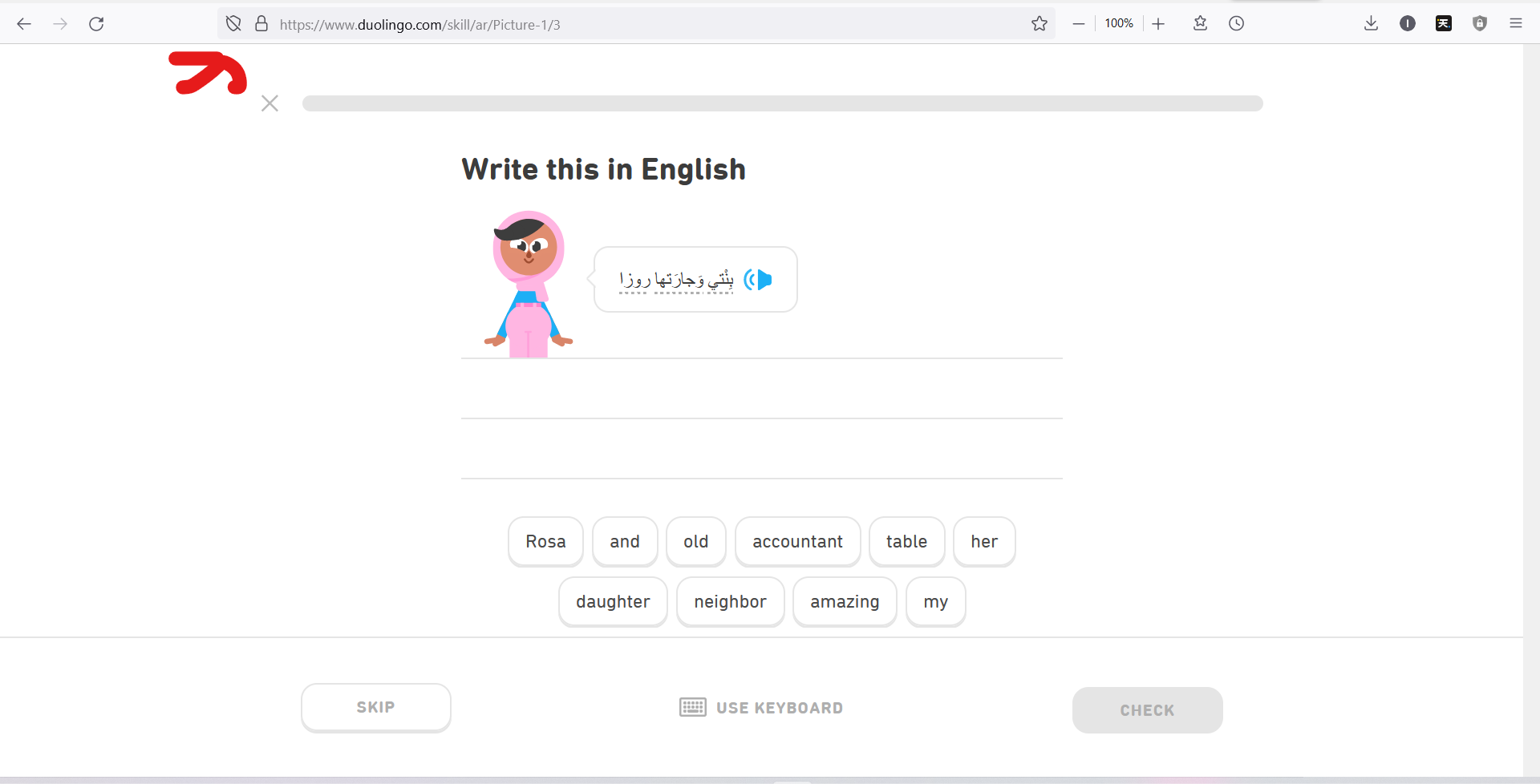
Have you checked the speaker by trying another website?
FredMcD ha detto
Have you checked the speaker by trying another website?
Of course, any website works fine.
I called for more help.