


No Emails received from Mozilla

Dear Support,
When I try to Login or Change Password there is no OTP Emails received from Mozilla contact emails.
I tried multiple way but still nothing received.
Chosen solution
Hi,
We have direct one-to-one support for Mozilla accounts (which is different from a peer-to-peer support forum like this one).
Please submit a new ticket from this page so our support agent can assist you further. They should be able to check if the emails were actually sent and investigate what's going on.
Read this answer in context 👍 0All Replies (7)
Hello,
For Passwordless login?
If you do not see the email:
- Check your spam or junk folder.
- Make sure you entered the correct email address.
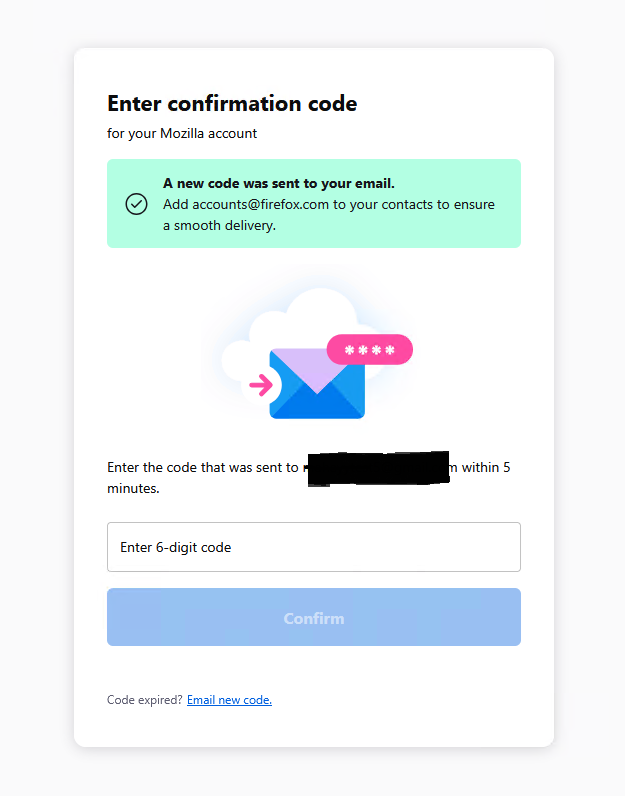
- Wait a few minutes and select Email new code.
If you still do not receive the code, try signing in again and carefully re-enter your email address.
More info Passwordless login for Mozilla accounts
I usually login to my account to sync firefox browser.
I click on account icon in browser then it open the login page. I enter email then it asked for password, after entering my password it show a window that email sent to my email with code.
the code never received even if I click resend code. also when try to change password the email not received too. and waited days not minutes :(
I check all my emails (note that my last use and success received code on last month). and checked if it in blocked or auto delete and not in. and I added "accounts@firefox.com" to my contact.
The message says
Enter two-step authentication code Check your authenticator app to confirm your sign-in.?
see pic
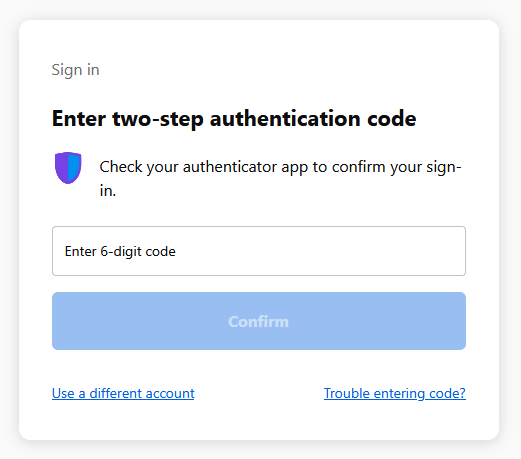
If yes you have Two-Step Authentication (2FA) enabled via an Authenticator App, not via email.
When the screen says Check your authenticator app to confirm your sign-in, Mozilla does not send an email code.
Instead:
- Open the authenticator app on your phone (e.g., Google Authenticator, Authy, or similar).
- Find the 6-digit code for your Mozilla/Firefox account.
- Enter that code on the login page.
Chosen Solution
Hi,
We have direct one-to-one support for Mozilla accounts (which is different from a peer-to-peer support forum like this one).
Please submit a new ticket from this page so our support agent can assist you further. They should be able to check if the emails were actually sent and investigate what's going on.
Thanks and I submitted ticket. I hope it can be solved. I'll close this thread if the ticket method solved my issue.