


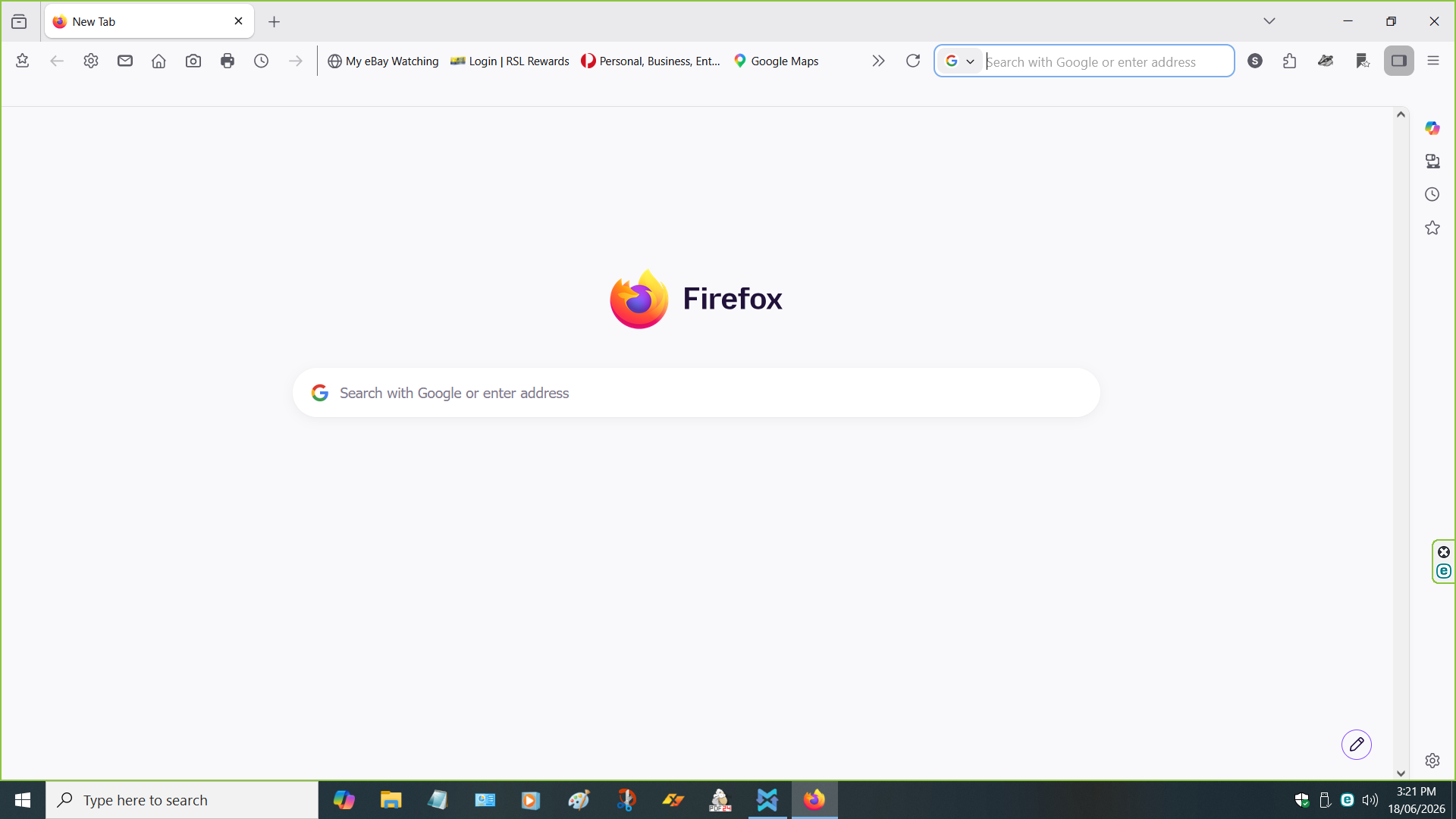
Since the last Update,Firefox has changed that much on my desktop ,How do I get RID OF Google search Bar from the Toolbar Section

Since Firefox update,it has changed that much on my desktop ,How do I get RID OF Google search Bar from the Toolbar Section it was nver there before & it is a PAIN Thanks Darryl
All Replies (3)
It is just a Search Bar as Google is set as your default search engine in use.
https://support.mozilla.org/en-US/kb/customize-firefox-controls-buttons-and-toolbars https://support.mozilla.org/en-US/kb/change-your-default-search-settings-firefox
Hello
Add the Search bar to your Firefox toolbar https://support.mozilla.org/en-US/kb/add-search-bar-firefox-toolbar
Other subject ? https://bugzilla.mozilla.org/show_bug.cgi?id=2012951, is it your question
https://connect.mozilla.org/t5/discussions/update-149-0-made-searching-more-difficult/td-p/120608
You can try 1 - Go to configuration editor https://support.mozilla.org/en-US/kb/about-config-editor-firefox 2 - Enter a search term browser.search.widget.new You can double-click on the preference to set the value to false
About, Firefox Home search field https://support.mozilla.org/en-US/questions/1583718