


Firefox Private Browsing hides stored logins

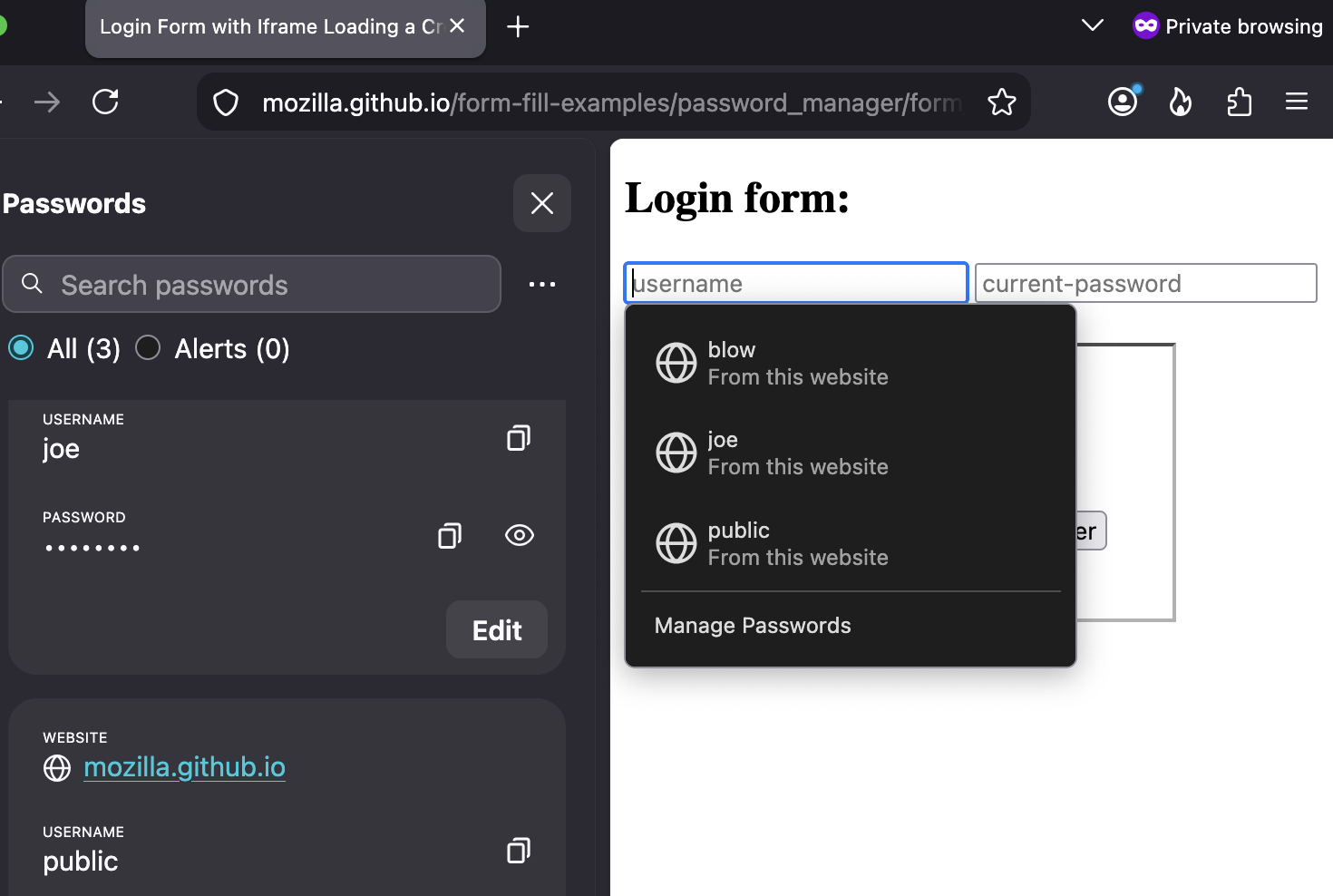
I am using FF Private browser for sensitive pages that I don't want tracked by my add-ons. However, a major annoyance is how stored passwords seem to be handled. E.g., when I try to login, and say I have 3 stored logins (all for the same URL), then FF private only offers one of them (chosen at random it seems), hiding the 2 others. Why in the f*ck does it do that? It just seems monumentally stupid and is a major usability hindrance. Tracking protection OK, but if this is the result then why bother. It makes the browser unusable.
All Replies (3)
Not if the login I want to use is not shown. It shows 1 out of 3. And even if, by chance, it would happen to show the login I want, then yes, I can log in, but it doesn't change the fact that 2 logins are hidden, which still constitutes a major design fault.
FWIW this is not "by design", if you're wondering:

shops127, if you click inside a login field do the other logins appear in a dropdown list? Or if you right-click instead, can you find them under "Use Saved Password"in the context menu?
Modified by TechHorse