Forum Post: Spam
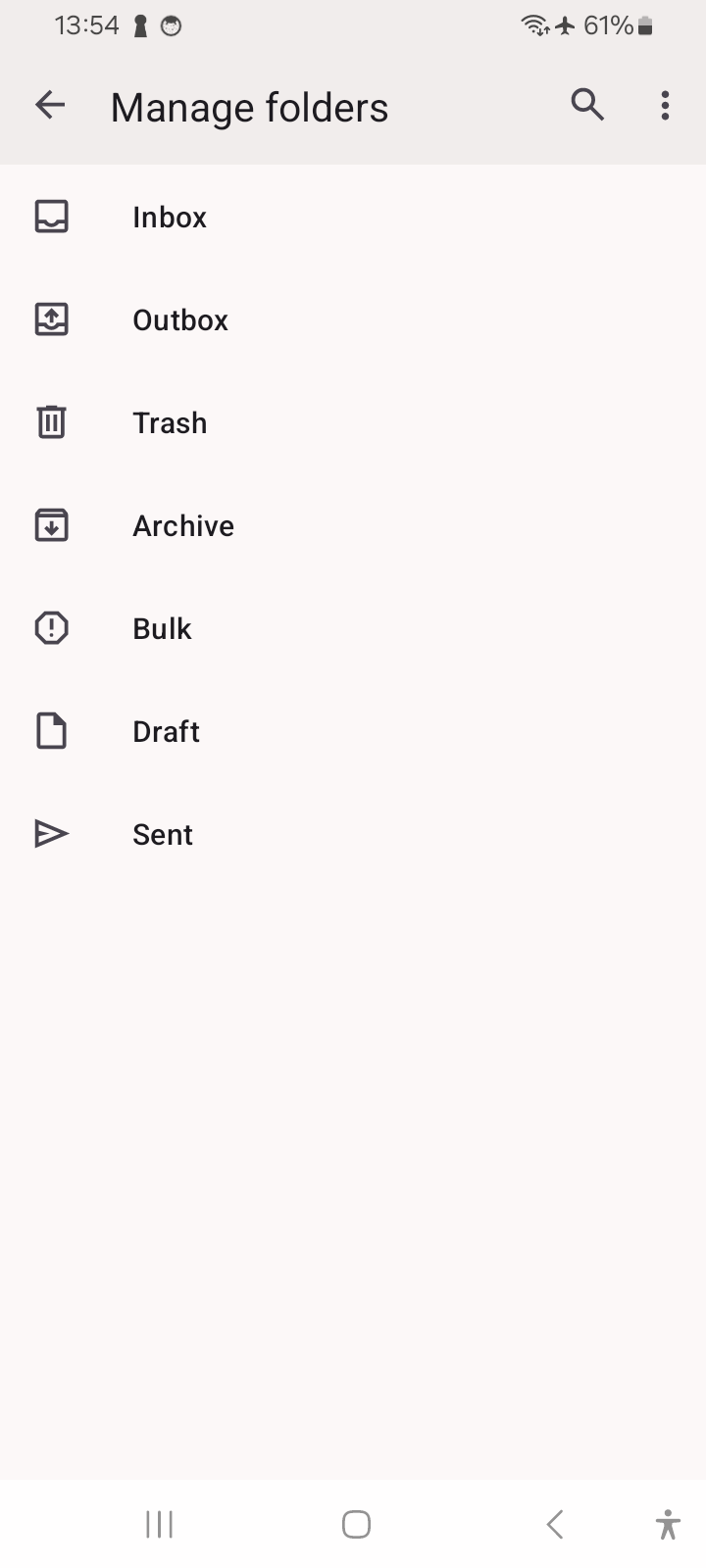
Android app is Missing Spam Folder. A Yahoo filter on the server moves important emails to the spam folder. The spam folder does not sync with my other folders. Yahoo places these messages inside the Thunderbird app but they cannot not be read, I cannot find the folder, I cannot sync the folder, and the app does not give any other option on the setting panel. On my phone I have to have both the Firebird and the Yahoo App to see all folders. How can I fix it_
Thank you.
All Replies (1)

The app only presents the imap folders provided by the server.
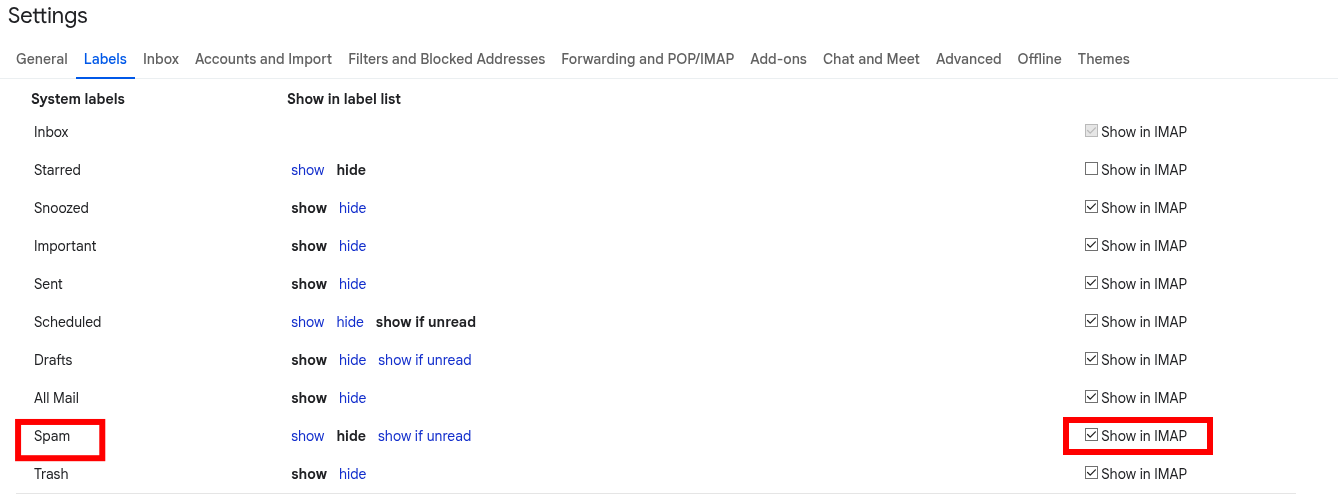
Some email providers allow users to configure which folders are available via imap. It's possible Spam is not enabled automatically on yours. See screen shot from gmail as example.
If you manage to enable.
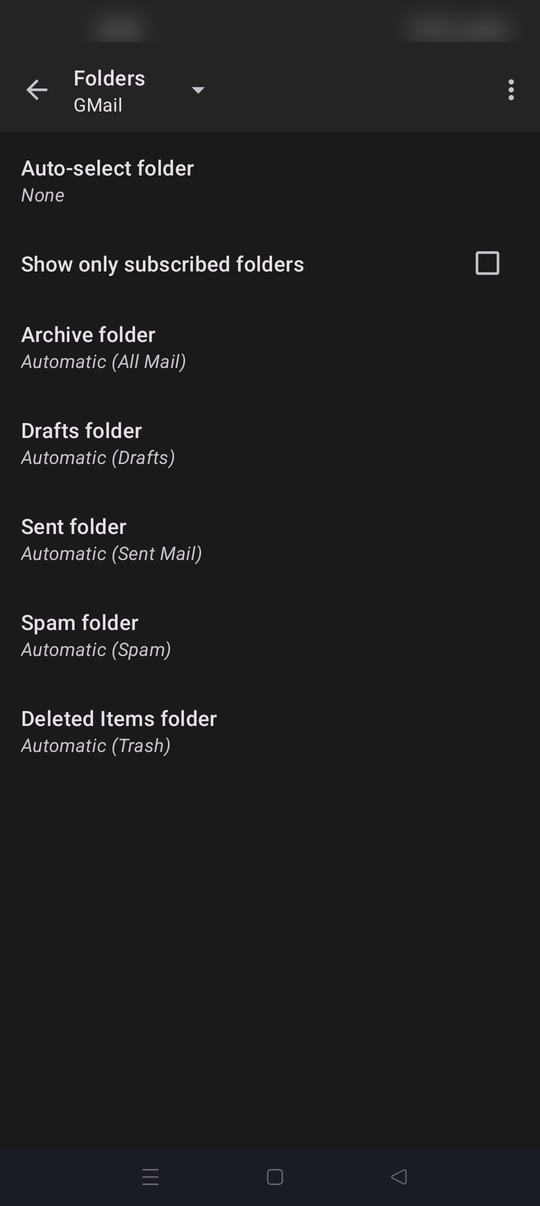
1. Refresh the folder list in TB from: Manage Folders > three dot menu. 2. Check the Imap spam folder is assigned correctly to TB's special folders. Navigate to settings > account name > folders (see screen shot)