


Secure Connection Failed

When following a link from a news website I keep getting this message - Secure Connection Failed - The page you are trying to view cannot be shown because the authenticity of the received data could not be verified. It loads on my iPhone and other browsers using the same link. What setting do I need to address to get this to stop?
All Replies (22)
Can you share the rest of the error message which is more important to understand what's happening, incl. any content of "advanced" sections that can be expanded?
This is all I get!
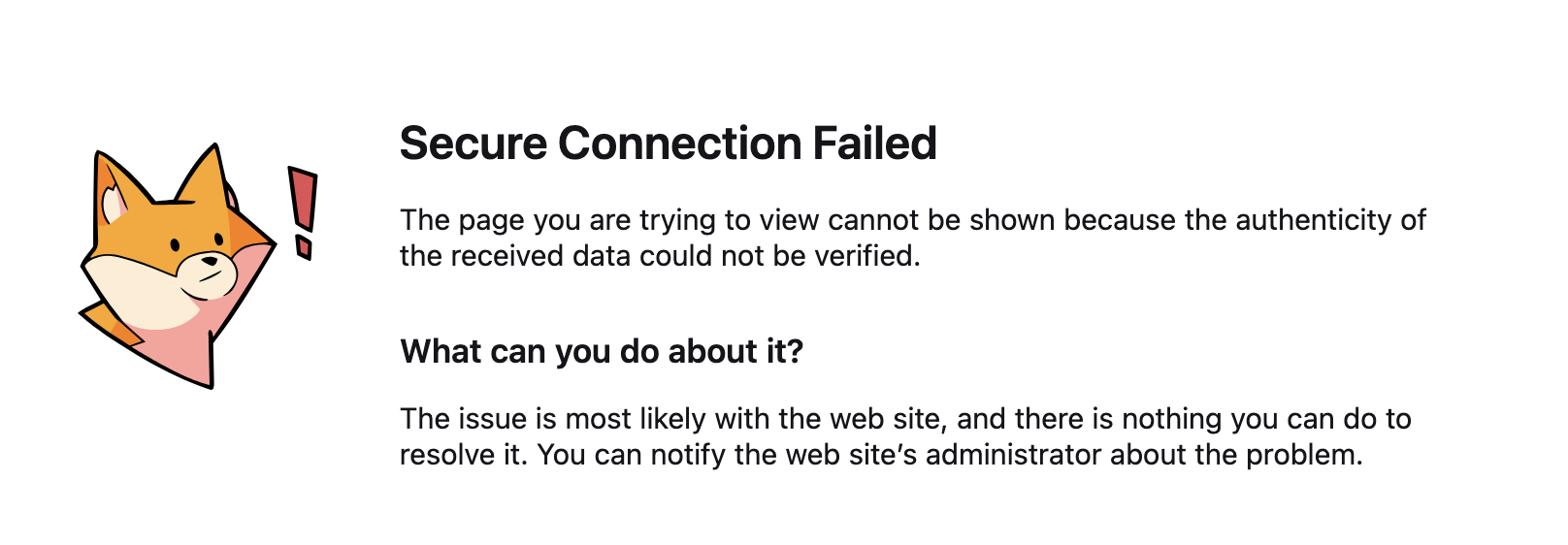
Ah sorry I should have figured out it's the very brief "integrity" error. Usually something like a VPN or some antivirus or malware/security protection is poking its nose into the connection and breaking the trust there…
The frustrating thing is that it isn't a problem using safari on the same computer with the same security protection enabled. It is just Firefox.
Safari uses the system trust store. If you have e.g. a corporate security SW that installs its "man–in–the–middle" certificates on the device to appear legitimate after it deciphers your connections, Safari won't know something's off. Firefox has its own trust roots so it can tell if the secure connection has been tampered with.
Thanks for your attention but this doesn't make sense. I was able to access these links before the latest Firefox update so I am certain there is a setting that has changed.
You can run https://mozilla.github.io/mozregression/ across many individual versions opening that URL for you — and see if it's working in some, and not working in others, that can help inform if there's a version change that affects your connection.
Not quite sure what you mean but the link you sent fails in the same way.
OK as a test you can try downloading a separate Firefox Nightly nightly.mozilla.org (e.g. using another browser in case it doesn't open too) that comes with its own clean profile that can verify in isolation if it can connect to the world just out of the box, for comparison.
No - Firefox Nightly is failing too! Out of interest my wife's computer running the same operating system but an earlier Firefox is working fine?
and how do I uninstall Firefox Nightly?
You just drag it to Trash.
My guess still points at some security software, that either only allows versions known to it to connect, or saves security fingerprints (that yes have changed since v149 once or twice) — so you might either wanna check for updates of whatever security solution you use, get in touch with their support for assistance, or try disabling it (or its web/SSL/phishing features).
If you're interested in older versions to corroborate your theory, you can use the separate Nightly as a test canary if you want to go back in time and try old build versions. I'll randomly pick a few versions:
- 150.0a1 that would be close to what was shipped a version ago:
https://ftp.mozilla.org/pub/firefox/nightly/2026/03/2026-03-18-09-29-01-mozilla-central/
- 148.0a1 to see some downgrading:
https://ftp.mozilla.org/pub/firefox/nightly/2026/01/2026-01-08-16-54-48-mozilla-central/
- 146.0a1 to go back even a bit more:
https://ftp.mozilla.org/pub/firefox/nightly/2025/11/2025-11-05-20-40-25-mozilla-central/
Each of these listings will have a link in there containing ".dmg" which is the right build for your macOS to download and try. This is the easiest way to "go back in time" if you have a suspicion this is dependent on a version.
I checked what connection errors are hidden under this wording, and none seem recoverable and are most often caused by networking or security appliances ("RX record too long", "No mutual version negotiated" and similar that normally have no reason to happen e.g. on the GitHub link earlier) — however there's a few.
If you go to about:config and set security.certerrors.felt-privacy-v1 to false, it might output some more error codes in that message. Could you share anything extra now shown in the errors with that pref flipped? Thanks.
We are way beyond my computer skills - I have no idea where about:config is or the link you sent.
I think I will just have to switch to Safari for the time being.
Thanks for your attempt at helping.
OK - I did that and the error message changed as attached!
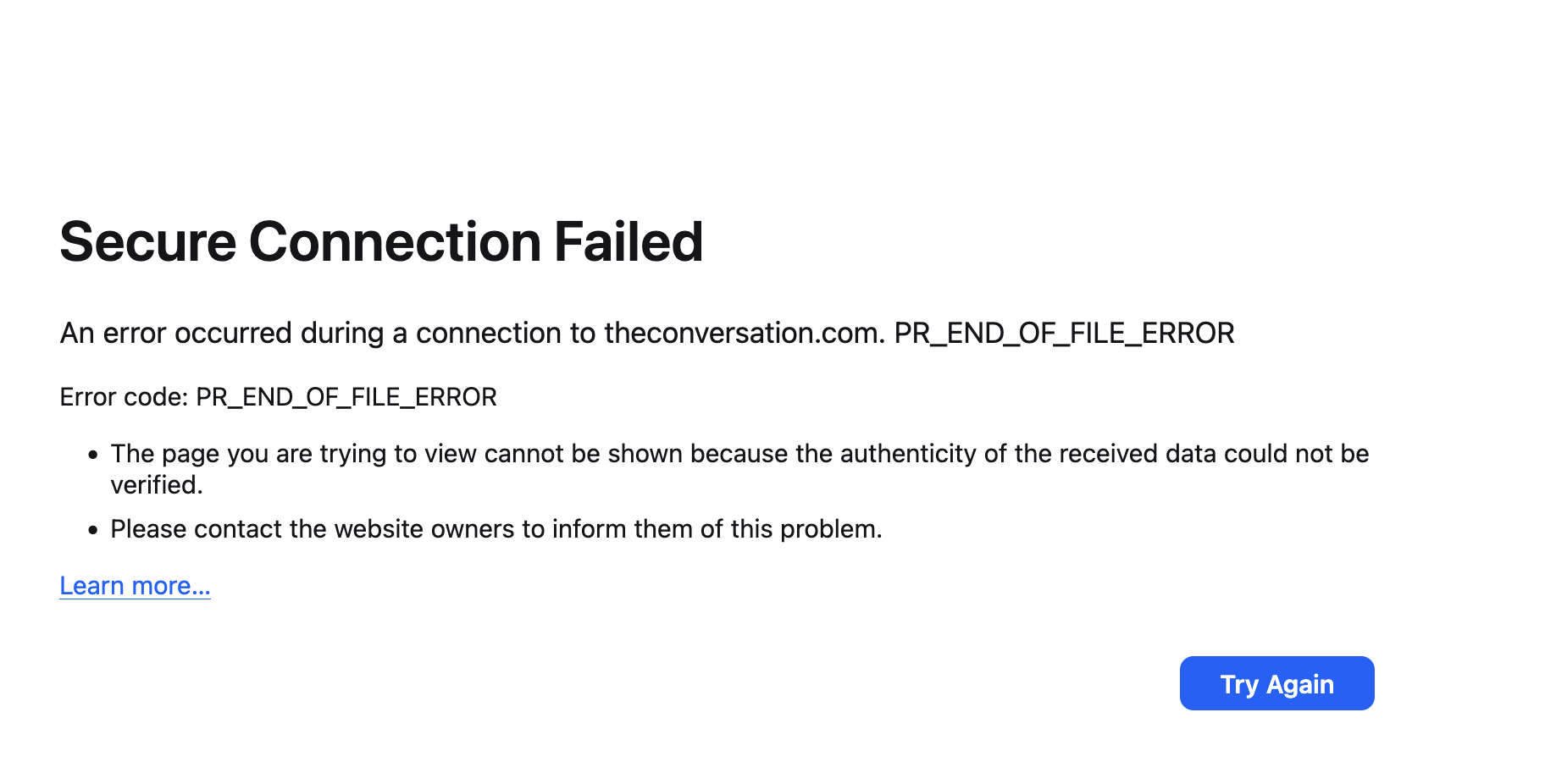
Lovely, thanks. That's still as bizarre as ever, but will help escalating this further. I'm not sure what/why, but something's intervening and rejecting the connection.
Could you please try with any VPN or similar security software disabled? This looks similar to previous reports getting broken connections on NordVPN for no apparent reason.
The VPN is disabled and I tried with my security software (Sophos) disabled but to no effect.
There's one known incompatibility with Sophos, and that's "DNS over HTTPS" (if you search for this in Firefox settings, you'll see if it's ON, and will have the option to turn it OFF), however that wouldn't exhibit as this security error per se, more like a connection/lookup error. You might want to try turning that feature off anyway if you're behind Sophos.
I'll see if there any open bugs for network/certificate issues with that vendor.
Tried all the options for DNS over HTTPS but no change!
So...... working methodically eliminating possibly problem apps one at a time I quit 1Password and re-launched it and the links started working.
This strange because I turn off my computer every night and 1Password is set to launch on boot.
I shall try a few things to see if there is a reason for this illogical behaviour.