


Inbox sub-folders disappeared after update to 140 - Ymail account only effected.

Hi,
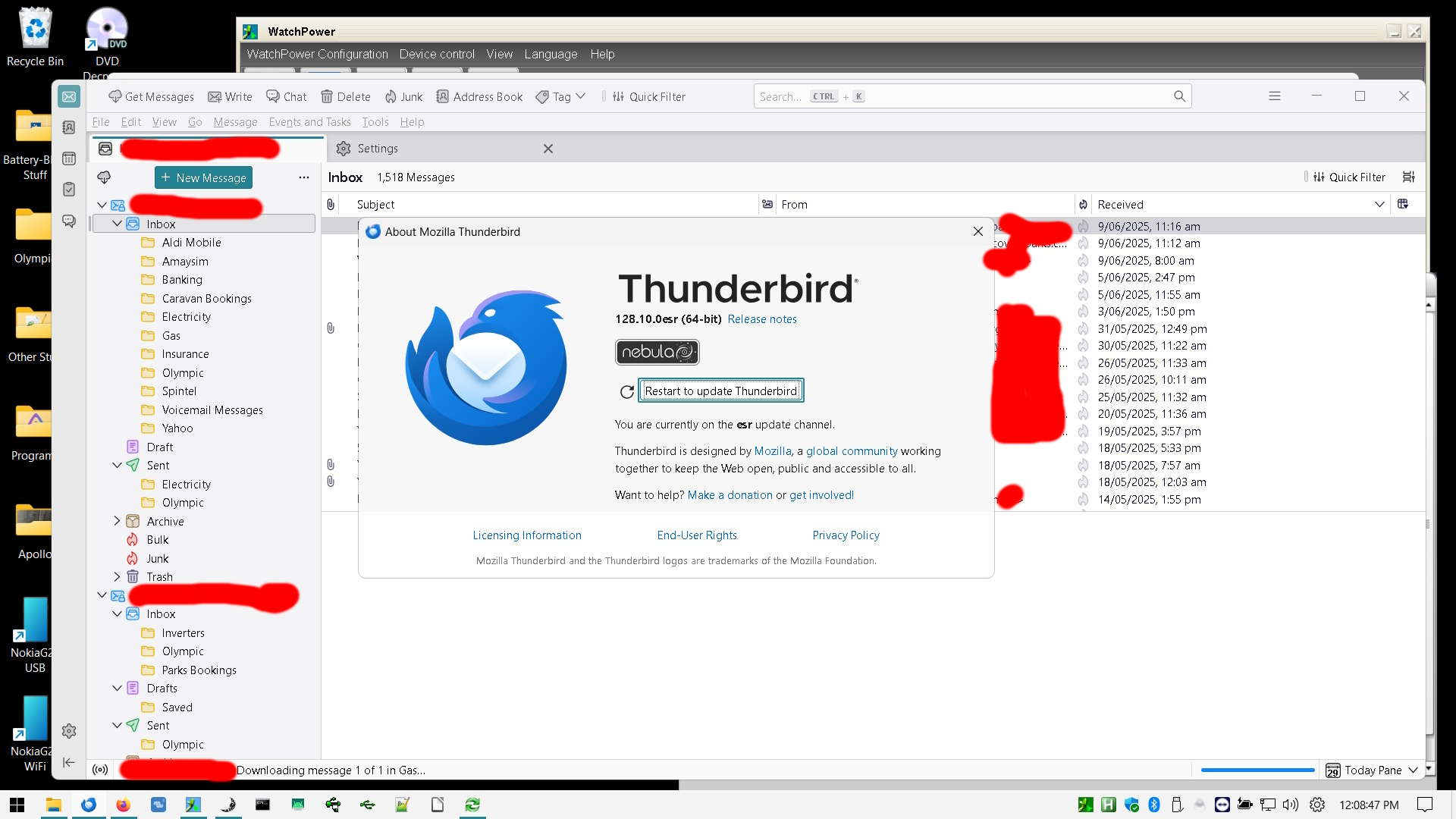
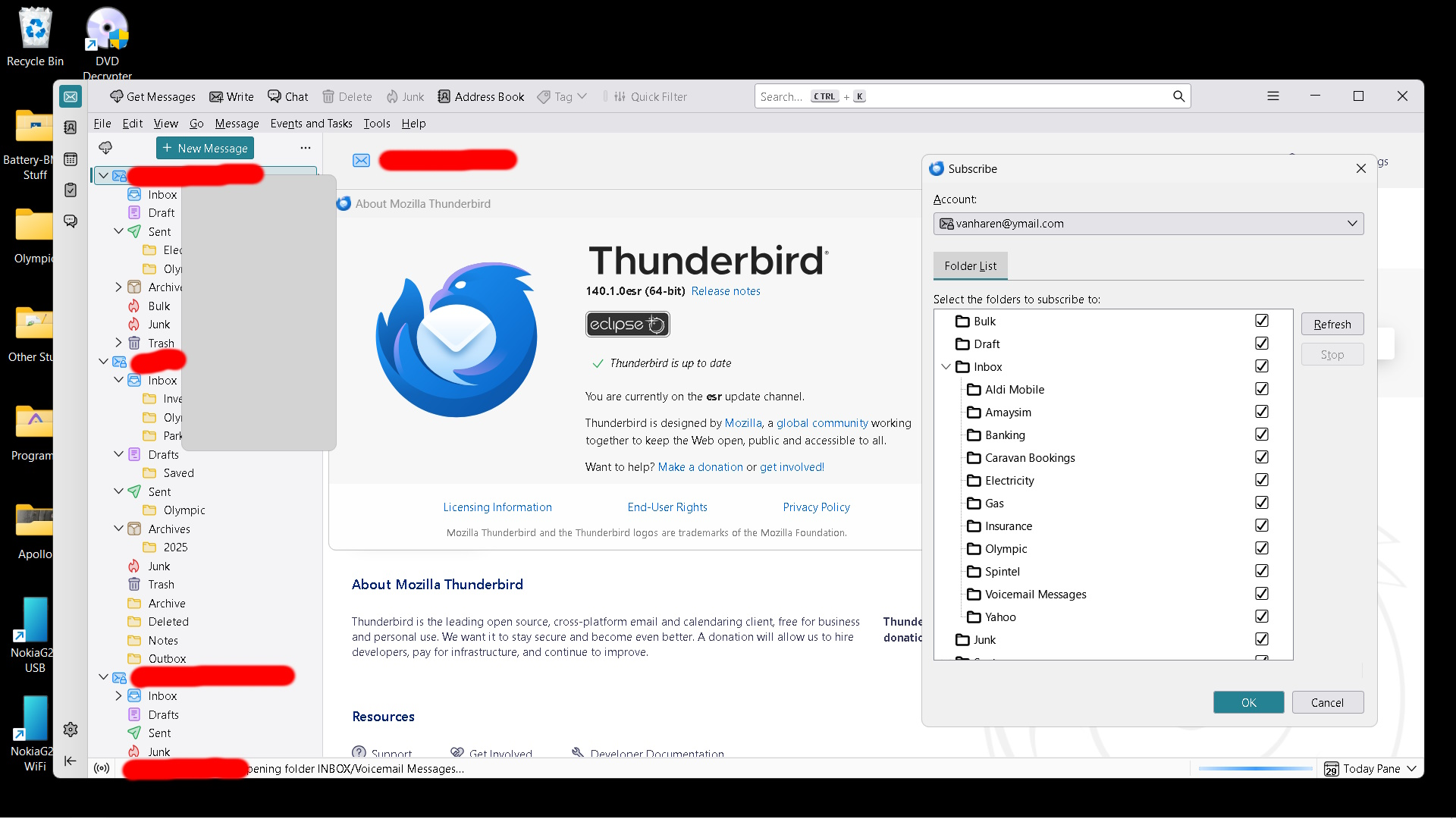
I updated to 140 on one windows laptop, since then the Inbox sub-folders of a Ymail account disappear. The weird thing was that on start-up, some were displayed, but disappear one-by-one. Another laptop which was running 120 still had the sub-folders intact. I updated that to 140, and when TB restarted, the sub-folders were displayed, then slowly disappeared, one-by-one. It is only the Ymail account that is effected, we have a couple of Outlook accounts that display their Inbox sub-folders. I have selected "Subscribe", all folders are selected. I've unticked the sub-folders thinking that maybe it would allow me to re-select them, but on a re-start they are still shown as selected.
Hope you have a solution.
Thanks,
b0b
All Replies (2)
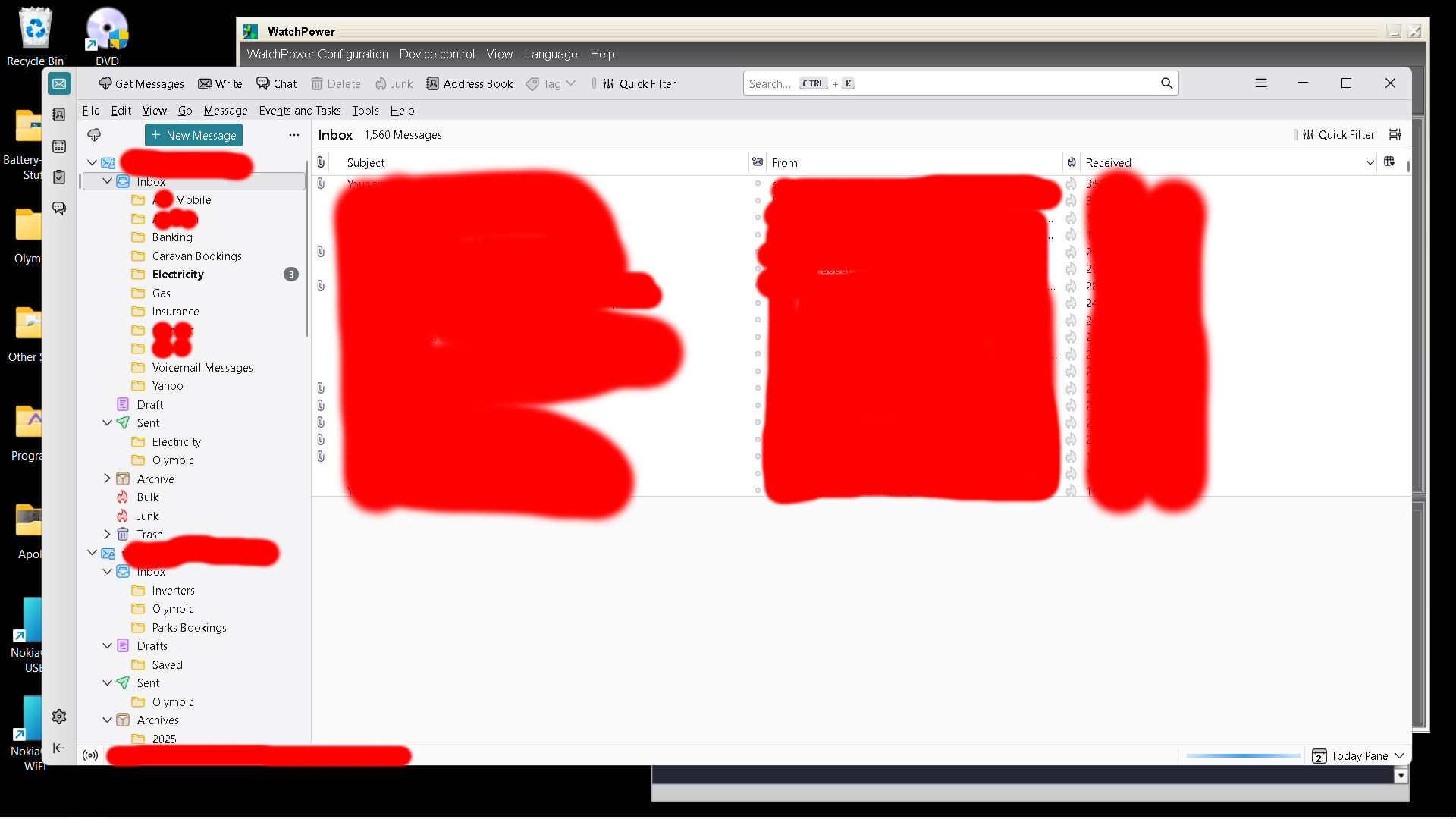
Added a screenshot of all folders visible when starting Thunderbird. All the folders under Inbox disappear one-by-one shortly after.
Also, it doesn't affect the Sent sub-folders on the same account.
Modified by drdos7666
Suluhisho teule
Hi,
I created a new profile, and added the Ymail account, all sub-folders under the Inbox appeared, and were populated with the existing messages.
I'll wait a while to if it is going to stay that way, and then remove, re-add the account in my existing profile.
Solved, or work-around?
Thanks,
b0b