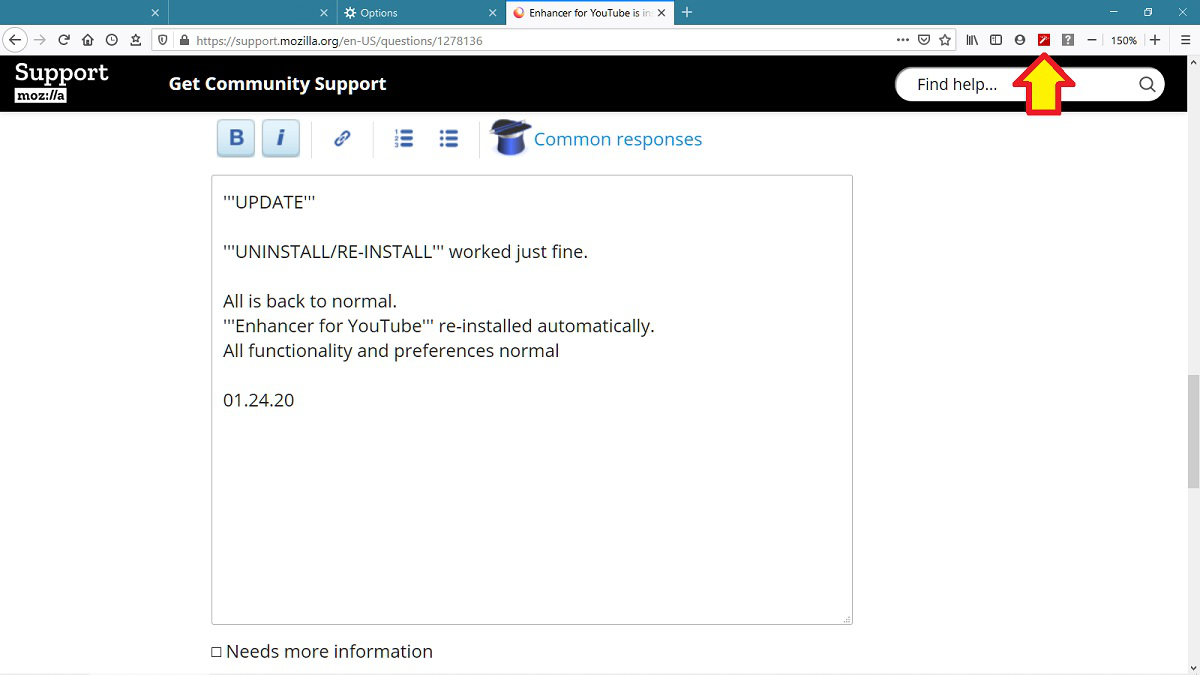
Enhancer for YouTube is installed I have no TOOLBAR ICON I am not able to set Enhancer for YouTube preferences
Enhancer for YouTube is installed I have no TOOLBAR ICON I am not able to set Enhancer for YouTube preferences
Chosen solution
UPDATE
UNINSTALL/RE-INSTALL worked just fine.
All is back to normal. Enhancer for YouTube re-installed automatically. All functionality and preferences normal
01.24.20
Read this answer in context 👍 0All Replies (3)
https://www.mrfdev.com/how-to-use-enhancer-for-youtube mentions a Toolbar for that extension, not a toolbar icon or "button". Right-click at the top of Firefox and see if there is a Toolbar added to the default Menu Bar and Bookmarks Toolbar.
Thanks for the reply. Covered that data, yesterday. There is NO ENHANCER TOOLBAR available when I right-click.
On my old laptop, when I installed Enhancer for YouTube, the icon immediately appeared on my Firefox toolbar. The icon was the link to the add-on's functionality and preferences.
"Manage" Add-ons is not an option...nothing to select to set preferences. I think it's time for UNINSTALL/RE-INSTALL.
01.24.20
Suluhisho teule
UPDATE
UNINSTALL/RE-INSTALL worked just fine.
All is back to normal. Enhancer for YouTube re-installed automatically. All functionality and preferences normal
01.24.20