


VPN is not working in the location of Japan

I started to try free 50GB a month Firefox VPN to use the website in Japan (free TV programs only available in Japan but are allowed to watch through VPN). It was working for about a month but now it seems to be blocked. I tried suggested troubleshooting like clearing cash, quitting and opening Firefox, closing VPN, changing location setting and back to Japan etc. Is it because free? It was working when I was subscribing NordVPN. So, it's not the website issue. I would like to know why it is not working now. Thank you
Alla svar (4)
Vald lösning
Seems working for me. Are you sure the site didn't raise the bar for VPN detection?
If you check some IP/location sites, what do they show for you as your identification / external location?
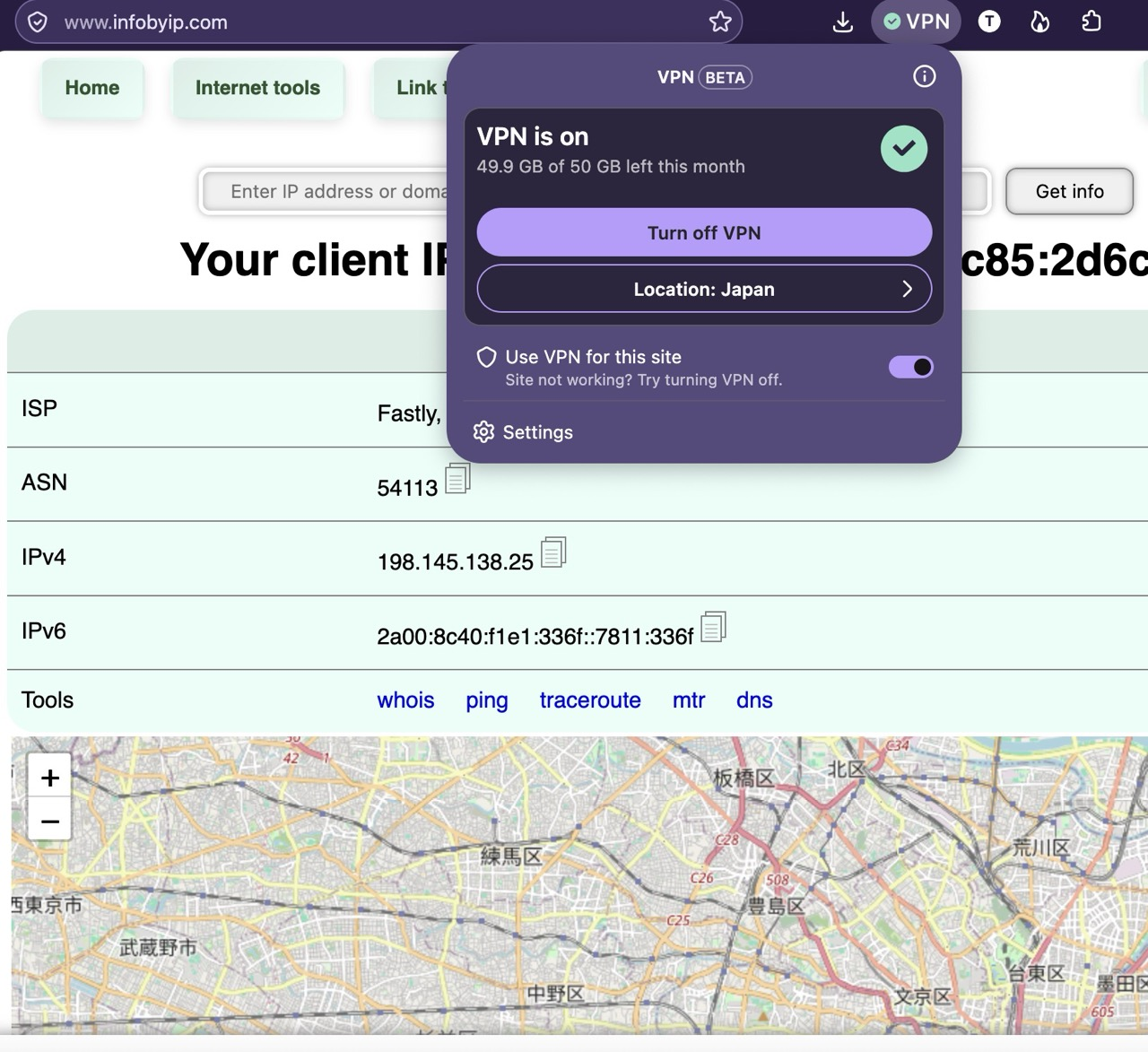
Thank you very much for your attention and the image attachment of the link that I didn't know about. This morning when I checked it, the VPN is working. I don't understand why. It's good now but I miss the opportunity to check what's wrong. I keep this link infobyip.com for the future problem occurrence. Thank you for the support.
Ah, especially if you're far away from the actual exit node location, the connection can be a little challenging to establish from time to time.
Usually the good steps are as you noted above to change the location, check if that works (by using a site showing your connection details as the linked one, or any similar or familiar) — in case of inability to connect you through the specified node a different region might be used to get you connected in case the preferred one didn't work etc. so there's many factors — it might just be a matter of waiting for a bit, or for the regional traffic to settle down etc. if an IP info site shows you someplace else, so the actual location preference couldn't have been honored at that time.
I saved your comment for the future sake. Thanks again!