


Turn of privacy screen on iOS with regular Firefox

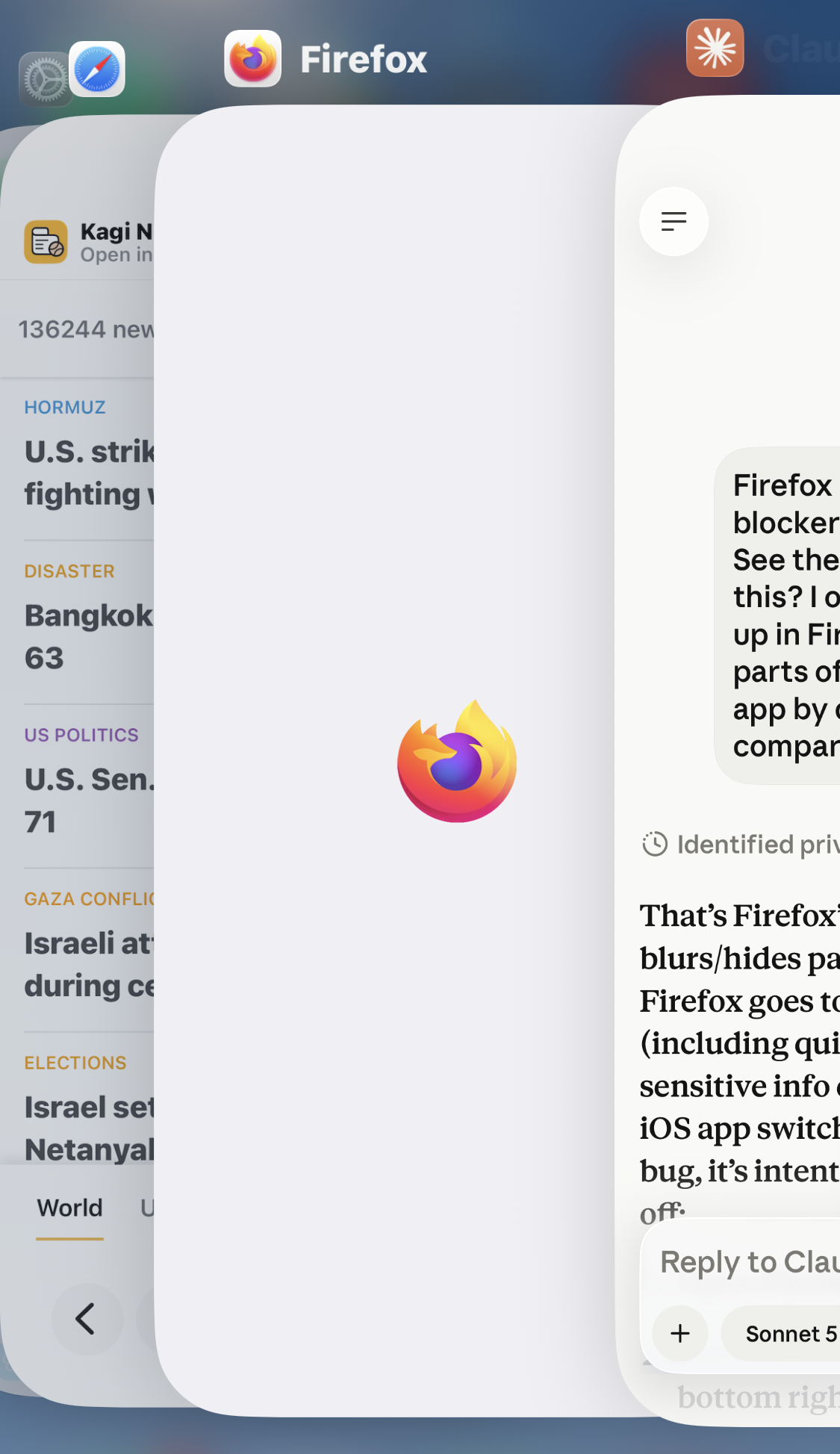
I’m recently unable to see the content of my regular Firefox screen when switching apps. For example, I’ve looked something up while searching in Firefox and want to type some of the details in Claude I get a privacy screen like I would with Firefox Focus or my banking app. I don’t want that. I want to be able to quickly view it slightly behind and then go back to my other app rather than put complete focus on Firefox. If I wanted the privacy screen I would use Focus.
See in the provided picture that Safari is showing me the content, Firefox isn’t, while I’m trying to do some work in Claude. I would like to have Firefox do the same as safari and show the content.
Is there a toggle to turn this off? Can one be made? Or what am I missing?
Thanks
Alla svar (1)
More info in support.mozilla.org/questions/1592219 — no news yet, I'll update the thread when I find out more.