


Issues turning on the free Mozilla browser VPN

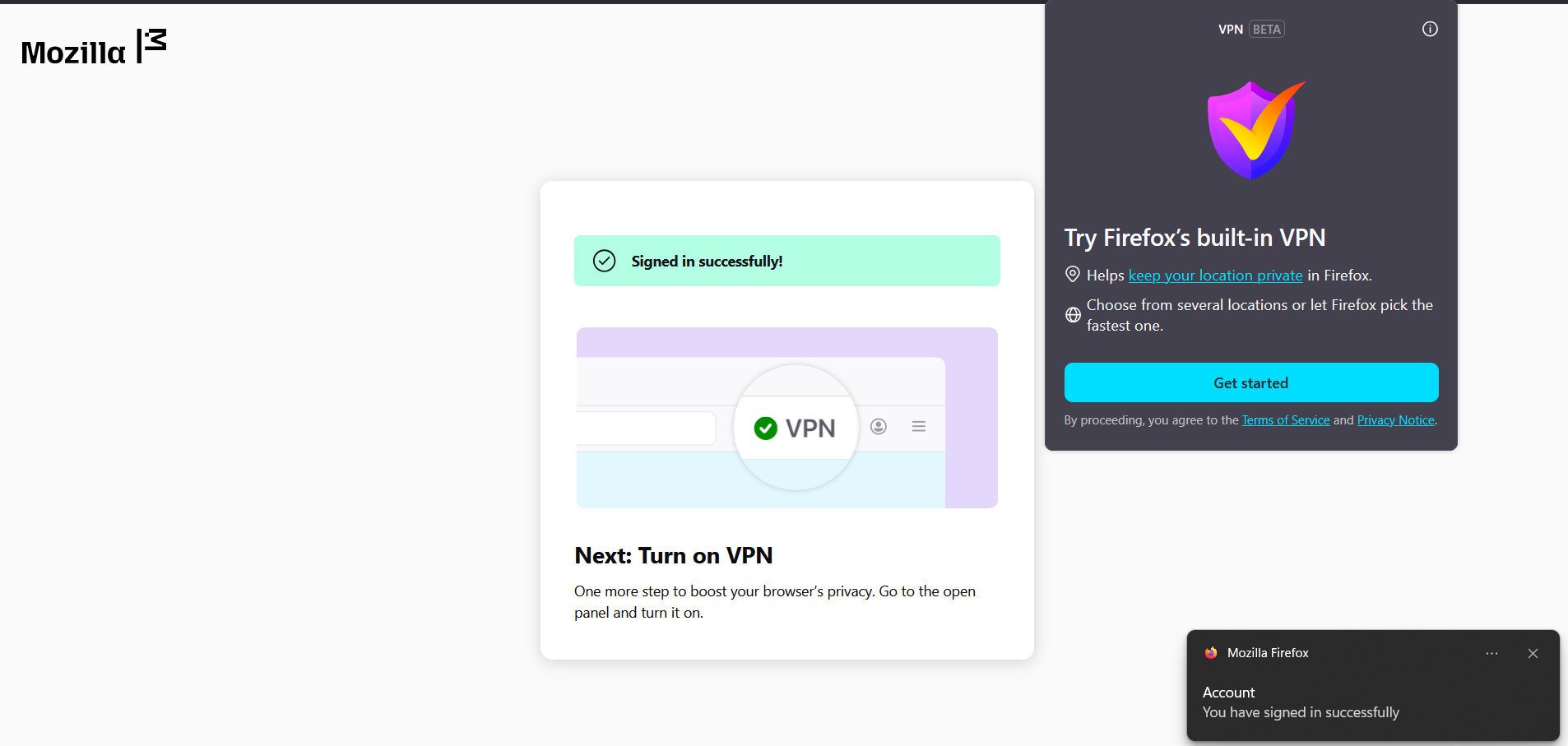
When trying to turn on the free VPN in my browser, I get stuck in a never-ending loop: I click on the VPN icon, then on the "Get started" button, which opens a new tab where I am asked to log in, I log in successfully, try to turn on the VPN in the open panel, but it again only shows the "Get started" button.
I have also created a different account on Mozilla and with that one the VPN worked without any problem...
Alla svar (4)
Hello
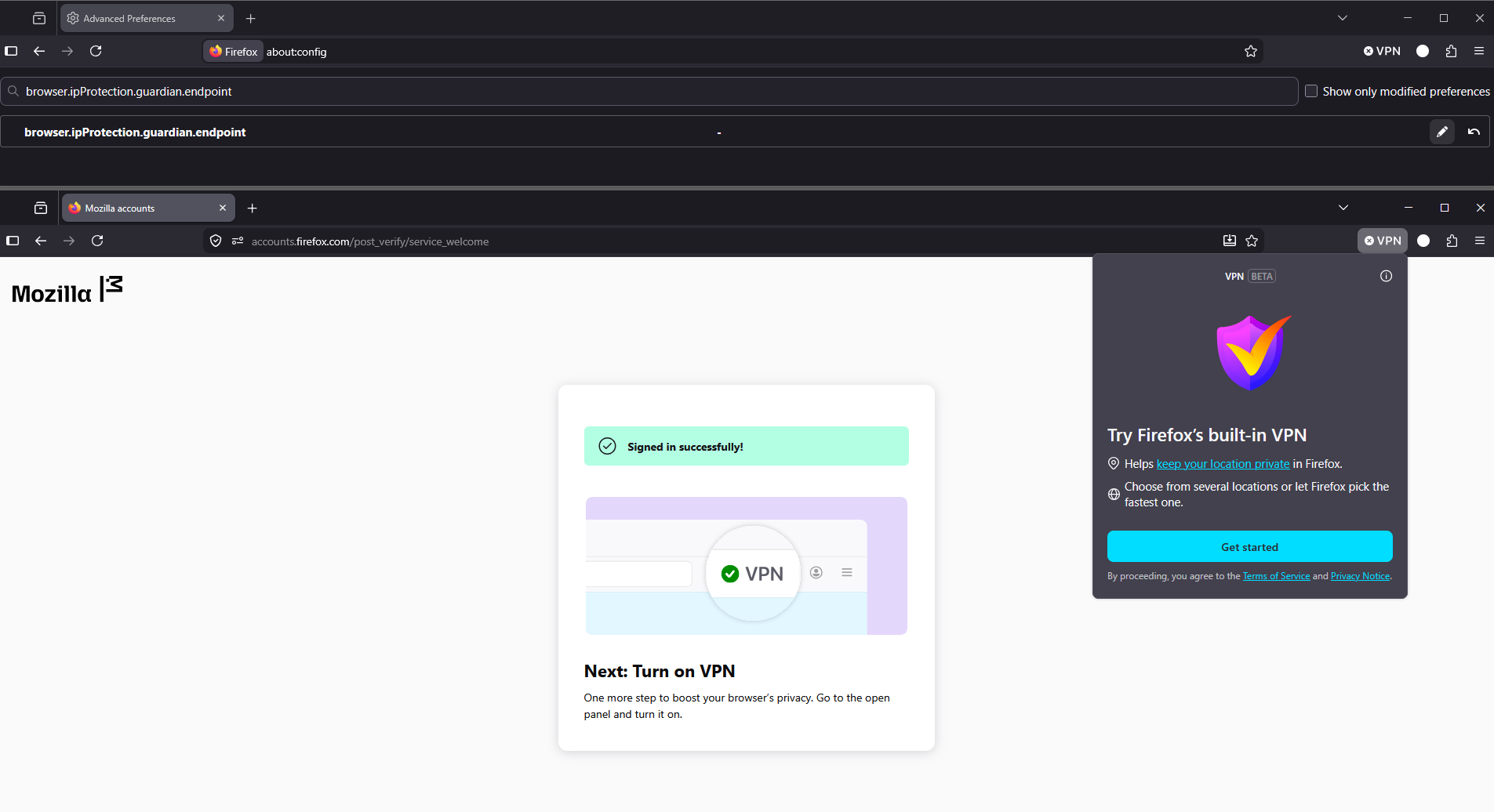
Maybe, browser.ipProtection.guardian.endpoint ? https://support.mozilla.org/en-US/questions/1580378#answer-1823120
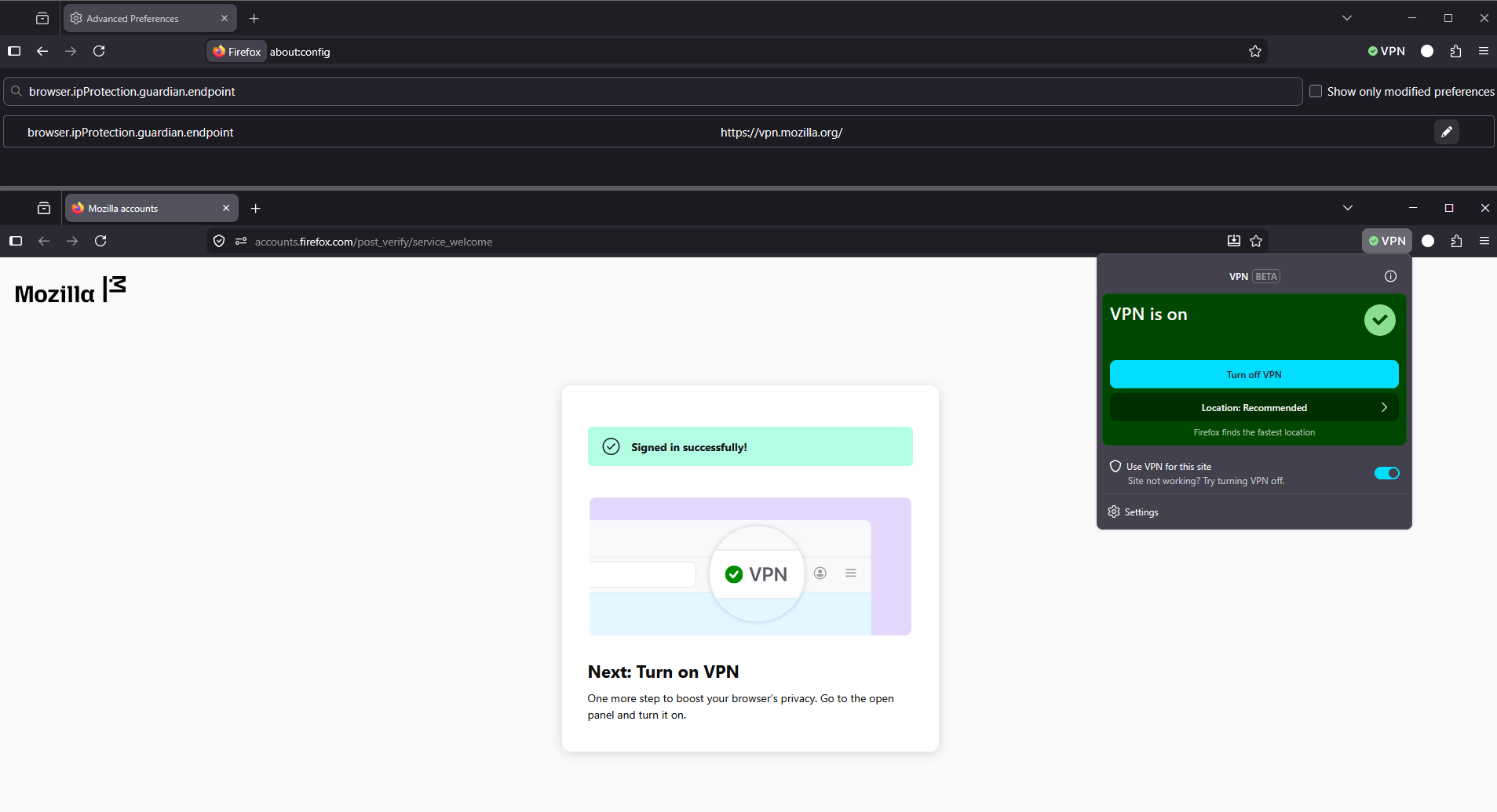
Please, check, the preference, browser.ipProtection.guardian.endpoint, value by default https://vpn.mozilla.org/
1 - Go to configuration editor https://support.mozilla.org/en-US/kb/about-config-editor-firefox 2 - Enter a search term browser.ipProtection.guardian.endpoint To reset a preference to its default value, click the Reset button
Ändrad av Agent virtuel
I have also created a different account on Mozilla and with that one the VPN worked without any problem...
On the same Firefox, or, on another Firefox?
Hello
I have not more ideas
https://support.mozilla.org/en-US/kb/file-bug-report-or-feature-request-mozilla If you wish, you can file a bug report, component: IP Protection https://bugzilla.mozilla.org/buglist.cgi?product=Firefox&component=IP%20Protection