


Cannot access email accounts

Neither my wife nor I can access email on our respective PCs. This has been the case for four weeks. We can access email by our Android phones, but we really want to use our PCs. I've tried to resolve the problem and failed. Previous to this failure, I had an account with BT but this was transferred to EE. When I attempt to log in to my mail account, I receive the message "Could not connect ... :the connection was refused". I can also add is that in my Account settings, Outgoing Mail server I see a message "Connection to server mail.btinternet.com:465 failed."
Alla svar (19)

Are these IMAP accounts or POP3?
Please quote all error messages in full, verbatim. Screen shots would suffice.
I don't know what "EE" is, but the first thing to do would be to confirm that your server settings are correct. If your account was transferred from one provider to another those settings may have changed. You will need to consult their email help web page or their tech support for the correct settings.
IMAP (Incoming): Incoming Server Type (IMAP Mail Server or POP Mail Server) Incoming Server Name User Name: <usually your email address> Connection Security: SSL/TLS, STARTTLS, etc. Authentication method: Normal Password OR OAuth2
SMTP (Outgoing): SMTP Server Name Port Connection Security Authentication method User Name
Some providers now require that you create an "app specific password" on their web site. This would be different than your regular password.
If this account uses OAuth2 authentication, you may have to jump through a couple hoops to force a re-authentication. If this seems to be the case, let me know and I'll guide you through that process.
Thanks for the quick reply.
EE is a major British telecommunications supplier. BT stands for British Telecom, the company that took over when the telephone service was privatised about 30 years ago. A sad day. I've attached a Word document with two screen shots that you sought. the second shows (in brown ink) the response I got when I clicked on "Test the connection".
I am still waiting to speak to a human at EE about this problem.
I suspect that the screenshots show a fairly normal situation and that the solution lies with EE, but I'd be grateful for your opinion. Tony
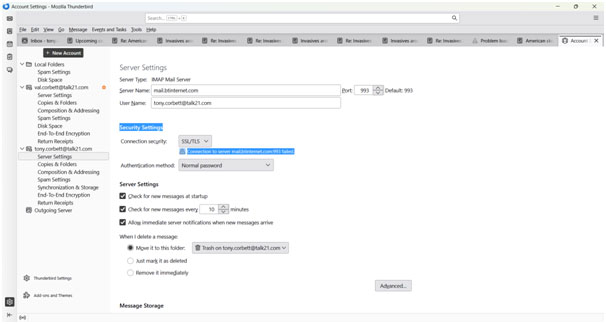
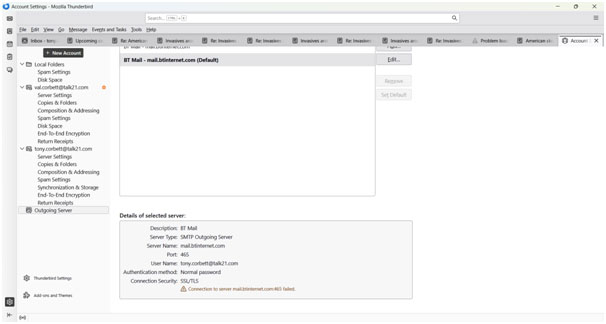
Oops. I originally made a Word doc with the two screenshots in but later found that I could only send image files. Hence the two JPegs.
would you please make bigger screenshots. I cannot read these
There appears to be an error on the SMTP screenshot, but it's too tiny and blurry to be sure.
Larger Jpegs attached. Sorry for the problem. Tony
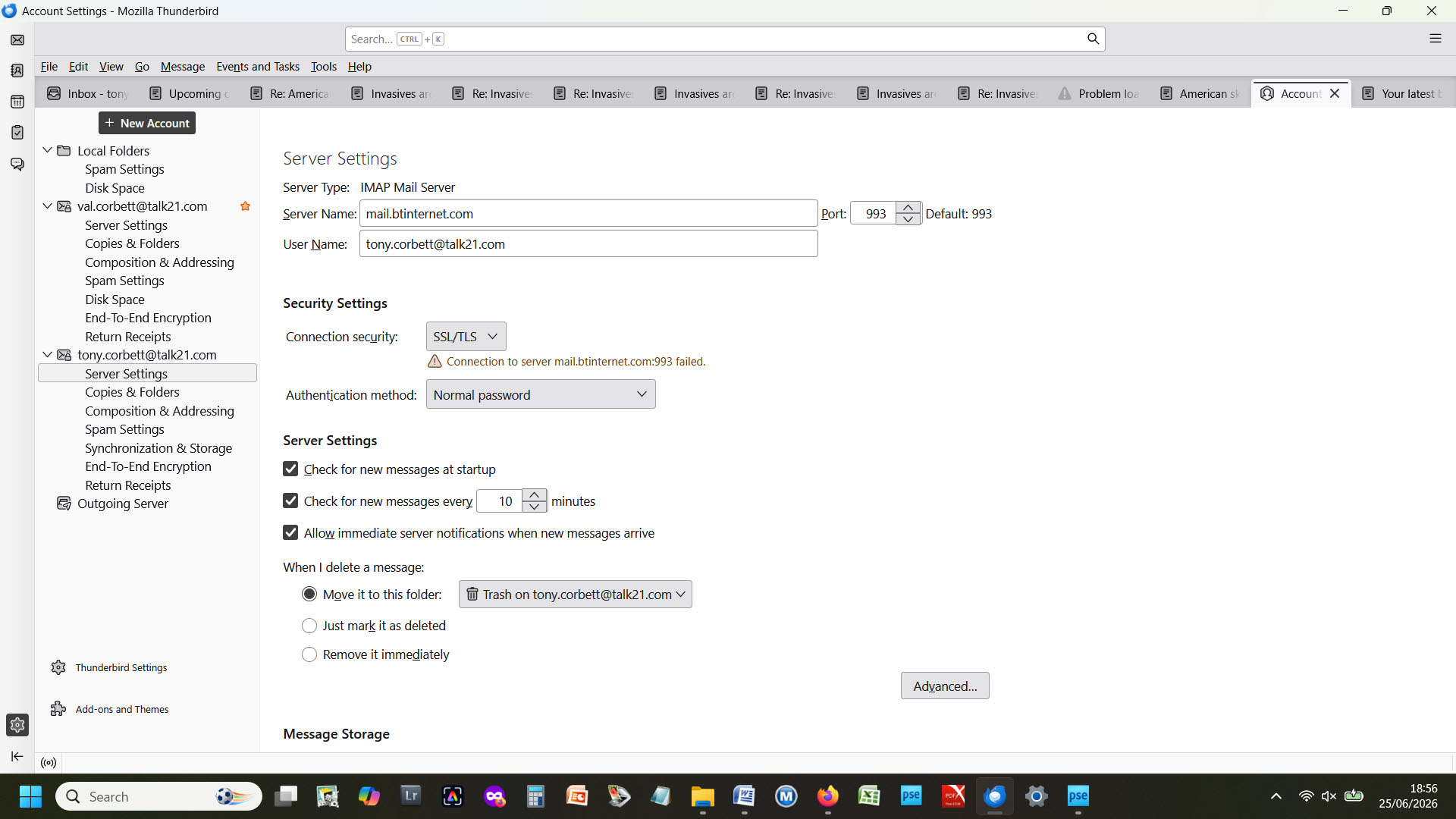
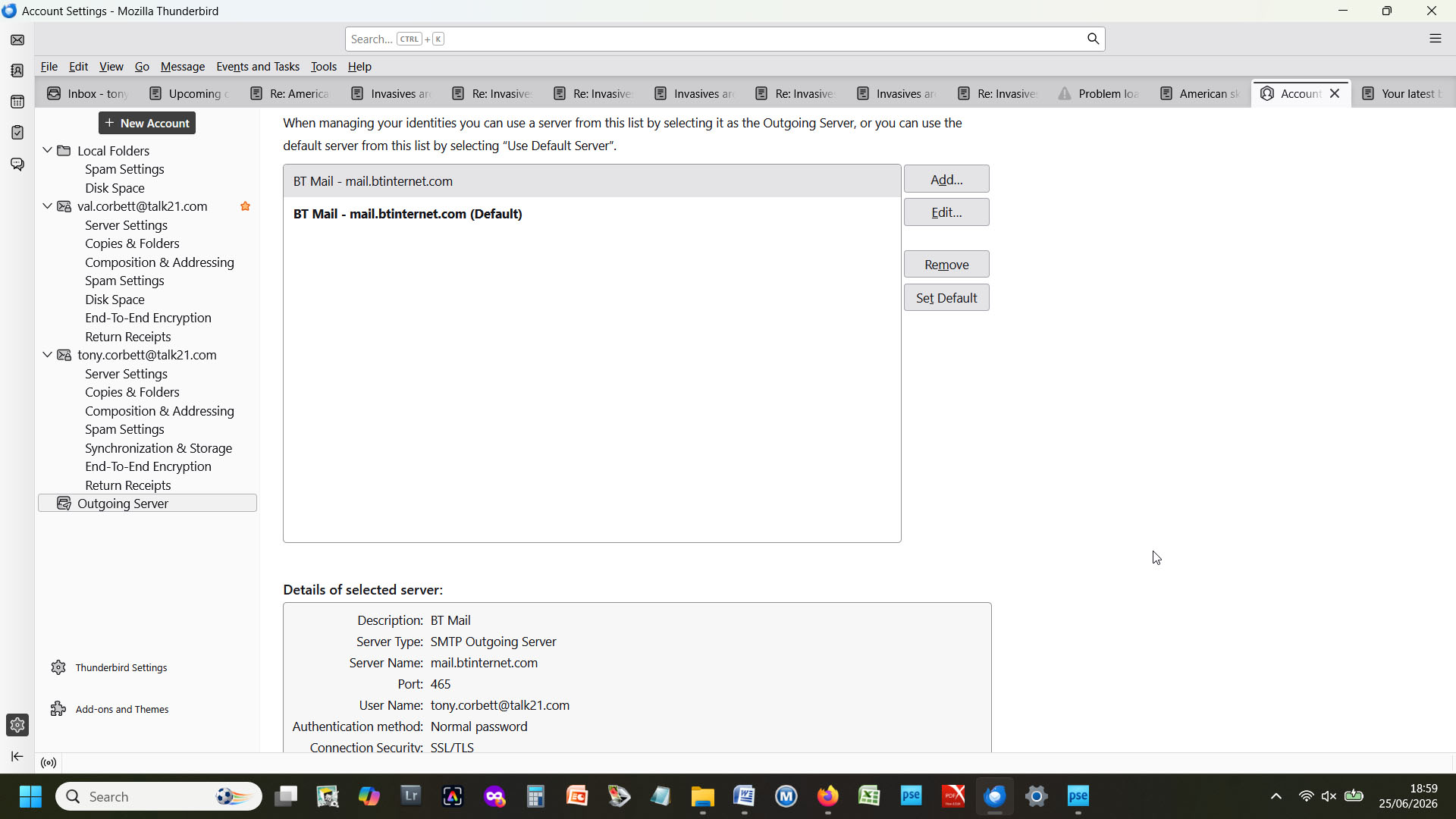
try changing incoming server to imap.btinternet.com and outgoing to smtp.btinternet.com but keep the other settings. it's a possibility from some info I found elsewhere. may not work, but a try.
Thanks for the suggestions, Dave, but neither worked and I got the usual 993 and 465 errors, failing to connect to the server.
Strange, as that info was on a btinternet site, but I realize stuff is sometimes out of date. Have you tried to duplicate the settings from your phone? This is mainly a communications shortfall by btinternet. I encourage contacting their help desk.
I think I don't know how to find the phone's Thunderbird settings. But it sounds like a good way forward. My phone is Android (Samsung A15 - I think)

You must change the BT settings to EE settings if that is where your account is now. Incoming and outgoing servers should not refer to BT.

I'm having the same problem with BT Mail. Can't get it to connect at all. BT tech people couldn't help as they said everything was working at their end and the settings were all correct. It's been going on for a month now and I'm tearing my hair out.
grainnestevenson1 said
I'm having the same problem with BT Mail. Can't get it to connect at all. BT tech people couldn't help as they said everything was working at their end and the settings were all correct. It's been going on for a month now and I'm tearing my hair out.
Your problem seems different from the original poster's problem. Tony is moving from BT; you are still with BT.
Would you please start a new discussion so more people will see your issue and so the issues are kept separate?
In your next message, please report 1) your incoming server settings and 2) your outgoing server settings. Incoming server settings are in account settings > server settings. Outgoing server settings are in account settings > click on account name > edit SMTP server. You can get to account settings by several routes, including 1) right click on the account name in the folder pane and select "Settings" and 2) click on the ≡ button at top right and select "account settings".
We will need this information for each server:
server name: port: connection security method: authentication method: username: just report whether you are using your full e-mail address or just the part before "@" or something else
Does your e-mail service provider require an app-specific password, a.k.a. security password or app password, for third-party e-mail clients such as Thunderbird?
I do not have any special knowledge about BT. Let us hope that other people will help.
Tony, would you please clarify what the change from BT to EE involves? Are you changing servers? Do you have a new e-mail address?
Lin's suggestion is good: you must find out what your settings should be now and then set them in Thunderbird. What are the settings for the incoming and outgoing servers that you need to make this change?
One problem seems to be that you are trying to access a BT account with a talk21.com address. Do you need a BT address to access a BT account? Should you be accessing BT at all or does the move to EE involve changing servers and addresses? If it does, must you preserve messages from your BT account before making the change?
The change form BT to EE is insignificant.. The two operators are related commercially and as far as I can see there has been no change of servers. Apart from some unrelated activity - beyond the range of the email account and probably insignificant to my problem - everything remains the same to former BT email customers. By the way, I believe I met Mrs Stevenson some years ago in relation to garden photography and her problem does seem identical to mine.
Now I have tried to change my Password and would like to log on using it. However I don't seem to be able to do that manually. I did this via Help/Settings/Privacy and Security/Passwords {Saved Passwords ...}/Show passwords, where, after confirming my identity, I was able to change my password to a new one. This was a suggestion I got from a 'GUIDE' from BT/EE. So when I open the client software, I am logged in automatically, presumably from from a look-up into my settings. So I cannot be sure that my password change has actually occurred.
Tony Corbett said
The change form BT to EE is insignificant.. The two operators are related commercially and as far as I can see there has been no change of servers. Apart from some unrelated activity - beyond the range of the email account and probably insignificant to my problem - everything remains the same to former BT email customers. By the way, I believe I met Mrs Stevenson some years ago in relation to garden photography and her problem does seem identical to mine.
Your mention of the transition in your first message seemed to suggest that the transition was the issue. If that wasn't it, do you know what changed that caused this disruption?
BTinternet settings are here: https://www.bt.com/help/email/manage-email-account/manual-settings/what-are-the-settings-for-outgoing-and-incoming-bt-email-servers
Do you usually access BTinternet.com with a talk21.com address?
Tony Corbett said
Now I have tried to change my Password and would like to log on using it. However I don't seem to be able to do that manually. I did this via Help/Settings/Privacy and Security/Passwords {Saved Passwords ...}/Show passwords, where, after confirming my identity, I was able to change my password to a new one. This was a suggestion I got from a 'GUIDE' from BT/EE. So when I open the client software, I am logged in automatically, presumably from from a look-up into my settings. So I cannot be sure that my password change has actually occurred.
Did you change your password at BT/EE first?
Can you send and receive from Thunderbird after changing your password both at BT/EE and in Thunderbird?
This is directed to Grainne Stevenson. You ought to be able to got to your BT mail account if you log on to it through your PC's browser. I don't know if you were also 'moved' from Bt to EE as I was, so I can't be certain about that as I needed to use the long version of my email address, tony.corbett.t21@btinternet.com - but with a possibly new password for which you will have to contact EE.