


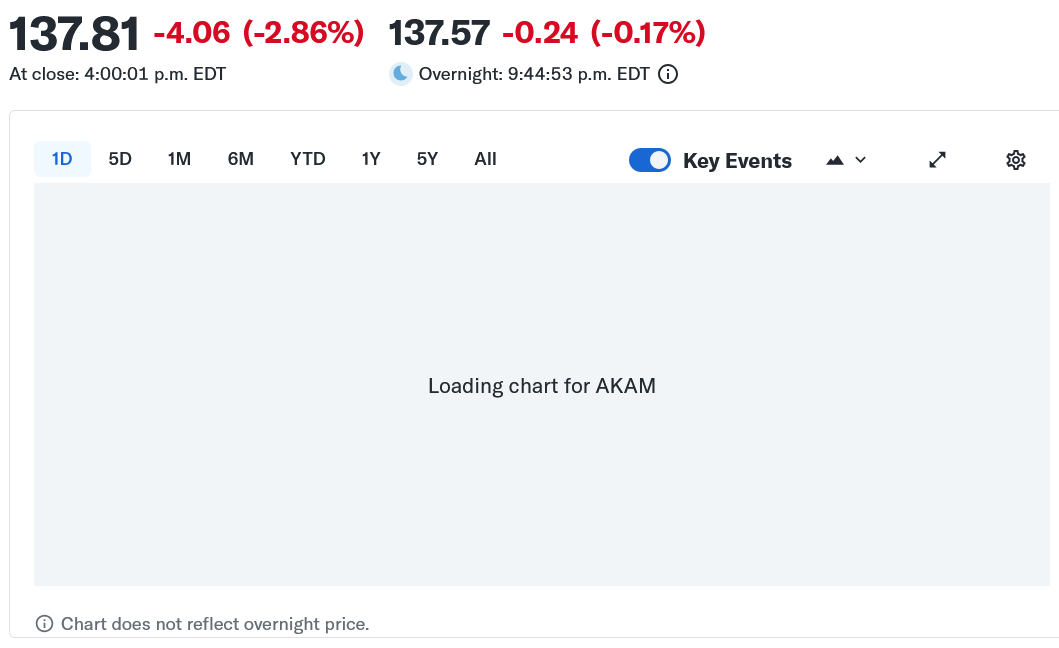
Charts are not loading now in Yahoo Finance

On Windows 10 Home I've been using Yahoo Finance to track stocks. After updating FF last week I have not been able to load graphs. I've tried refresh, reload, restart, remove cache but any graph shows "loading" or is blank content. Every idea except delete FF and reinstall. Other browsers I sometimes use do load the graphs no problem. What else can I try, or is this a bug? Thanks
Alla svar (4)
This has been reported in:
(the webcompat issue contains console logs, which show loading errors on yahoo side for their chart feature — something I don't see on my end trying several versions, so it might either be regional, or they keep serving a broken combination of assets for some deployments…)
Try using Private Window in case you get a different result with a clean slate for the site.
Also according to earlier report:
the site does not work with elevated privacy protections (as strict tracking prevention, cookie–blocking, ad–blocking or script–blocking extensions and similar) so if you're using any addons to that tune try turning them off for the site to see if there's any difference for you.

Thanks jbr. I've tried removing Ad Blocker Plus, reducing privacy from Strict to Standard, deleting cookies, added site as Exception, finishing with Restart. Don't know if possibly 'Regional' (I'm in Canada). Charts still not loading. Same with Private Window. I'll (sadly) just continue for chart loading with another browser until 'bug' fixed.
Charts are back up! I changed the Settings back to the way they were (including Strict, Ad Block Plus ) and the charts are showing again including in Private Browsing. Seems something, somehow reset.