


"Thunderbird can't connect to the server" Part 2. Solved by changing the Outgoing Server name to: mail.brighthouse.com (to be in concordance with the Incoming Server name)

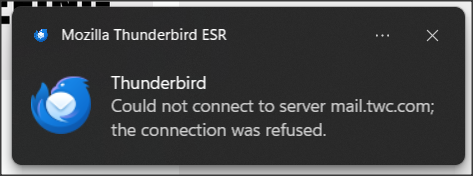
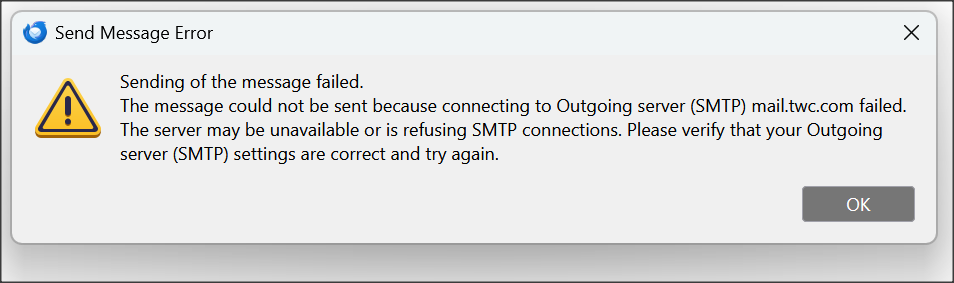
Recently I posted about this problem here: https://support.mozilla.org/en-US/questions/1580858 In sum, I was having problems both in downloading messages from the Spectrum server and also with sending messages. I've attached screenshots of the error messages.
Matt and David kindly posted some helpful responses. The problem then seemed to spontaneously solve itself and I breathed a sigh of relief. Then a few days later it re-appeared.
This time it's not quite as bad in that I'll get the error messages but then usually a few minutes later I can download the messages or send an email. But it's still a real problem.
I called Spectrum again and this time the rep was adamant that if I can still use the Spectrum webmail feature (and I can), then it's not a Spectrum issue.
Last time Matt asked about my antivirus. I use Windows Defender (and occasionally do a manual scan with Malwarebytes free version), so if I understood him right, I should be OK as far as antivirus interference.
Matt also suggested I set TB so that I download messages at startup and every 15 minutes. I was set to every 10 minutes so I changed it to 15.
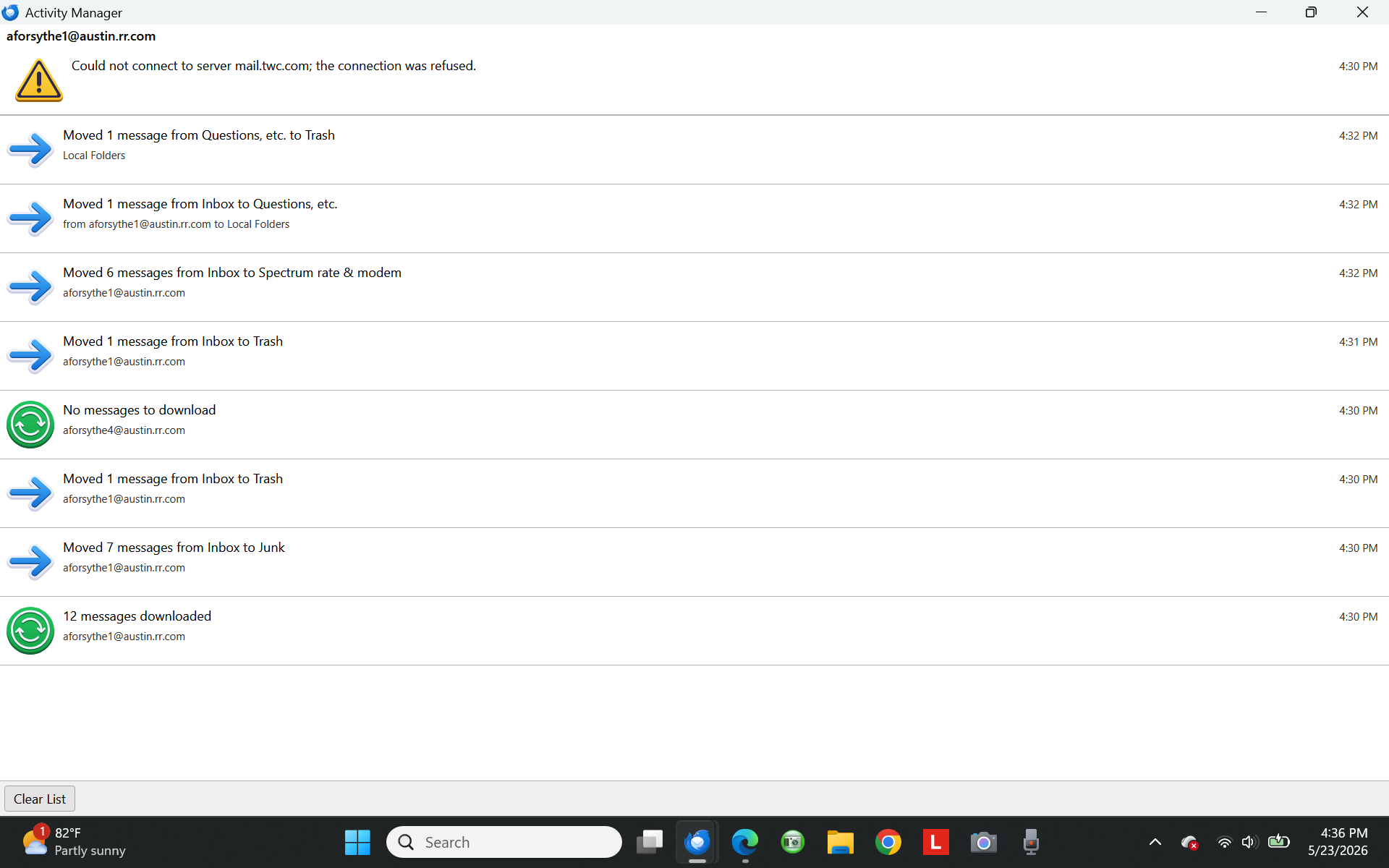
Matt said for me to check the Activity Manager. I've attached a screenshot of what that showed a few minutes ago. But I should note that this was after an error message displayed but my email downloaded anyway.
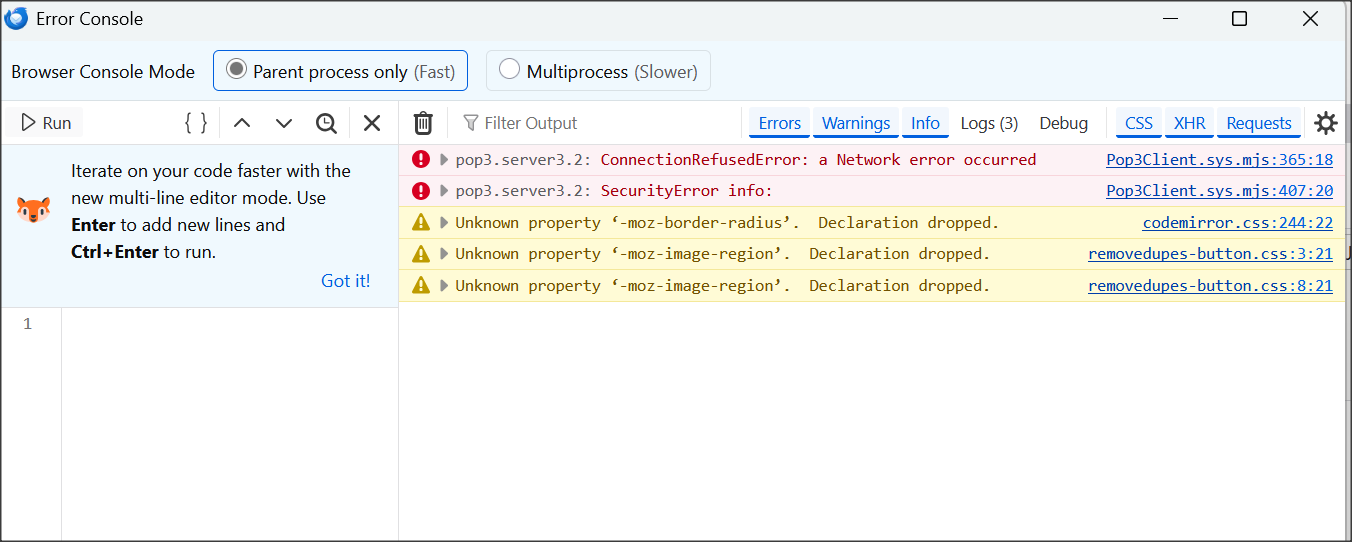
Finally, Matt said I should check the Error Console (Control + Shift +J). I've attached a screenshot of that. He also said I should use the trash can to clear it, so I did. He then said to press Shift + F5 to attempt to get my messages. But on my laptop, F5 just dims the display so no dice on that. But I have a second laptop and F5 is "neutral" on that one so I tried it there. I didn't get any new error message.
However, one of the screwy things is that sometimes I get all my messages as normal, but only after the "Can't connect to the server" message displays. And that's what happened with my second laptop above.
I hope I've provided better info. this time. And I hope you gents can help me with this mess.
Thanks,
Andrew
Ändrad av Wayne Mery
Vald lösning
Another update: After a few days of working fine with the servers configured per my post above, I began having problems with outgoing messages.
So I tried what I had unsuccessfully tried above, namely changing the Outgoing Server name to: mail.brighthouse.com (to be in concordance with the Incoming Server name, as had seemed logical all along).
Lo and behold, this time it did work. For the last few days, I've had no problems with incoming or outgoing mail. Hope it continues....
Alla svar (7)
P.S.: My TB just updated to 140.11.0esr (16 bit).
Ändrad av Andrew
It would have been helpful if you had just posted this as a reply on that topic. https://support.mozilla.org/en-US/questions/1580858
From my perspective is do not need to be reading on two web pages at once to catch up and don't start typing in the weirdest places and make responses that are out of place in the wrong topic. I am crazy enough, without extra complications.
What we are seeing here is clearly a refusal by the comcast server to accept a commection from you. Despite the dribble the Specrum support tech voiced. It is a shame they do not employ humans with brains instead of AI that hallucinates and will regurgitate the corporate line regardless of evidence.
The server mail.twc.com belongs to spectrum, it is refusing your connection attempts. Why is is doing that. Only Spectrum know that answer as of now. We can only speculate, guess and sometimes get information from connection logs.
It is logging that I am going to propose now.
Open the Config Editor and type in mailnews.pop3.loglevel or as much as you need to see it appear below. change the value of this hidden preference to ALL Now try the thing again and check the error console for the log. Hopefully we will get specifics on that network error or refusal.
PS. TWC used to be very picky about connecting to their mail server, you had to be using their connection to the internet. I do not know about Spectrum. Go on holiday and everything fails, or you can only read but not send mail. This does translate forward to anyone using a VPN frequently having such issues as they do not appear to be connected to the internet from their ISP.
SO do you use one of those and it works occasionally when you have it off? Or are you using wifi and sometimes your device connects to Spectrum on your service and sometimes to the neighbors ISP. Wifi is more than capable of just changing sources and if the Wifi connection is not secured you know nothing of it.
Matt, thanks for your reply.
At the moment, TB seems to be working OK (as I mentioned, my problem is very sporadic). After reading the stern warnings on the Config Editor page, I'll hold off on that for now, at least till my issue gets bad again.
One thing about Spectrum is that sometimes the reps can be helpful and at other times they're no help at all. Given that the problem here is that Spectrum's server (sporadically) refuses the TB connection, I may try my luck with Spectrum next time this acts up. Maybe I'll get lucky.
Andrew
Well, over 3 months later, I'm back and I may have stumbled onto a solution. Thought I'd post it here in case it helps any other Thunderbird/Spectrum users who might encounter a similar problem.
As a Hail Mary, I called Spectrum tech support again, and this time the rep didn't try to blame Thunderbird and was genuinely interested in helping.
Here's what we ultimately came up with and (so far---knock on wood) it's working---no more error messages or delays in sending or receiving:
In sum, what seemed to work is changing my Incoming Server Name from mail.twc.com to mail.brighthouse.com
In Thunderbird, go to Tools > Account Settings > Server Settings (this is for the Incoming server)
I changed Server Name from mail.twc.com to mail.brighthouse.com
Leave Port as 995; Connection Security as SSL/TLS; Auth. Method as Normal password
--> Close TB and re-open so change can take effect.
To reach Outgoing Server, still under Account Settings, at far left scroll all the way down to Outgoing Server.
I tried changing it to mail.brighthouse.com, but that didn’t work---I still had problems. So I changed it back to what it had been:
Descrip.: RoadRunner/TWC
Server Type: STMP Outgoing Server
Server Name: mail.twc.com
Port: 587
User Name: (my email address)
Auth. Method: Normal password
Connec. Security: STARTTLS
~~~~~~~~~~~~~~~~~~~~~~~~~~~~~~~~~~~
A weird aspect is that this conflicts with what Spectrum advises on its website: https://www.spectrum.net/support/internet/mobile-email-setup
According to that, since my email address ends in "@austin.rr.com" I should have both Incoming and Outgoing Servers set to "TWC.com." But those are the settings I had during all the problems!
Another oddity, as I mentioned above, is that my Incoming Server is now named "mail.brighthouse.com" while my Outgoing Server is named "mail.twc.com." You'd think they'd need to share the same name, but as I mentioned, I tried that and continued having problems.
A final oddity: Before I was having problems (and error messages) both in sending and receiving messages. Now I've only changed the Incoming Server Name and yet both incoming and outgoing problems have disappeared.
In sum, if anyone is having similar issues with Thunderbird and Spectrum, maybe trying different server names will do the trick for you as well.
Vald lösning
Another update: After a few days of working fine with the servers configured per my post above, I began having problems with outgoing messages.
So I tried what I had unsuccessfully tried above, namely changing the Outgoing Server name to: mail.brighthouse.com (to be in concordance with the Incoming Server name, as had seemed logical all along).
Lo and behold, this time it did work. For the last few days, I've had no problems with incoming or outgoing mail. Hope it continues....
Andrew, thanks for the updated information
Wayne, you're welcome.
My incoming and outgoing messages are still coming in and going out, though sometimes an outgoing one hangs up for 10-15 seconds. But at least they're all getting there!