Denna tråd har arkiverats.
Ställ en ny fråga om du behöver hjälp.

Arkiverad
How to update mozilla Firefox

How to update
How to update
Alla svar (1)
- Click the menu button
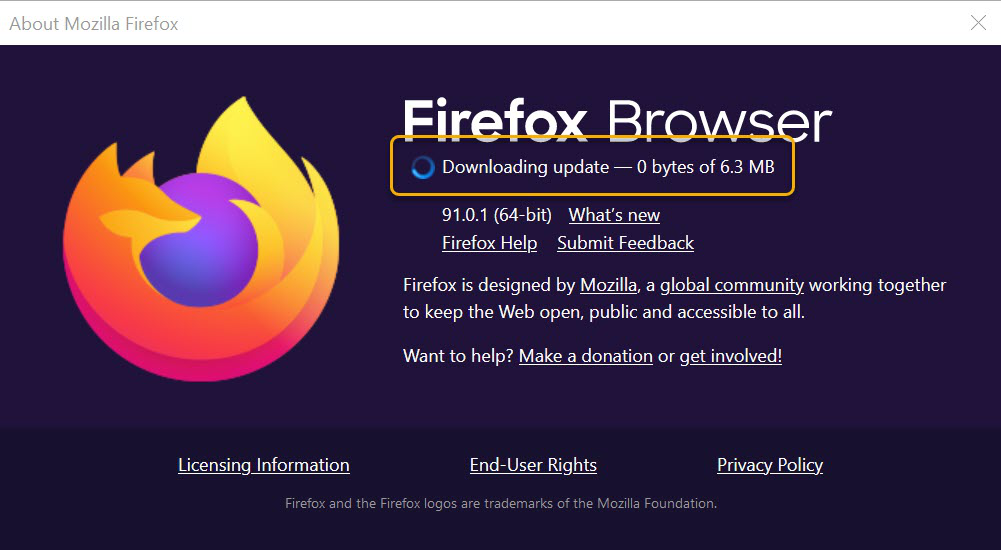
 at the right side of the Firefox toolbar, go to Help, and select About Firefox. The About Mozilla Firefox window will open.
- Firefox will check for updates automatically. If an update is available, it will be downloaded.
- When the download is complete, click Restart to update Firefox.