


An error occured while loading

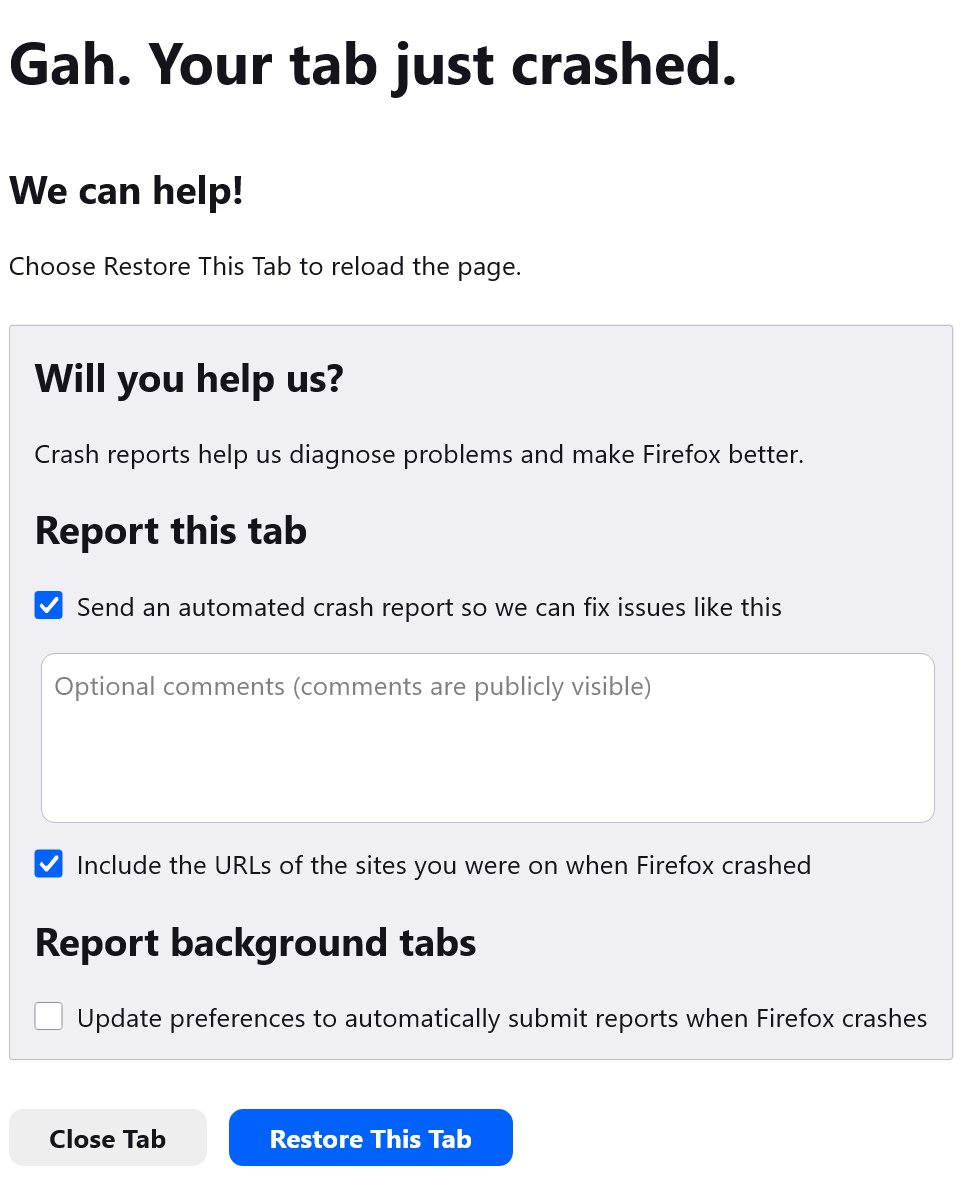
How do you avoid/deal with Firefox website incompatibilities? This happened on consecutive visits to two different websites today before I posted here.
In the first one, I disabled Ublock, cleared cache and cookies, and the site loaded, I then enabled Ublock with no error prompted.
Then I got a tab crash on Youtube. I wouldn't call tab crashes a daily occurrence for me, but I'm accustomed to them
Gmail tab crash just now. It just happened now with another website tab crash. i'm reverting back to 147.01
Is there any way to get the root of this. The only recent changes I can think of are browser (147.0.2 yesterday) and addon updates. Should I post my list of addons?
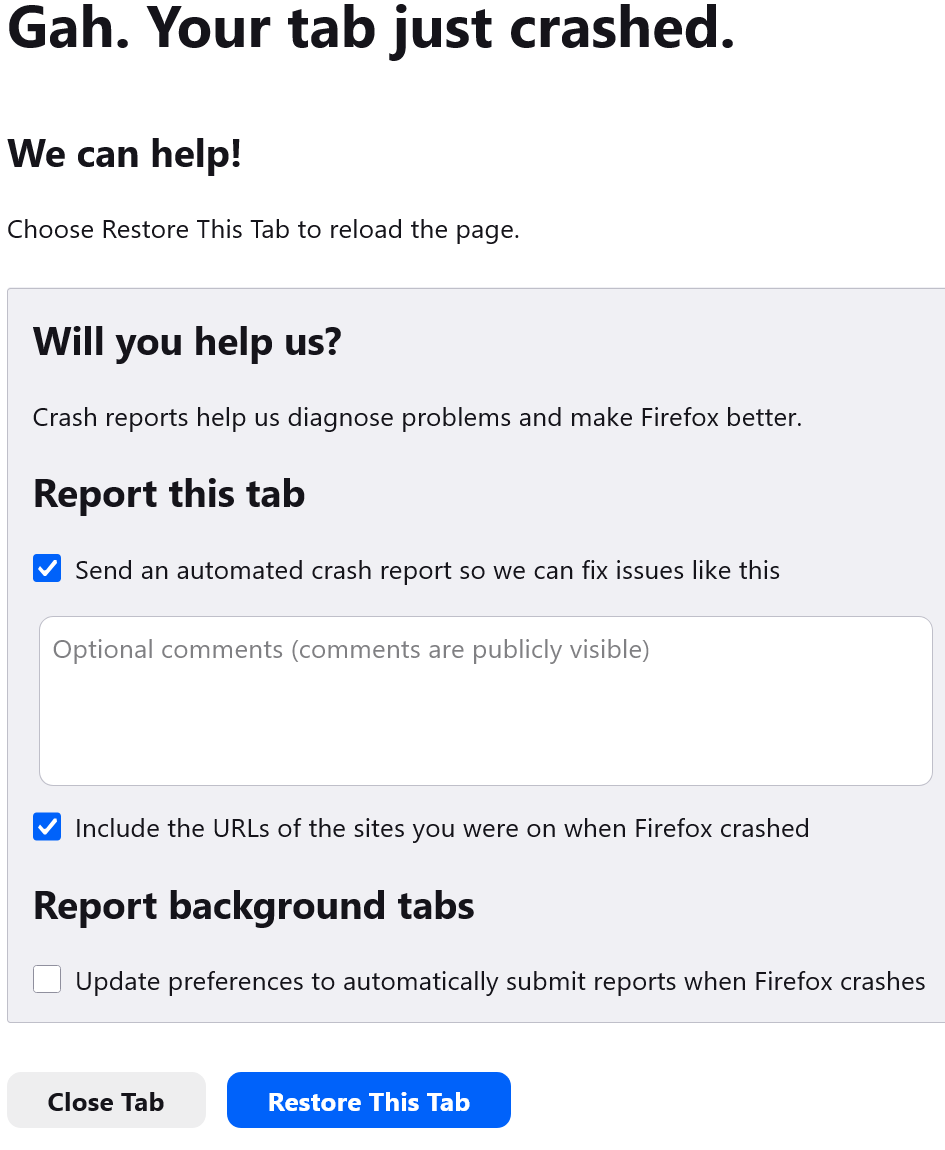
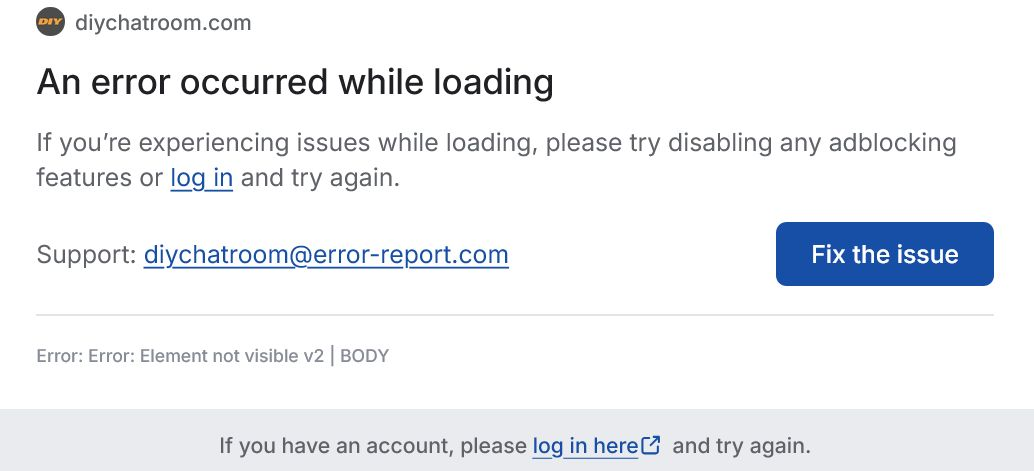
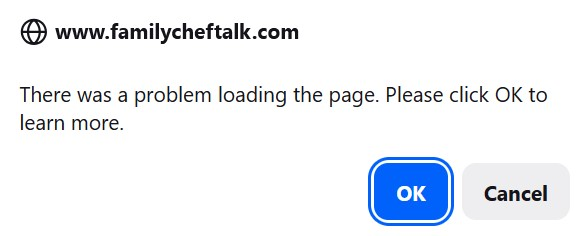
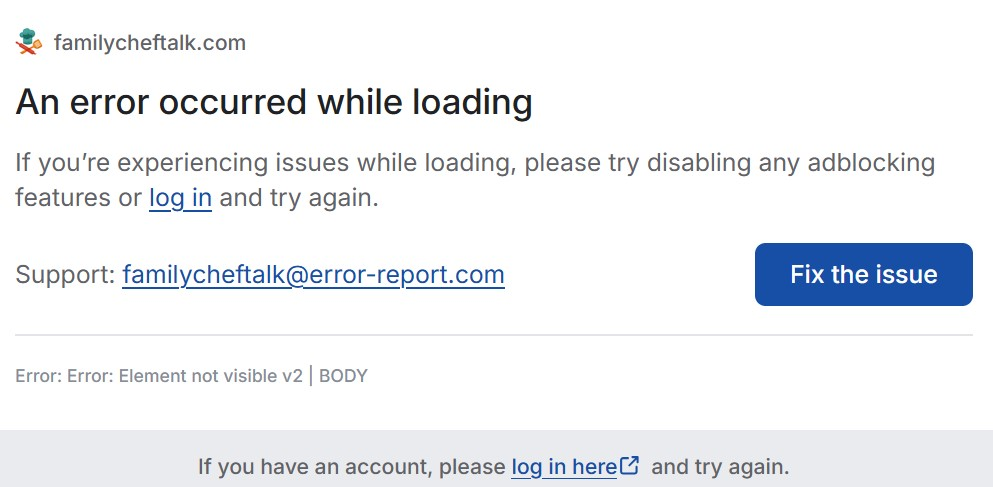
Ändrad av noel_envode
Alla svar (1)
Hi,
As far as I understand, tab crash reports are sent just like regular crash reports. If so, could you please provide several crash IDs?
- Enter about:crashes in the Firefox address bar and press Enter. A list of Submitted (and Unsubmitted, if any) Crash Reports will appear, similar to the one shown below.
- Copy the 5 most recent Submitted Report IDs that start with bp- and then go back to your forum question and paste those IDs into the "Post a Reply" box.
Note: If a recent Report ID does not start with bp- click on it to submit the report.
(Please don't take a screenshot of your crashes, just copy and paste the IDs. The below image is just an example of what your Firefox screen should look like.)

Thank you for your help!